
0 ITEMS

Home Flipping Model
This model can be used to budget and analyze the feasibility and investment return of flipping a home. This model is a necessary tool if you are planning to flip a home for profit. Utilizing this model you will have confidence that you are undertaking a profitable flip and able to meet all liabilities before the sale date when cash is infused/recuperated. The model is dynamic to handle various cost and capital assumptions as well as straight-line and s-curve expense distribution methods to be precise in the revenue and expense timing.


Video Overview:
This model can be used to budget and analyze the feasibility and investment return of flipping a home. This model is a necessary tool if you are planning to flip a home for profit. Utilizing this model, you will have confidence that you are undertaking a profitable flip and able to meet all liabilities before the sale date when cash is infused/recuperated. The model is dynamic to handle various cost and capital assumptions as well as straight-line and s-curve expense distribution methods to be precise in the revenue and expense timing.
The model is organized into the following section:
Executive Summary: This output tab provides the high-level reporting output for the analysis, including sources and uses, returns, consolidated cash flow, and capital account balances. The summary provides a useful and insightful report for reviewing the project returns, revenue, expenses, and feasibility.
Assumptions & Model: This input/output tab drives the entire model. The inputs are neatly organized in one place and quick to input allowing you to spend more time analyzing and reviewing than completing data entry. The yellow-filled cells with blue text are for user inputs – only type into the yellow fill with blue text cells. The blue-filled cells with blue text are user drop-downs. Please use the drop-downs to make your selection.
The model has the following assumption fields:
– Property Assumptions: This section contains general model assumptions, such as the property name/address/state/province, analysis date for version control, developed area of the home, the model currency, the model measurement, as well as the development start, duration, and end date.
– Existing Home and/or Land Purchase: This section provides space for the user to input the home/land purchase price, closing costs, and any other upfront expenses, including the timing. The expenses can be distributed as straight-line or by utilizing the pre-built s-curve in the model.
– Renovation Budget: This section provides space for the user to input their development budget by line item, select an expense distribution method (straight-line or s-curve), and input the start and end of the month of the expense that occurs for the project and expense phasing.
– Flipped Home Sale: This section provides space for the user to input the anticipated sale price, closing costs, and other expenses incurred on the sale.
– Financing Assumptions: This section provides space for the user to input their loan to value (LTV) and interest rate on their construction financing for the model.
– Cash Flow & Returns: This section consolidates the existing home and/or land purchase, renovation budget, flipped home sale, and financing cost cash flow to calculate a net cash flow. This section calculates the IRR utilizing the XIRR function contemplating monthly cash flows and the multiple of capital.
S-Curve: This tab contains the S-curve calculation that can be used at the user’s option in the distribution of project hard and soft costs.
Data Validation: This tab contains the data validation used in the “assumptions” tab.
This model is a great tool for anyone looking to flip an existing house through improvements/renovation/rehab or for someone looking to buy land and build a house for sale. This model is neatly organized for accurate inputs and precise outputs, allowing users to spend more time analyzing and evaluating projects instead of inputting data. The model has a well-organized executive summary with easy-to-read reports pre-formatted for print or PDF.
This model template comes as both .pdf and .xlsx file types, which can be opened using MS Excel and any PDF File Viewer.
Similar ProductsOther customers were also interested in...


 Jason Varner
Mixed-Use Real Estate Model: Leverage / JV Options
A general real estate model to plan all assumptions for up to 7 'uses' for a given property. Include... Read more
 Giorgos
Prefabricated Buildings Manufacturer – 10 Ye...
Financial model presenting a development scenario of a Prefabricated Buildings Factory including con... Read more

Real Estate Financial Model Bundle
This is a collection of financial model templates that provides the financial projections and valuat... Read more

 Eastwich Advisors
Multifamily Rehab Model (Includes Investor Returns...
Introducing the Multifamily Rehab Flip Model with Investor Returns Waterfall - a comprehensive tool ... Read more

 JILL LIU
Real Estate Acquisition-Rent-Sell Comprehensive An...
An integrated, dynamic and ready-to-use Real Estate Acquisition-Rent-Sell Comprehensive Analysis Mod... Read more
 anthony
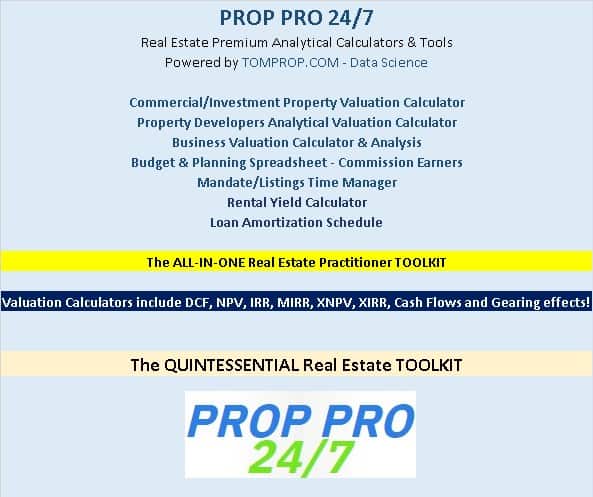
The Realtors Quintessential ALL-IN-ONE Toolkit
Professional Realtors need a professional Toolkit which allows them to operate at a higher level. Th... Read more

Acquisition Model for Commercial Property
This is the Quintessential Commercial Property Acquisition Model that allows you to compare up to 20... Read more

Senior Living Development – 10 Year Financial Mo...
Senior living apartments are just that – apartments (townhouses and condos may also fall in this c... Read more
 Jair
Jair
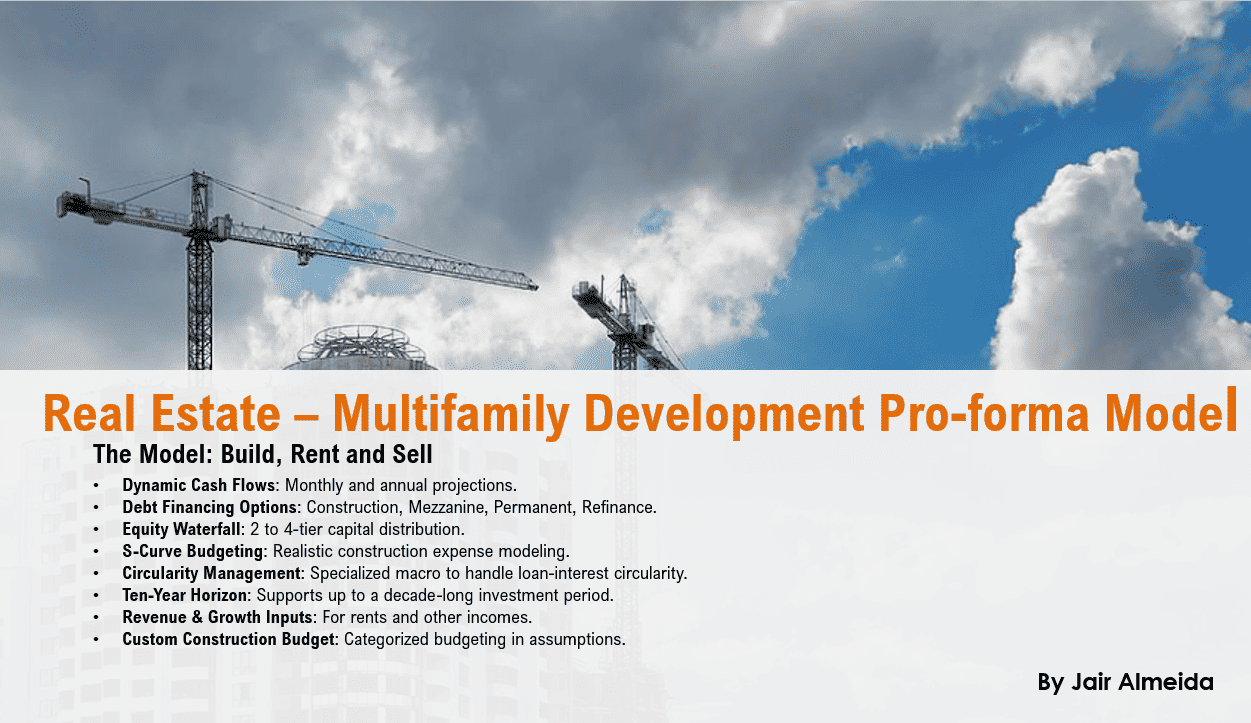
Real Estate Multi-Family Development Excel Model
Real Estate Financial Model to evaluate a development project, with Equity Waterfall and Advanced Sc... Read more

Real Estate Proforma – Value-Add Apartment A...
This multifamily apartment value-added real estate model is a sophisticated Excel-based analytical t... Read more
Reviews
 Not so happy
You cannot use it with Google Sheets, because there some failure in the formulas and you cannot change the Currency. You can choose EUR but in all the sheets is still USD.
197 of 385 people found this review helpful.
Help other customers find the most helpful reviews
Did you find this review helpful?
 Home Flipping Model
Well done spreadsheet, it is a good basic model to get started. and you’ll customize a few things as you go about doing your project. I have purchased serval spreadsheets over the years from eFinancial Models, they have the best.
238 of 476 people found this review helpful.
Help other customers find the most helpful reviews
Did you find this review helpful?
You must log in to submit a review.