
0 ITEMS

Budget
Budget financial templates are crucial tools for businesses. They allow you to manage your finances effectively by providing a structured way to plan and monitor your spending. By using these templates, you can ensure that your expenses are aligned with your income, which helps in measuring your performance and maintaining financial health. These templates also make it easier to allocate resources to initiatives that drive business growth and development. Ultimately, budget financial templates support better decision-making and help you achieve your business goals efficiently.


A monthly 3-statement budget and forecast model in Excel for…


Professional 5-year SaaS financial model in Excel for subscription-based businesses,…


Income & Expense Multiple Accounts Tracker (Bright theme): a simple…

Income & Expense Multiple Accounts Tracker (Dark theme): a simple…
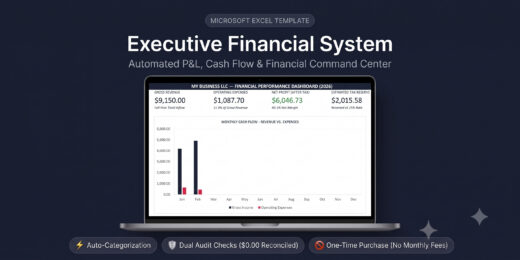

A commercial-grade P&L and expense management system built natively for…
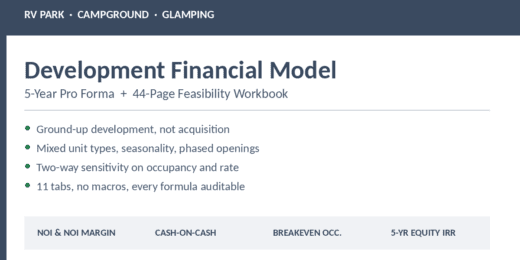

This is a comprehensive 5-year pro forma model built for…


🚀 Evaluate a launch-services and satellite-constellation business with an integrated…

🧠 Evaluate a psychedelic-therapeutics company with an integrated 32-sheet, 12-year…

Evaluate a vertical farm from canopy design to enterprise value…

Build and evaluate the full economics of an Insurance MGA…
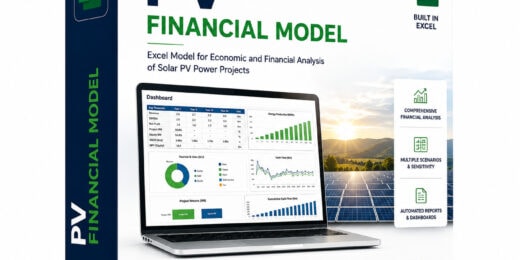

If you develop, advise on or finance utility-scale solar PV…
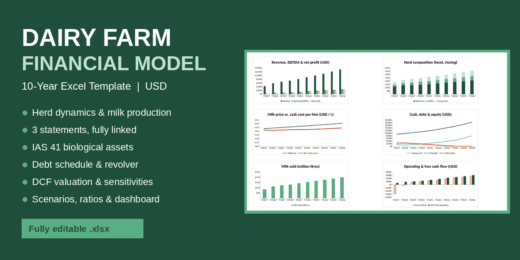

A complete, fully linked Excel financial model for dairy farms,…
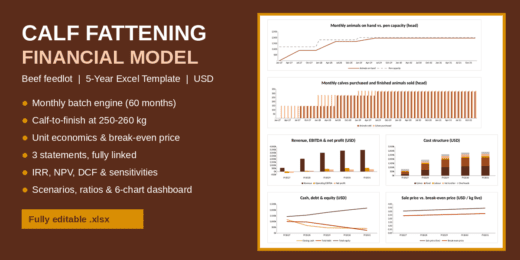
A detailed 5-year Excel financial model for a calf fattening…
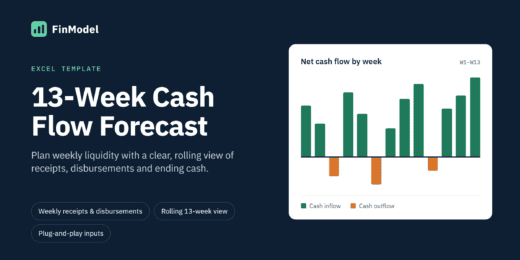

Know exactly where your cash is heading – 13 weeks…
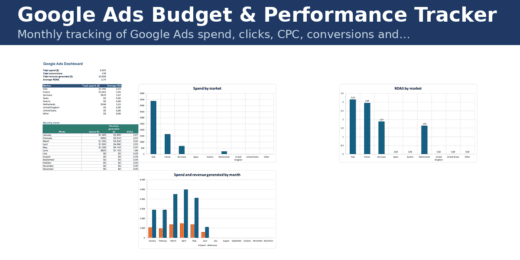

Monthly tracking of Google Ads spend, clicks, CPC, conversions and…
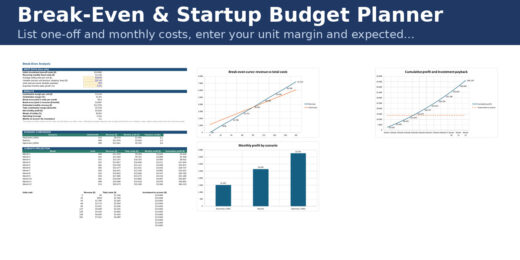
List one-off and monthly costs, enter your unit margin and…
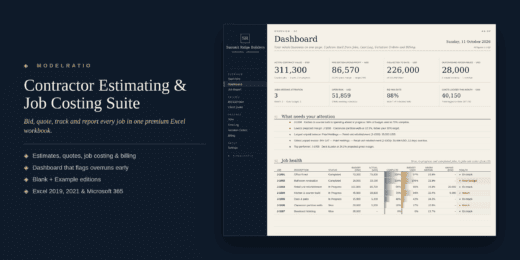

Know whether every job is making money while there is…
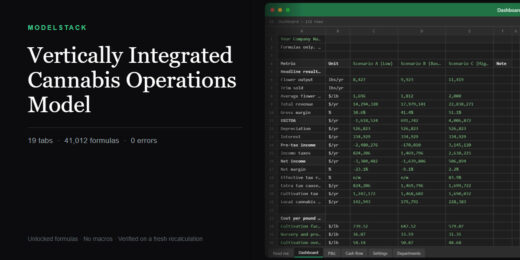

Three-scenario operating model for a vertically integrated cannabis operator: cultivation…
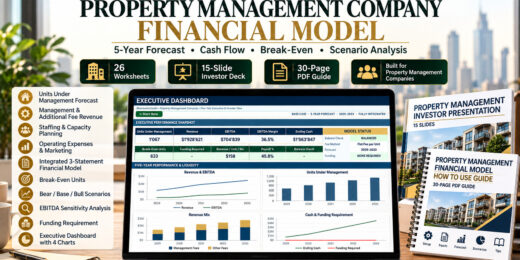
Professional 5-year financial model for property management companies, featuring 26…
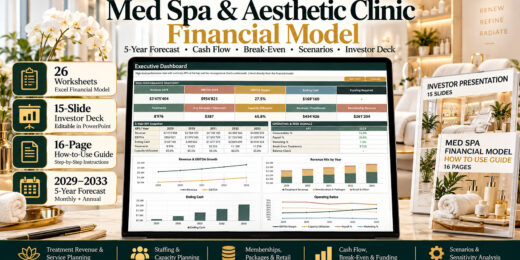
Professional 5-year Med Spa & Aesthetic Clinic Financial Model for…
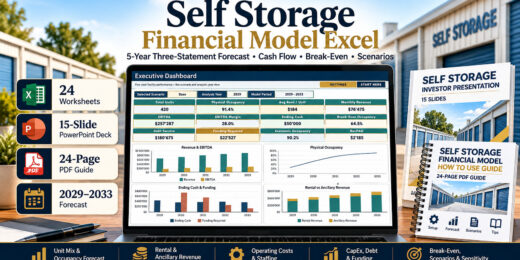
Professional 5-year Self Storage Facility Financial Model for operators, investors,…
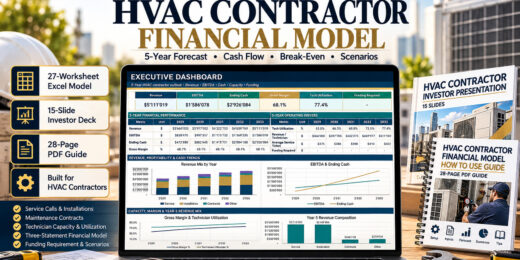
Professional 5-year HVAC contractor financial model featuring 27 Excel worksheets,…
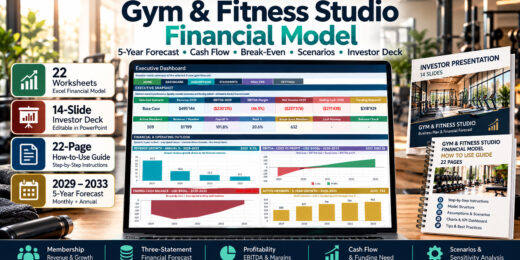
Professional 5-year Gym & Fitness Studio Financial Model with 22…
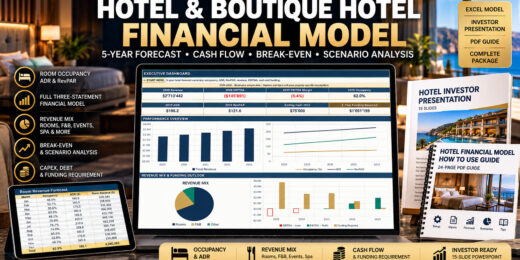
Professional 5-year, three-statement hotel financial model for independent hotels, boutique…


Revenue is growing. GP% looks healthy. So why isn’t Operating…

Costs are rising. How much pricing do you need to…
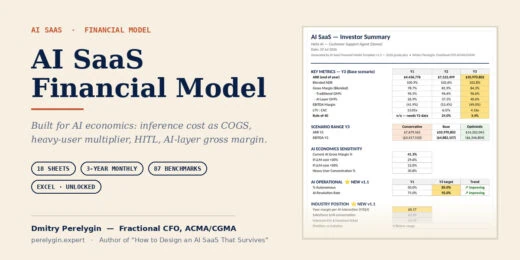

A three-year monthly financial model for AI SaaS startups, built…

Answer the question every services and trades business gets wrong:…
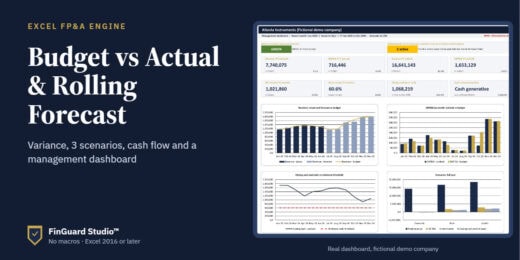
A complete monthly financial planning system for SMEs and finance…
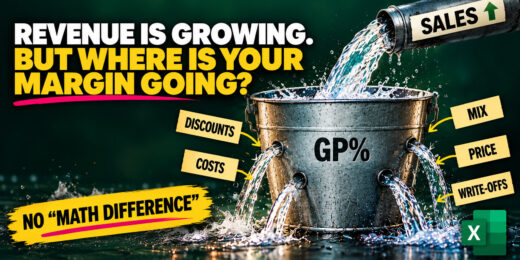
Revenue is growing — but where is your margin going?…

Revenue is growing. GP% looks healthy. So why isn’t Operating…
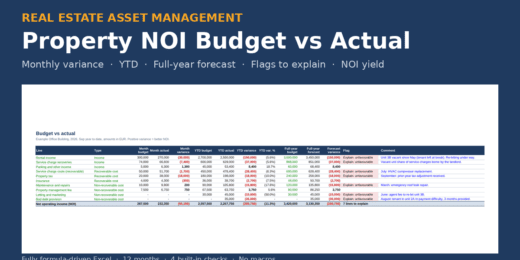

A fully formula-driven monthly NOI budget vs actual model for…
If you develop, advise on or finance utility-scale onshore wind…
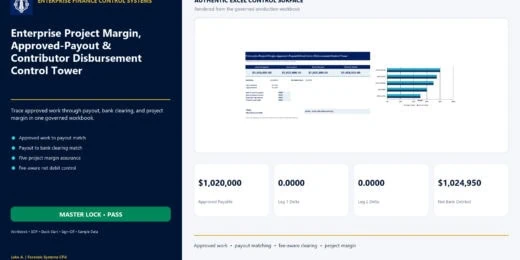

An Excel control tower connecting approved contractor work, payout batches,…

Build a 60-month operating and financial plan for an ABA…

EU Battery Passport, Recycled Content & Compliance Economics Model 🔋…

Turn an existing non-powered dam opportunity into a structured investment…

A decision-focused payment-fraud economics model for banks, fintechs, payment processors,…
Production-ready Excel financial model for standalone utility-scale BESS projects, bundled…


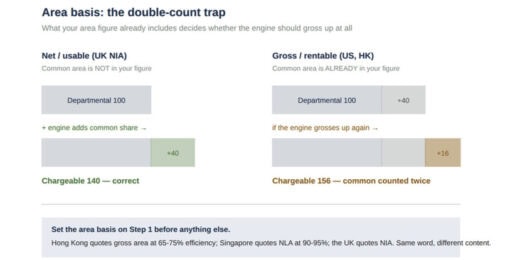

An occupier takes three floors. Rent, business rates, service charge,…
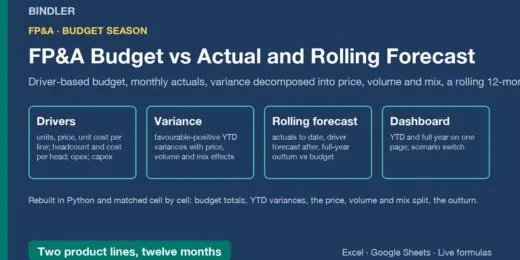

Driver-based 12-month budget, monthly actuals, YTD variance split into price,…

🏨 Extended-Stay Hotel Development, Conversion, Length-of-Stay & Debt Financial Model…
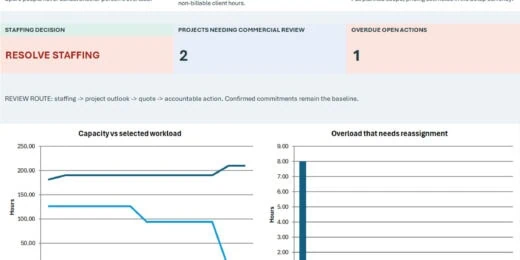

Plan team capacity, test project fees and track delivery margin…
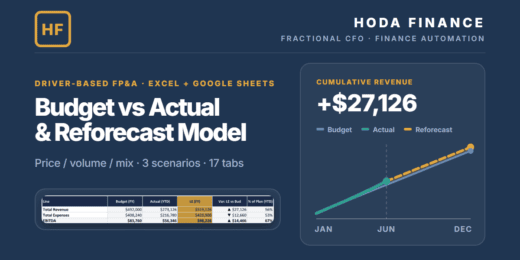

A 17-tab Excel & Google-Sheets FP&A model: driver-based revenue (units…
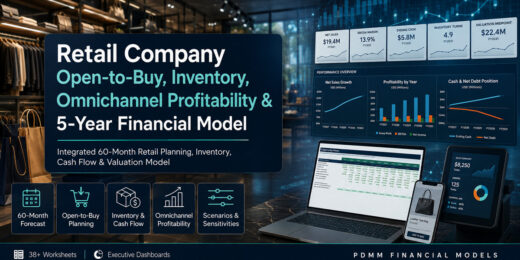
Turn retail planning into one connected operating and financial decision…
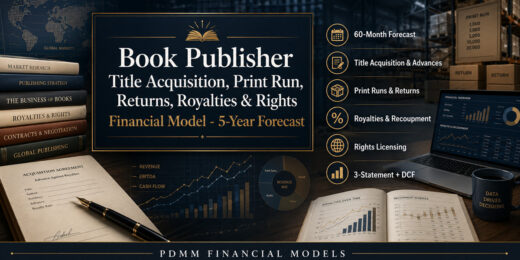
Turn manuscript, print-run and rights decisions into a connected 60-month…

🔥 Premium AI / LLM Company Valuation Financial Model A…


A ready-to-use Battery as a Service (BaaS) Financial Model Template…
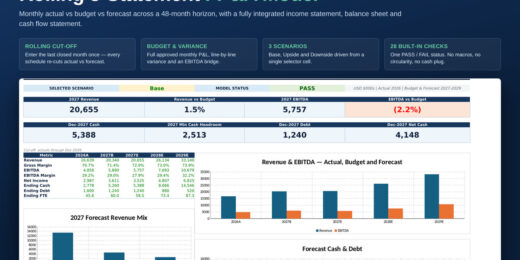

Integrated Base, Upside and Downside scenario framework with a selected-scenario…

Plan and forecast your film production business with a ready…


A rolling 13-week cash flow forecast with weekly buffer alerts,…

Download a ready-to-use Tennis Club Financial Model Template built for…

Premium Private School & University Financial Model designed for integrated…

Premium 30-year Oil & Gas Upstream and Downstream Financial Model…

🔥 Premium Tokenomics & Web3 Token Launch Financial Model A…

🚀 Premium eVTOL / Urban Air Mobility Financial Model A…

A premium Nuclear Fusion Project Finance Model designed for evaluating…

🚘 Premium Autonomous Vehicle / Robotaxi Fleet Operations Financial Model…

An institutional-style, fully editable model for probability-adjusted pharmaceutical valuation, commercial…
How to Create an Effective Budget Plan in Excel
 Budget plan is a crucial aspect of both personal and professional financial management. Whether you’re an individual aiming to take control of your personal finances, a business owner looking to steer your company towards profitability, or an investor assessing the potential of a new venture, having a structured budget plan is indispensable. A well-crafted budget plan serves as a roadmap, guiding you towards your financial goals and ensuring that you allocate your resources efficiently. It can help you identify areas where you can cut costs, set realistic financial targets, and most importantly, avoid the pitfalls of overspending and underestimating expenses.
Excel is one of the most versatile and powerful tools available for creating and managing budget plans. Its extensive functionalities allow you to customize, manipulate, and analyze financial data with ease. Not only does Excel facilitate the process of drafting a budget plan, but it also enhances your ability to monitor and adjust it as needed. By leveraging Excel for budgeting, you can build tailored financial plans that suit your specific needs and objectives. For those who are new to Excel or prefer a quicker solution, there are numerous free templates available. These templates provide a ready-made framework that can significantly simplify the budgeting process and ensure that no essential elements are overlooked.
Budget plan is a crucial aspect of both personal and professional financial management. Whether you’re an individual aiming to take control of your personal finances, a business owner looking to steer your company towards profitability, or an investor assessing the potential of a new venture, having a structured budget plan is indispensable. A well-crafted budget plan serves as a roadmap, guiding you towards your financial goals and ensuring that you allocate your resources efficiently. It can help you identify areas where you can cut costs, set realistic financial targets, and most importantly, avoid the pitfalls of overspending and underestimating expenses.
Excel is one of the most versatile and powerful tools available for creating and managing budget plans. Its extensive functionalities allow you to customize, manipulate, and analyze financial data with ease. Not only does Excel facilitate the process of drafting a budget plan, but it also enhances your ability to monitor and adjust it as needed. By leveraging Excel for budgeting, you can build tailored financial plans that suit your specific needs and objectives. For those who are new to Excel or prefer a quicker solution, there are numerous free templates available. These templates provide a ready-made framework that can significantly simplify the budgeting process and ensure that no essential elements are overlooked.
Understanding a Budget Plan
A budget plan is a systematic approach to managing finances by outlining expected income and expenses over a particular period. In both personal and professional contexts, having a well-structured budget plan is crucial for financial health. It helps individuals and organizations track financial activities, plan for future expenses, and make informed financial decisions. By defining how much money is coming in and going out, a budget plan ensures that financial resources are allocated efficiently, preventing overspending and fostering savings. The significance of a budget plan cannot be overstated. It provides a clear roadmap for achieving financial goals, whether it's saving for a significant purchase, reducing debt, or ensuring that a business remains profitable. For businesses, it's a critical tool for maintaining financial stability, making it easier to secure funding from investors or banks by demonstrating fiscal responsibility and foresight. For individuals, a well-maintained budget plan is paramount to living within one's means and achieving long-term financial aspirations. Using Excel for budgeting offers numerous benefits, mainly due to its versatility and powerful computational capabilities. Excel spreadsheets allow for a high degree of customization, enabling users to tailor their budget plans to meet specific needs. The platform's ability to handle complex calculations, generate charts and graphs, and incorporate various financial functions make it ideal for creating detailed and dynamic budget plans. Additionally, Excel's widespread availability and familiarity to users add to its convenience, making it a go-to tool for both novices and experienced financial planners. One of the significant advantages of using Excel for budgeting is the availability of pre-designed templates. These templates can simplify the budgeting process and save time, especially for those who may not be familiar with creating financial models from scratch. Many free and paid Excel budget templates are available that cater to different needs, from simple personal budgets to complex business financial plans. Utilizing these templates can enhance accuracy and streamline the budgeting process, ensuring a comprehensive and effective budget plan. By understanding the fundamentals of a budget plan and leveraging tools like Excel, individuals and businesses can better control their finances, anticipate future financial needs, and achieve their financial goals more effectively.Creating a Budget Plan in Excel
Creating a budget plan is a foundational step for anyone looking to achieve financial stability and reach their financial goals, be it in personal or professional contexts. Excel, with its vast array of functions and ease of use, serves as an excellent tool for creating a budget plan. It offers a flexible and dynamic platform that allows users to customize templates according to their specific needs, thereby simplifying the budgeting process significantly. With several free Excel templates readily available, it's never been easier to get started. A budget plan is essentially a financial roadmap that outlines your anticipated income and expenses over a specific period. It helps you manage your finances effectively by giving you a clear picture of your financial status and aiding in making informed decisions. Using Excel for budgeting provides several benefits, including automated calculations, easy adjustments, and the ability to visualize data through charts and graphs. This combination of precision, flexibility, and clarity makes Excel an unparalleled tool for budgeting.Steps to Setting Up a Budget Plan in Excel
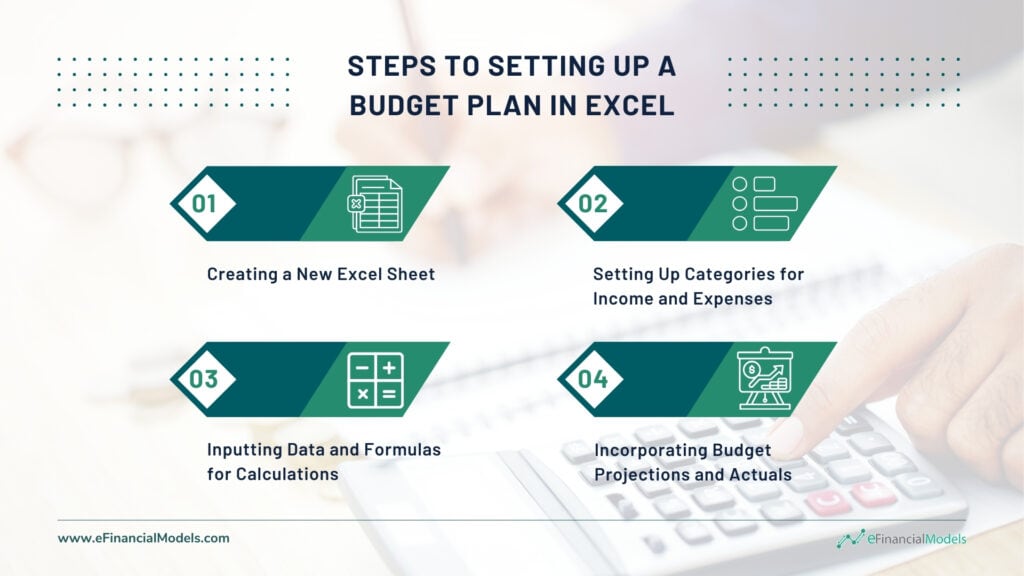
- Creating a New Excel Sheet
- Setting Up Categories for Income and Expenses
- Inputting Data and Formulas for Calculations
- Incorporating Budget Projections and Actuals
Illustrative Example of a Budget Plan in Excel
Imagine you are setting up a monthly budget. Start by listing your income sources: Next, list your expenses:
 Finally, calculate the net savings or deficit:
 This simple example demonstrates how effective and straightforward budgeting in Excel can be, providing you with a clear visual of your financial health and aiding in better financial management.
Excel Budget Sheet Templates
Budgeting effectively is crucial for both personal and professional financial management, and using pre-designed Excel budget sheet templates can greatly simplify this task. These templates serve as a robust foundation for organizing income, expenses, and savings, helping users maintain financial discipline and achieve their financial goals. The rise of digital tools has made Excel a go-to for budget management, thanks to its flexibility, computational power, and the availability of a wide range of customizable templates. Whether you're an individual trying to keep track of your monthly expenses or a small business owner aiming to forecast annual revenue and expenditures, Excel budget sheet templates can cater to your specific needs. The benefits of using ready-made templates are manifold. Firstly, they save time by eliminating the need to create a budget sheet from scratch. These templates are often designed by financial experts, ensuring that they cover all essential aspects of a comprehensive budget plan. For instance, the Tiller Foundation Template offers a detailed structure that integrates automatic updates from your bank accounts, making real-time tracking a breeze. On the other hand, the 50/30/20 Calculator is ideal for those adhering to the popular budgeting rule that allocates 50% of income to necessities, 30% to discretionary expenses, and 20% to savings. The Simple Monthly Budget is perfect for those looking for a straightforward, no-frills approach, while the Shared Household Expenses Budget is tailored for households where financial responsibilities are shared among multiple members. There are numerous sources where you can find both free and paid Excel budget sheet templates. Websites like Microsoft Office, Vertex42, and Tiller Money offer a variety of templates suitable for different budgeting needs. Free templates often provide basic functionalities, which are sufficient for general personal budgeting. Meanwhile, paid options usually offer more advanced features, such as integration with financial software, customization options, and enhanced data visualization tools. Comparing these options can help users select a template that best fits their requirements and financial goals. In conclusion, utilizing pre-designed Excel budget sheets can significantly streamline the budgeting process, providing a structured and efficient way to manage finances. Whether you opt for a simple monthly budget or a more complex shared household budget, these templates offer a practical solution for anyone looking to maintain financial stability and transparency.Creating a Budget Worksheet in Excel
Creating a budget worksheet in Excel is a vital part of the budgeting process, whether for personal finance management or business planning. A budget worksheet provides a detailed breakdown of income, expenses, and savings, allowing for a clear view of financial health and facilitating informed decision-making. As Excel is a powerful tool with various functionalities, it can help streamline the budgeting process and make it more efficient.Components of a Budget Worksheet

- Income Section
- Expenses Section
- Savings Section
Tips for Creating an Effective Budget Worksheet in Excel
- Utilize Excel Formulas: Use basic formulas such as SUM, AVERAGE, and IF functions to automate calculations and make your budget dynamic. For example, use the SUM formula to calculate total income and total expenses, and then subtract expenses from income to determine your net savings.
- Implement Conditional Formatting: Highlight cells that exceed your budget limits with different colors. This visual cue can help you quickly notice overspending and make adjustments as needed.
- Regular Updates: Keep your budget worksheet updated regularly. Consistent tracking of expenses and income ensures that your budget reflects your current financial situation accurately.
- Use Charts and Graphs: Visualize data using Excel’s charting tools to make trends and patterns more apparent. Pie charts can show the distribution of spending across categories, while line graphs can track savings progress over time.
- Deploy Budget Templates: Start with a budget template to save time and ensure your worksheet is comprehensive. Customizing a pre-made template can also provide insights into categories you might have overlooked.
Budget Examples for Different Scenarios
Understanding that budgeting is not a one-size-fits-all approach is critical for creating an effective and sustainable financial plan. Different scenarios call for tailored budget plans, taking into account the varied financial landscapes and objectives of individuals or organizations. Here, we present practical budget examples aimed at illustrating how one can customize their budget plan in Excel to suit distinct financial scenarios, enhancing the relevance and applicability of the budgeting process.Household Budget Plan
A household budget plan is designed to manage a family's or individual's personal finances. It typically includes categories such as housing, utilities, groceries, transportation, entertainment, and savings. For example, an Excel budget sheet for a household might list all sources of income (like salaries, freelance work, and other earnings) in one column, and regularly recurring expenses in another. Using Excel’s SUM and IF functions, one can easily calculate total income versus total expenses, providing a clear picture of the family’s financial health. This budget plan can also segment variable and discretionary spending, aiding in the identification of possible savings opportunities.Small Business Budget Plan
Small businesses face unique financial challenges and opportunities. A small business budget plan helps manage cash flows, forecast revenues, control costs, and ultimately enhance profitability. In Excel, this can be as detailed as necessary with categories for revenue streams (product sales, service income, etc.), fixed costs (rent, utilities, salaries), and variable costs (supplies, marketing, shipping). Projections for future months or years are vital here, often facilitated by Excel’s forecasting and trend analysis tools. Importantly, actuals should be recorded regularly, and variances from the budget analyzed to adjust future projections and spending behaviors.Event Budget Plan
Planning an event – whether a wedding, corporate function, or community gathering – demands meticulous budgeting to ensure costs remain under control. An Excel event budget typically categorizes expenses such as venue rental, catering, decorations, transportation, and marketing. It would also include anticipated revenue sources like ticket sales, sponsorships, or donations. Utilizing Excel’s conditional formatting, planners can create alerts for when spending in a particular category nears its budgeted limit, facilitating real-time adjustments. Summarizing the event's overall financial performance post-event can also be seamlessly handled within the same worksheet.Non-Profit Organization Budget Plan
Non-profits often need to strictly manage their funds to achieve their mission effectively. In Excel, a non-profit budget would categorize sources of income (grants, donations, fundraising) and expenses (program services, administrative expenses, fundraising costs). It is crucial to track not just the overall financial health but also the allocation of funds to various programs versus administrative overheads. Excel can automate this tracking with functions like VLOOKUP and pivot tables, ensuring transparency and compliance with financial reporting standards. Detailed variance analysis helps non-profits adjust their strategies and ensure sustainability.Student Budget Plan
A student budget focuses on managing limited resources effectively while balancing education costs with living expenses. In Excel, students might track income from part-time jobs, scholarships, and parental support, against expenses for tuition, books, accommodation, food, and leisure. The simplicity of Excel allows students to customize the sheet to their unique financial situation, using basic functions to maintain a monthly balance and ensure they are not overspending. Visual aids like pie charts can provide an at-a-glance view of spending distribution, promoting better financial habits and planning. Customizing a budget plan in Excel for varying scenarios not only enhances its relevance but also its effectiveness. Excel’s versatile features make it possible to create detailed, flexible, and insightful budget plans tailored to any financial situation. By comparing these diverse budget examples, users can adopt the strategies best suited to their requirements, ultimately fostering smarter financial management and decision-making.Managing and Tracking a Budget Plan in Excel
Effectively managing and tracking a budget plan in Excel is essential for maintaining financial discipline, achieving financial goals, and ensuring fiscal responsibility. Excel is an exceptionally powerful tool that offers a range of features to help you monitor your budget's performance, allowing for real-time adjustments to keep your finances on track. By leveraging Excel's capabilities, you can set up alerts, visualize data through charts and graphs, and incorporate necessary changes to adapt to evolving financial circumstances.Techniques for Monitoring and Tracking Budget Performance in Excel
One of the core techniques for monitoring and tracking your budget plan in Excel is by setting up alerts and using conditional formatting to highlight budget thresholds. Conditional formatting allows you to apply specific formatting to cells that meet certain criteria, such as exceeding a predefined spending limit in a particular category. This instant visual cue can help you quickly identify areas where you are overspending, enabling you to take corrective actions promptly. For example, you can set a rule in Excel to turn the cell red when expenses exceed the budgeted amount. Assume you have budgeted $200 for groceries each month. By using conditional formatting, any amount over $200 will be highlighted, drawing immediate attention to the overspend. In addition to conditional formatting, Excel’s chart and graph tools offer powerful ways to visualize budget data. These visual aids can help you track your spending trends over time, compare actual expenditures against your budget, and identify any discrepancies. For instance, a pie chart can provide a clear snapshot of the proportion of income allocated to different expense categories, while a line graph can track spending trends across several months.Incorporating Changes and Adjustments to the Budget Plan in Excel
The dynamic nature of finances necessitates regular reassessment and adjustments to your budget plan. Excel makes it simple to incorporate these changes seamlessly. For instance, if your income increases or unexpected expenses arise, adjusting your budget projections within your Excel worksheet is a straightforward process. This flexibility ensures that your budget remains a living document that adapts to your financial realities rather than a static plan that quickly becomes obsolete. To incorporate changes, you might start by revising your income and expenses sections. For instance, if you receive a salary raise, update the income entries accordingly. Similarly, if your monthly utility bills rise, amend the corresponding expense category. To reflect these adjustments, use Excel's formula capabilities to automatically recalculate totals and update any affected categories. Another practical technique is to use Excel's "What-If Analysis" tool to forecast different financial scenarios. This feature allows you to evaluate the impact of various changes on your overall budget, helping you to anticipate the financial implications of different decisions. For example, you can simulate the effect of a 10% increase in your rent and observe how it affects your savings and other expense categories. By implementing these monitoring and tracking techniques in Excel, you can maintain an up-to-date budget plan, visualize your financial health, and make informed decisions. Excel not only enhances the precision of your financial tracking but also gives you the confidence to manage your finances proactively and effectively.Mastering Your Finances with a Budget Plan in Excel
To summarize, budgeting is a cornerstone practice in both personal and professional finance that can facilitate sound financial decision-making and strategic planning. Implementing a budget plan in Excel offers unmatched flexibility, precision, and ease of use, allowing individuals and businesses to take control of their finances and steer toward their financial objectives. Whether utilizing a blank spreadsheet or a pre-designed template, Excel can cater to various budgeting needs, making it a versatile tool for anyone interested in financial management. Excel's formidable capabilities for tracking and analyzing data enhance its utility in budget management. With features like conditional formatting, real-time alerts, and comprehensive visualizations through charts and graphs, Excel transforms the budgeting process from a mundane task to a dynamic financial strategy exercise. These tools help you stay on track, make timely adjustments, and visualize your financial trajectory, providing a robust framework for both short-term and long-term financial planning. As we’ve discussed various aspects of creating, managing, and customizing budget plans for different scenarios, it's crucial to recognize the importance of maintaining a budget. A well-structured budget not only ensures financial stability but also allows for strategic capital allocation and informed decision-making, which are vital for achieving financial goals. Whether you're an entrepreneur, investor, or a household manager, a budget plan in Excel provides a comprehensive approach to managing finances and achieving financial success. We encourage you to take the first step toward effective financial management by beginning your budget plan in Excel today. With myriad templates available both free and paid, and a plethora of functionalities, Excel stands out as an indispensable tool for modern budgeting needs. For further learning, numerous resources and tutorials can guide you through mastering Excel’s capabilities, ensuring you can optimize your budget plan and achieve your financial aims seamlessly.
You might also like: