
0 ITEMS

Restaurant Financial & Business Plan
Restaurant Financial & Business Plan consists of a financial model in excel and a business plan in PowerPoint for the opening of a new restaurant.



NOTE: Restaurant Financial & Business Plan consists of a financial model in Excel and a business plan in PowerPoint for the opening of a new restaurant.
The model generates the three financial statements (profit & loss, balance sheet, and cash flow), various charts, breakeven analysis, and a series of margins, ratios, and feasibility metrics. The financing options for the project include equity funding from investors and an amortizing loan.
So, here is a quick overview of the model. In the contents tab, you can see the structure of the model and, by clicking on any of the headlines, be redirected to the relevant worksheet.
On the guide tab, you can feed the general information for the model, such as: model name, responsible, the timeline of the model and date, and currency conventions.
Additionally, there is a description of the color-coding of the model in the same tab. Inputs are always depicted with a yellow fill and blue letters, call up (that is direct links from other cells) are filled in light blue with blue letters, while calculations are depicted with white fill and black characters.
There is also a color coding for the various tabs of the model. Yellow tabs are mostly assumptions tabs, grey tabs are calculation tabs, blue tabs are outputs tabs (that is effectively results or graphs), and finally, light blue tabs are admin tabs (for example: the cover page, contents, and checks).
There are 4 tabs where the user input is needed: “Start-Up Costs”, “Personnel Plan”, “Sales & Costs”, “Working Capital”. The user needs to fill in the yellow cells in each of these tabs. In the Start-Up Costs, the user fills the assets purchased for the investment, as well as the depreciation in years of each of these assets. Afterward, the user needs to set the percentage financed by debt, the interest rate of the loan, as well as the duration of the loan.
In the Personnel Plan, the user needs to set the human resources needed to operate the business. These are separated into direct labor costs and overheads. The user needs to set the persons needed and their annual cost.
In Sales & Costs, the user must forecast the customers per year and the average revenue per customer. Afterward, a series of costs need to be filled, such as the cost of food sold, rent, utilities, insurance, etc…
Finally, in the working capital tab, the user sets the receivables and payables days, as well as the inventory days.
All the remaining tabs are automatically calculated from the assumptions that the user has set. The resulting tabs are the depreciation and funding tabs and the three financial statements, such as the profit and loss, balance sheet, and cash flow. All the charts and tables that are needed for the presentation are in the “Highlight Charts”, “Market Charts”, “F Plan”, “Break Even”, and “Ratios”.
Finally, the checks tab is where the most critical checks are aggregated. Whenever you see an error message on any page, you should consult this page to see where the error is coming from.
Moving on to the Business Plan PowerPoint file now, which consists of 21 pages and can be used for a quick presentation of your plan. The PowerPoint file is editable and can be amended. The charts that are present in the PowerPoint file are coming from the excel file that accompanies the PowerPoint file.
The Business Plan is separated into 9 sections: Executive Summary, Mission, Objectives, and Keys to Success, Funding, Value Proposition, Market Analysis, Strategy, Sales Forecast and Milestones, Management and Key Personnel, Financial Plan, and finally, Appendices.
All appendices tables (major assumptions, personnel plan, and detailed financial plan) have been retrieved from the financial model and have been pasted as pictures into the presentation.
File Types:
- Excel Model + PPT Plan – 1 full Excel model (.xlsx) and 1 PowerPoint business plan (.ppt)
- Free PDF Demo – 2 PDF Demo previews of the Excel model and the PowerPoint business plan (.pdf)
Similar ProductsOther customers were also interested in...


 Andreas
Catering Services Business Financial Model (10+ Yr...
The catering services business financial model is a comprehensive tool designed to analyze the finan... Read more
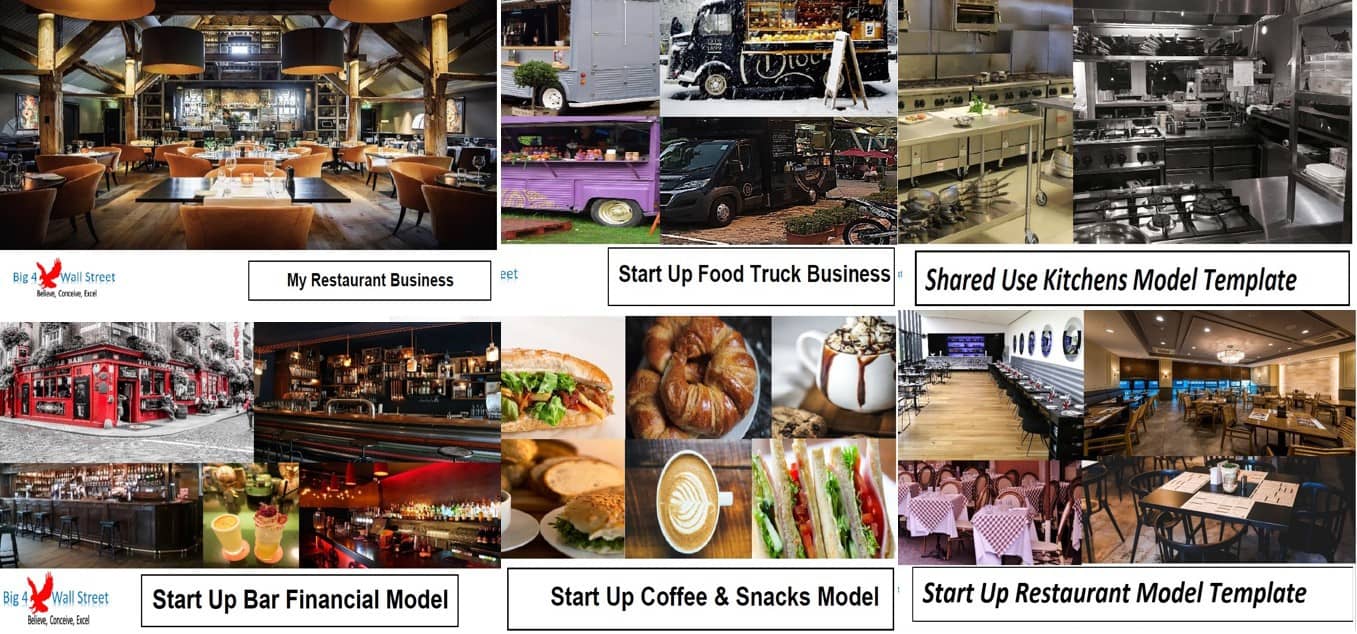
Food Sector Bundle (6 Models)
Planning to start a food business but can’t decide on the profitability of your investment? Why do... Read more
Fast Food Chain Financial Model
The financial model presents the business case of a startup fast-food chain. The model accommodates ... Read more
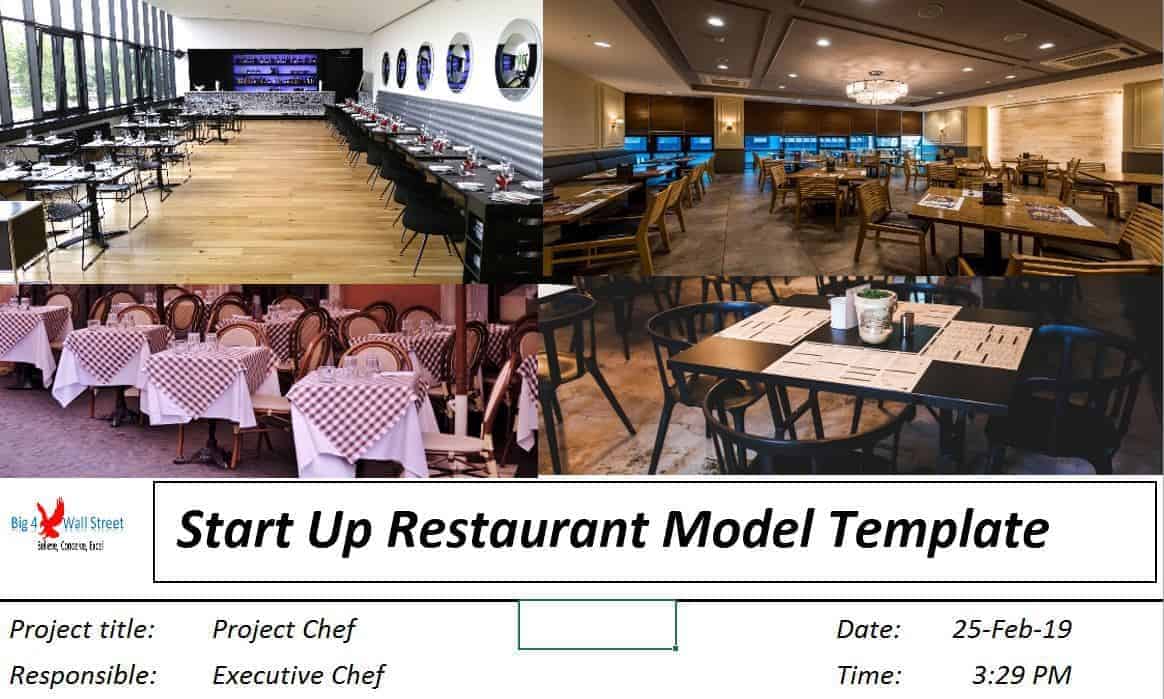
Start Up Restaurant Financial Model Template
This detailed, yet easy to use three statement financial model will allow you to calculate your busi... Read more

Hospitality Financial Model Bundle
Are you planning to start a business in the Hospitality Industry or its related sectors? Are you int... Read more
 Pushkar
Restaurant Aggregator and Food Delivery Business F...
Restaurant Aggregator and Food Deliver Business Plan Model is a perfect tool for a financial feasibi... Read more
 Giorgos
All-day Restaurant and Bar – 5 Year Financial Mo...
Financial Model providing advanced financial planning & analysis for an All-day Restaurant &... Read more
Pizzeria – 3 Statement Financial Model with ...
This Pizzeria business Plan Model is a perfect tool for a financial feasibility study on launching a... Read more
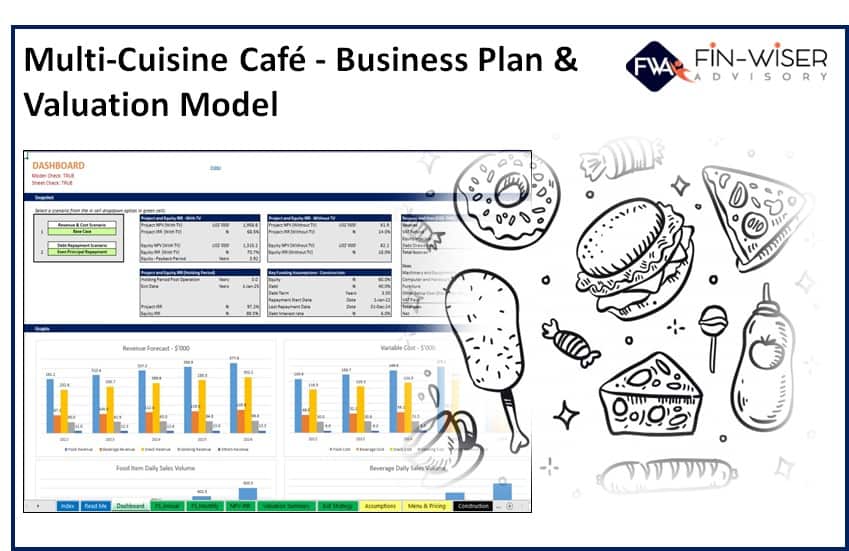
Multi Cuisine Cafe – 3 Statement Financial M...
This Multi-Cuisine Café business Plan Model is a perfect tool for a financial feasibility study on ... Read more

 Peter Graf
The Customer-Centric Financial Model for Restauran...
Starting a restaurant without a financial plan is like driving a car blindfolded. You wouldn´t do i... Read more
You must log in to submit a review.