
0 ITEMS

Fitness Studio Projection Model
The Fitness Studio Projection Model provides a 5-year annual forecast along with a month-by-month forecast of the business for the first year.


The Fitness Studio Projection Model provides a 5-year annual forecast and a month-by-month business forecast for the first year. Included in the template, you will find:
• The Income Statement, Balance Sheet, and Cash Flow Statement
• An Assumptions Section with key drivers for the business-specific to a Group Training Gym
• Supporting Schedules Section for PPE and Debt
• Graphs to visually display the Monthly Cash Flow Statement and Annual Cash Flow
Assumptions
The initial section you’ll encounter is the Assumptions area, where key assumptions for the projection periods are entered into the cells. These assumptions are tailored to focus on the primary drivers essential for managing a successful Fitness Studio. In this section, you’ll discover assumptions for various membership packages, ranging from Unlimited classes to Single Drop-In Classes. Membership and Package Sales are guided by the monthly and annual growth rates specified in rows 10 and 11 of the model; however, this section is designed to allow modifications with manual inputs for each month without causing any disruption to the overall model. Additionally, there are dedicated sections within the Assumptions for complementary offerings, including Supplements and Apparel.
Income Statement
The Income Statement includes some one-time and recurring expenses unique to a fitness studio. Expenses can be added or subtracted without disrupting the model. The Supporting Schedules section is all formulas tied to the Assumptions and 3 Statement sections, so no editing is necessary.
Charts and Graphs
Lastly, the Charts and Graphs sections visually display the Cash Flow Statement and Annual Cash Flow. The correlating data is above the graphs and tied to the model with formulas, so they will automatically adjust to any modifications in the model.
Instructions
All cells in blue font are input cells where custom information can be entered. All cells in black font are formulas set to streamline the model. Sections are grouped to condense the model so that sections can be viewed individually.
Similar ProductsOther customers were also interested in...



 David
David
Sports Club / Sports Complex 5-Year 3 Statement Fi...
3 statement 5 year rolling financial projection Excel model for a sports club / sports complex busin... Read more

 Giorgos
Pilates & Yoga Studio Financial Model – 5 Ye...
Financial Model provides an advanced 5-year financial plan for a startup or operating Pilates & ... Read more

 anthony
Racket Sports Financial Model Bundle
This bundle of financial model templates tailored to racket sports businesses aims to provide a soph... Read more
 HenrySheykin
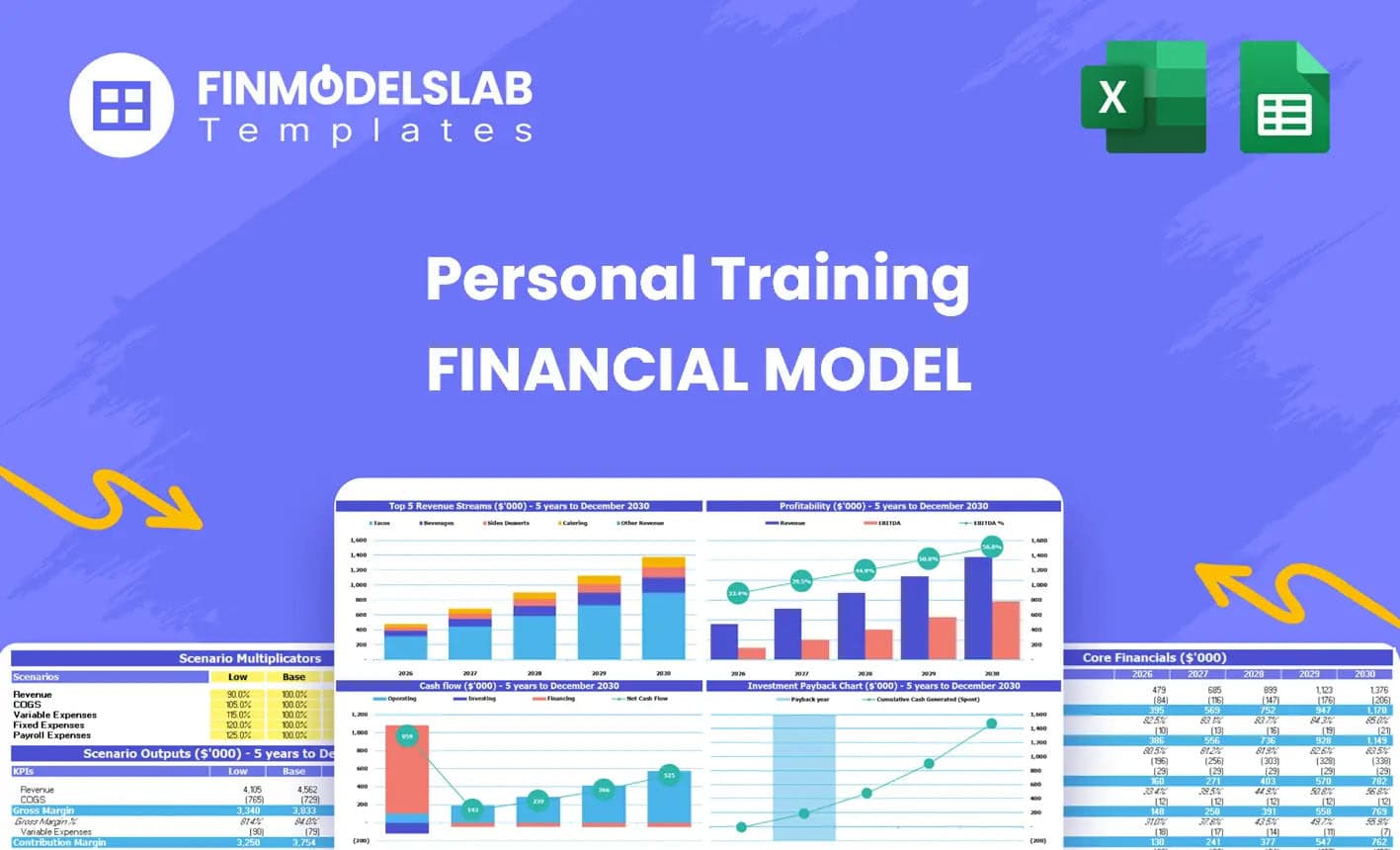
Personal Training Service Financial Model Excel Te...
The Personal Training Financial Model helps entrepreneurs, fitness studio owners, consultants, analy... Read more
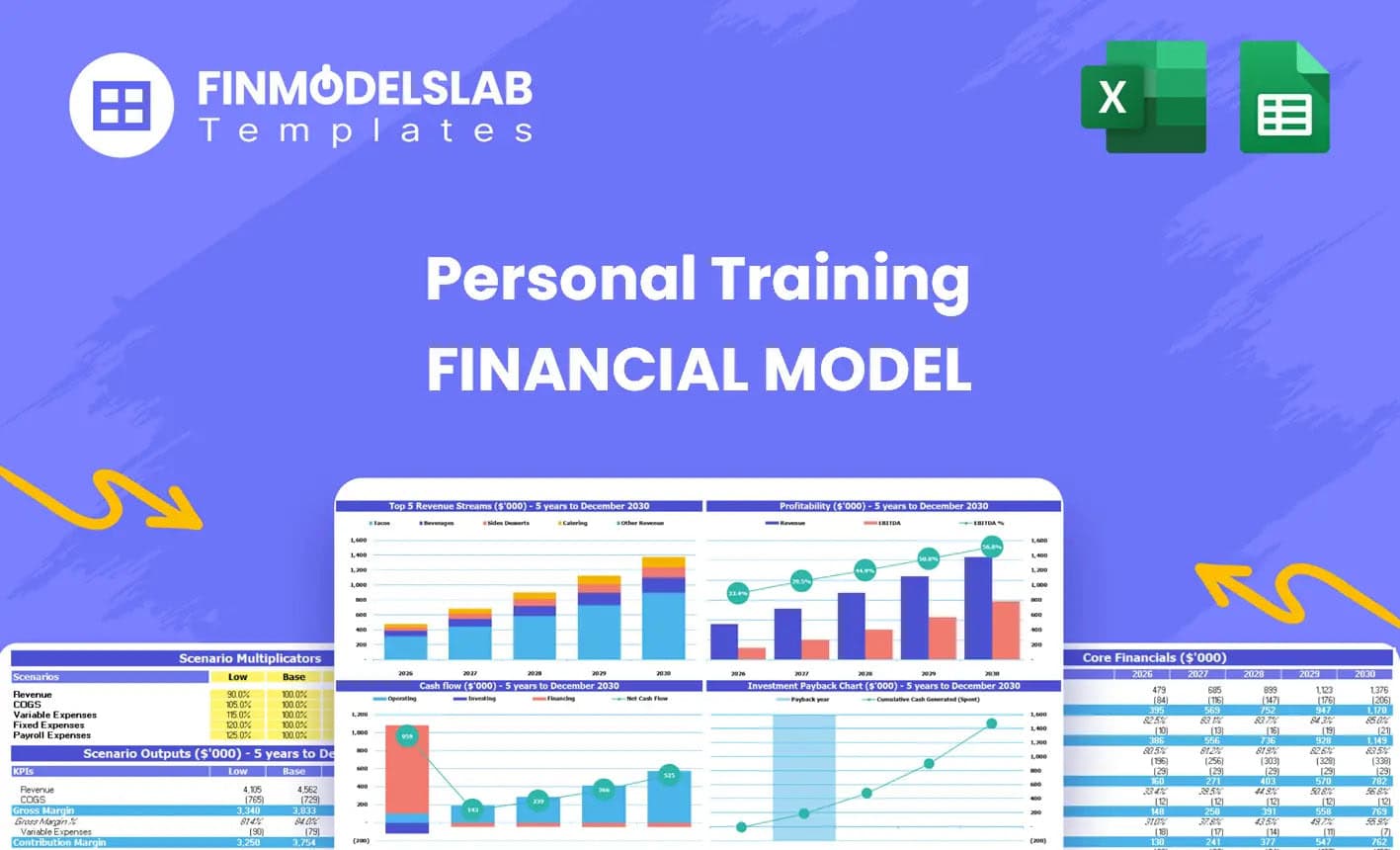
Personal Training Financial Model Excel Template
The Personal Training Financial Model helps entrepreneurs, fitness studio owners, consultants, analy... Read more

 Jason Varner
Fitness Center 10 Year Financial Model
Key logic designed to forecast cash flow up to 10 years for a fitness center that has recurring mont... Read more

 Andreas
Yoga and Pilates Studio DCF Financial Model
Yoga and Pilates Studio DCF Financial Model is a tool that enables you to evaluate the feasibility o... Read more

 City Finance
Indoor Golf Centre Finance Model
A comprehensive editable, MS Excel spreadsheet for tracking Indoor Golf Centre finances, integrates ... Read more

Start Up Gym / Fitness Financial Model
Start Up Gym Club Financial Model presents the case of an investment in a gym, fitness club and its ... Read more

Recreation & Community Center – Dynamic 10 Y...
Financial Model presenting a development and operating scenario of a Recreation & Community Cent... Read more
Reviews
 more basic than expected
The model is a bit more basic than i had hoped. i had hoped it would allow for build up instructor costs – there is no way to build up different salaries etc by different grades – it just has the staff costs as a one liner. The churn/attrition is also not split out in detail as I would like. I would have to rework a lot of the model to get it as detailed as I would need.
262 of 476 people found this review helpful.
Help other customers find the most helpful reviews
Did you find this review helpful?
 IT is Awsome
I advise it for everyone. This template helps me so much.
290 of 581 people found this review helpful.
Help other customers find the most helpful reviews
Did you find this review helpful?
You must log in to submit a review.