
0 ITEMS

Inventory Tracking (multiple locations) and Valuation Google Sheets Template
Track the unit count and value of inventory at one or multiple locations with this Google Sheet spreadsheet. Clean database entry and reporting structures.

|
|
| All Industries, Financial Model, General Excel Financial Models |
| Accounting, CFO, Controlling, Financial Reporting, Google Sheet, Inventory Management, Management, Startup Financial Models |

Video Overview:
This inventory template can be used by any organization as long as you have a free Gmail account. The default is for 500 SKUs and 25 locations (expanding is very easy, just drag report formulas over and down). It is built solely for Google Sheets. It is possible to fit it to Excel under a few conditions: The formulas for the filter reports would need to be re-built, and you need Office 365 plus being in the Office Insiders program.
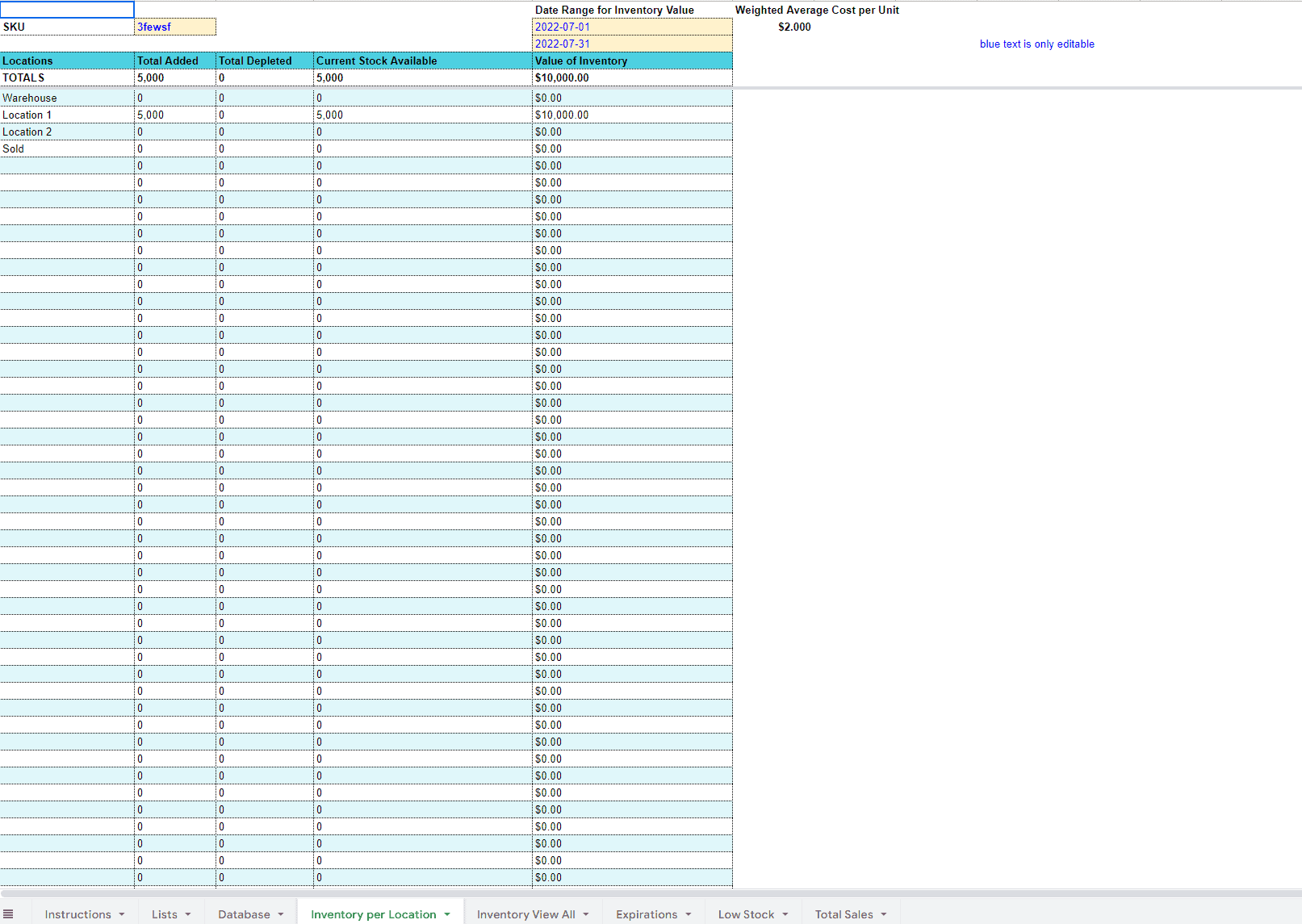
The template works pretty simply. There is a single tab database where inventory movements are entered (in/out). All reports run off of that database. The formatting is such that it is very clear what is an editable cell vs. what is a formula. Here are the database columns for this inventory template:
– Date
– Date of Expiry
– Location
– SKU
– Add or Deplete?
– # of Units
– Total Cost
– Price per Unit
– Days Until Expired
– Unit Count (per location)
– Unit Count (TOTAL)
– Safety Stock (TOTAL)
– Current Cushion
– 8 Extra column slots to append any other data points you need
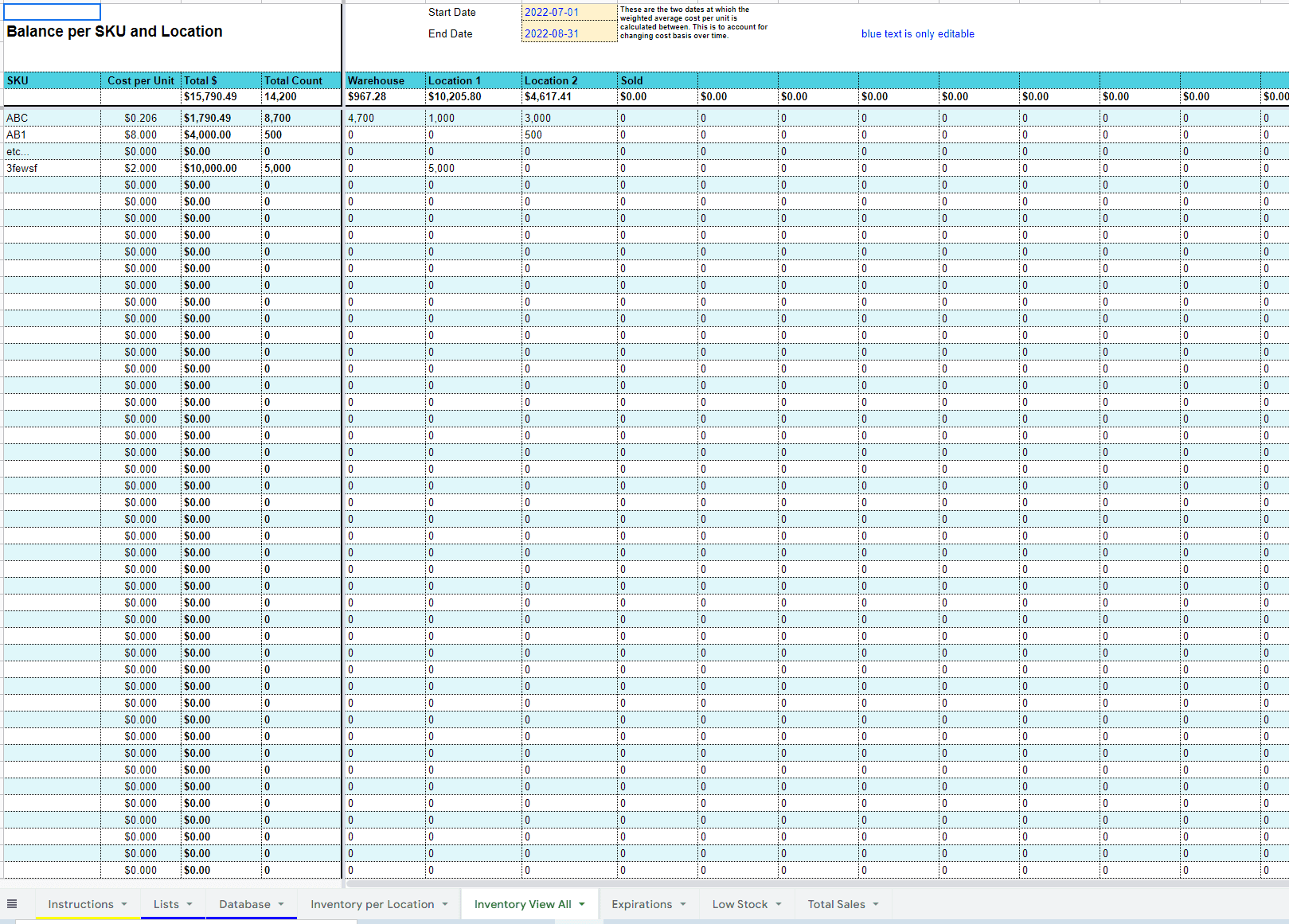
Then, there are a few reports tabs. You have one to report by individual SKU, and it will show the count of units by location as well as the value of units. There is another that shows all views at once (count of units for each SKU at each location) as well as the total inventory value at each location and total inventory value of each SKU across all locations.
There is also a report to show any SKUs that are below their defined safety stock (minimum inventory level).
I did build an expiration feature so the user can see how many days they have left before a batch of inventory expires. This is not 100% necessary to use, but if you need it, it is there to help with tracking expired inventory.
Finally, I did put in a ‘sales’ selection for each inventory transaction, and you can select that every time an inventory item is ‘sold’. You would need to enter a depletion transaction from whatever location the items left and then enter a ‘sale’ transaction. This acts as a third ‘bucket’ that can be tracked over time for the purpose of knowing total sales separately from inventory balances.
Similar ProductsOther customers were also interested in...



 Jason Varner
All My Financial Models, Spreadsheets, Templates, ...
Lifetime access to all future templates as well! Here is a set of spreadsheets that have some of the... Read more

Small Business Playbook (Financial / Tracking Temp...
About the Template Bundle: https://youtu.be/FPj9x-Ahajs These templates were built with the ... Read more
Top 16 Google Sheet Templates
This is a bundle of all the most useful and efficient google sheet templates I have built over the y... Read more
Inventory Valuation Using FIFO – Automatical...
Any accountant that needs to comply with IFRS will have to use the FIFO valuation method for calcula... Read more
Franchisor Licensing: Financial Model with Cap Tab...
Build up to a 10 year financial forecast with assumptions directly related to the startup and operat... Read more
Joint Venture and Fund Cash Flow Waterfall Templat...
Here are all the spreadsheets I've built that involve cash flow distributions between GP/LP. Include... Read more

Cumulative LP Distribution Joint Venture Waterfall...
A 6 Tier cash flow waterfall template. Plug in the distributable cash flow (+/-) and set the hurdle ... Read more

Preferred Equity Cash Distribution Model – 2...
A 10-year joint venture model to plan out various scenarios for the way cash is shared between a GP ... Read more

 Anuj
Anuj
Private Equity Fund Model (Investor Cashflows)
The Private Equity Fund Cashflows Model helps LPs and GPs analyze fund cash flows, returns, and dist... Read more
 Pierre-AlexandreHeur...
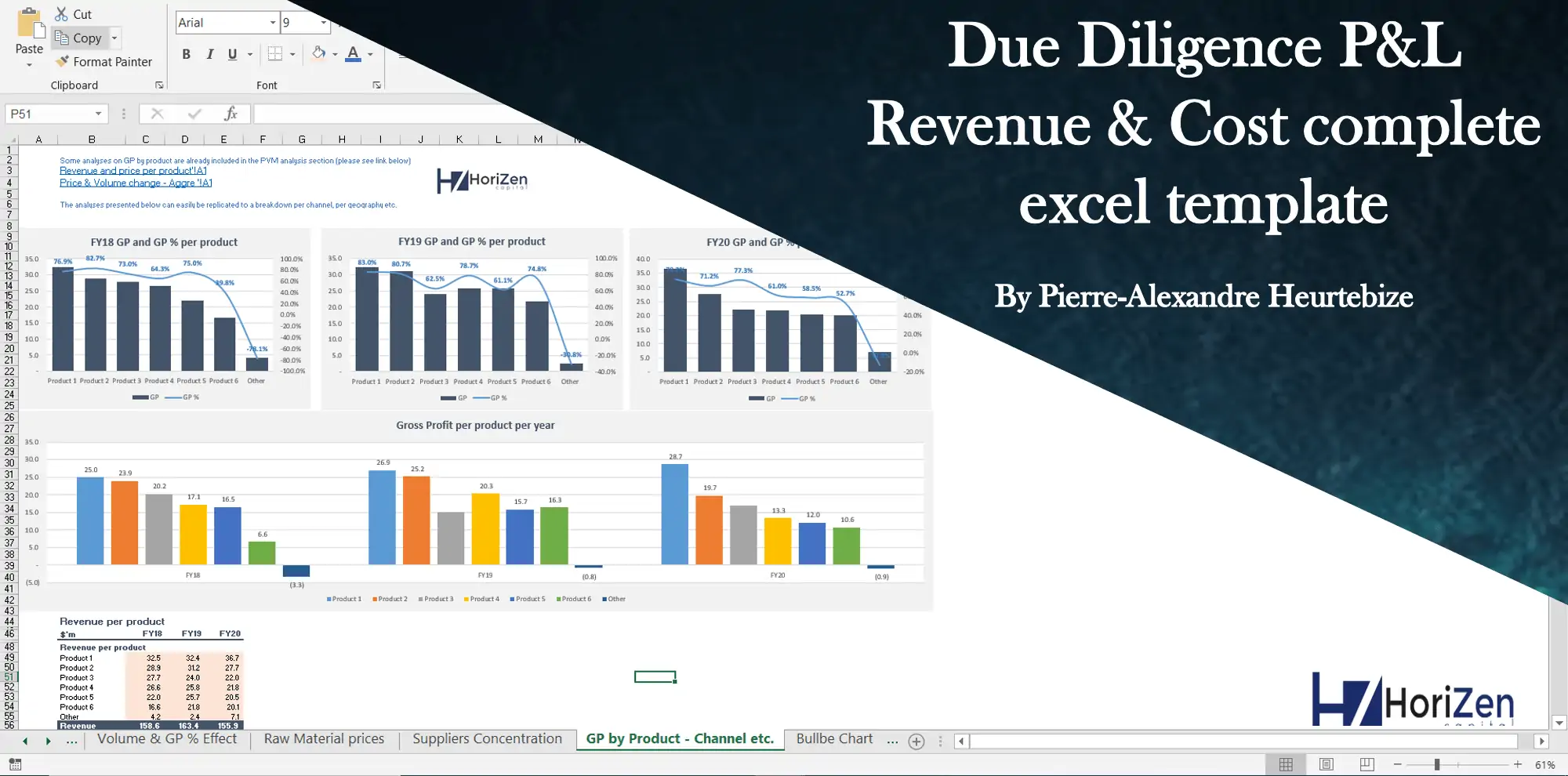
Due Diligence P&L – Exhaustive Revenue a...
Model for in depth understanding of high level profit and loss and revenue analysis. Big-4 like chec... Read more
You must log in to submit a review.