
0 ITEMS

Financial Model Validation: 7-Step Accuracy Toolkit

A single formula error in a financial model can misstate a company’s value by millions of dollars — and research from the European Spreadsheet Risks Interest Group (EuSpRIG) shows that 88% of spreadsheets contain errors. Source
Key Takeaways
- 88% of real-world spreadsheets contain at least one error, making structured validation non-negotiable for any model used in a decision.
- A complete validation toolkit covers 3 layers: formula audits, sensitivity analysis, and cross-validation against external benchmarks.
- Circular reference errors (where a cell depends on itself) are the single most common structural fault in financial models and can silently corrupt every downstream output.
- Sensitivity analysis should test at least 5 key input variables, each across a low/base/high range, to surface which assumptions drive the most risk.
- Cross-validation against industry benchmarks (EBITDA margins, revenue multiples, working capital ratios) catches logical errors that formula checks miss.
- A model that passes all 7 validation steps earns investor-grade status and can withstand due diligence scrutiny.
- You can complete a full validation pass on a 3-statement model in under 4 hours using the structured checklist in this article.
Why Financial Model Validation Matters
Financial model validation is the process of systematically checking that a model’s structure, formulas, logic, and outputs are accurate, consistent, and fit for purpose. It answers the buyer question directly: “How do I know this model is accurate and well-built?”
Errors in financial models carry real consequences. A study cited by the International Journal of Applied Mathematics found that the Fidelity Magellan Fund made a $2.6 billion accounting error due to a spreadsheet sign mistake. Source The KPMG audit of Fannie Mae identified spreadsheet errors contributing to a $1.1 billion restatement. These aren’t edge cases — they’re the predictable outcome of skipping validation.
A robust validation process protects you whether you built the model yourself, inherited it from a colleague, or downloaded a template. The 7-step toolkit below gives you a repeatable protocol.

The 3-layer validation framework: formula audits catch calculation errors, sensitivity analysis surfaces amplification risks, and cross-validation confirms logical plausibility.
Step 1: Structural Integrity Check
Start every validation by auditing the model’s architecture before touching a single formula. A well-built model separates inputs, calculations, and outputs into distinct sections or sheets — mixing them in the same cells is the fastest path to errors.
Run these 4 structural checks first:
- Hardcoded values in formulas: Use Excel’s “Find & Select > Go To Special > Constants” to locate numbers embedded directly in formulas (e.g., =B50.21 instead of =B5TaxRate). Every assumption should live in a dedicated input cell.
- Circular references: Go to Formulas > Error Checking > Circular References. A circular reference means a cell’s formula refers back to itself, directly or through a chain. Excel supports iterative calculation to resolve some intentional circulars (like a revolver debt schedule), but unintentional ones silently return wrong values. When using intentional circular references, Excel allows you to set a maximum of 32,767 iterations before stopping recalculation. Source Setting a practical limit of 100 iterations is recommended for convergence.
- Broken links: Use Data > Edit Links to find references to external workbooks that may no longer exist or have moved.
- Named ranges: Confirm that named ranges (labels assigned to cell ranges for readability) still point to the correct cells. Stale named ranges are a common source of silent errors after model restructuring.
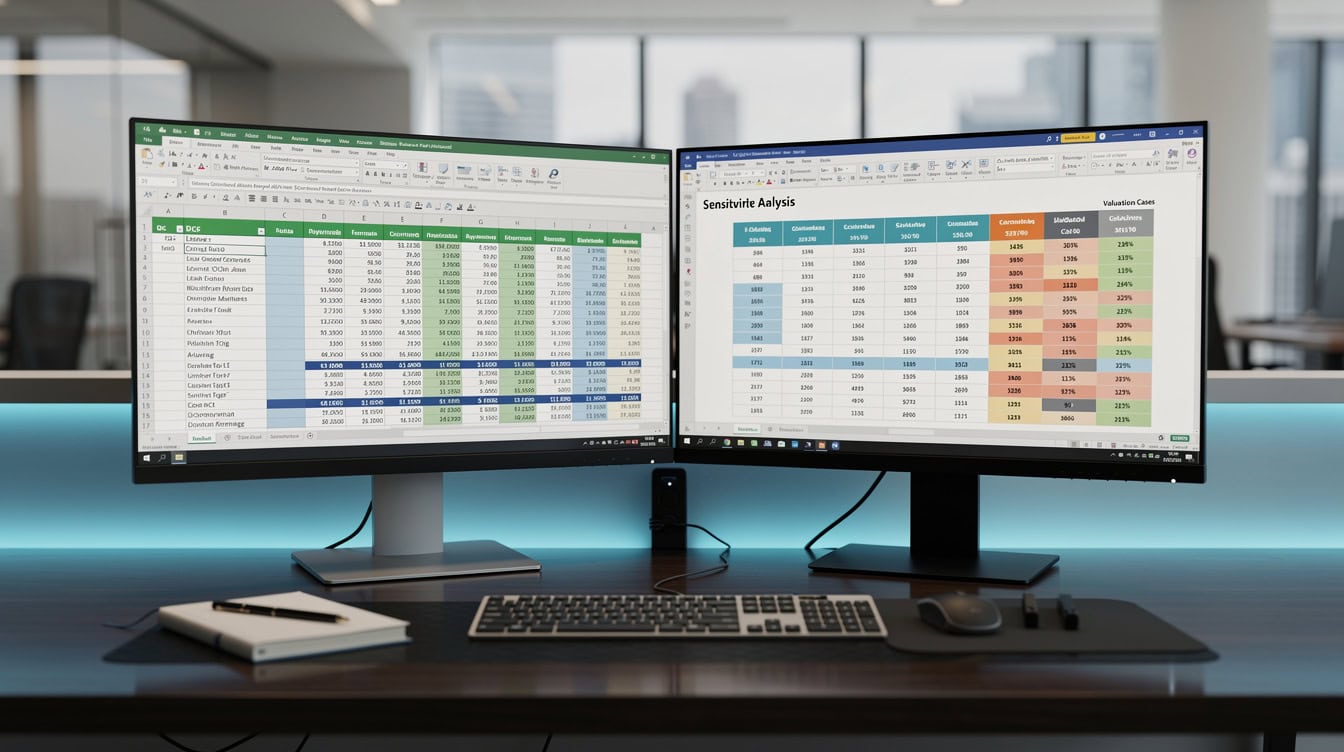
Excel’s Formula Auditing toolbar (Formulas tab) lets you visually trace every cell that feeds into a key output — the fastest way to spot broken formula chains.
Step 2: Formula Audit Checklist
Formula auditing means tracing every calculation back to its source inputs and verifying the math is correct. Excel’s built-in auditing tools make this systematic.
Work through this checklist in order:
- Trace Precedents (Formulas > Trace Precedents): For each key output cell (revenue, EBITDA, net income, free cash flow), trace every cell that feeds into it. Visually confirm the chain is correct.
- Check sum ranges: The most common formula error is a SUM range that excludes a row added later. Verify that =SUM(B5:B15) actually covers all intended rows.
- Verify sign conventions: Revenue should be positive; costs negative (or vice versa, consistently). A misplaced negative sign in a cost line will overstate profit.
- Test date logic: If the model uses EOMONTH, EDATE, or YEARFRAC functions, confirm the date anchors are correct and that the model handles leap years and partial periods accurately. Excel’s date system stores dates as sequential serial numbers starting from January 1, 1900, and supports dates up to December 31, 9999. Source Verifying that your date anchors fall within a valid range is an essential audit step.
- Audit IF statements: Every IF function (a conditional formula that returns one value when true and another when false) should be tested with inputs that trigger both the true and false branches. Excel’s IF function supports up to 64 nested levels. Source Models with deeply nested IFs are significantly harder to audit and should be refactored using IFS or SWITCH where possible.
- Check VLOOKUP/INDEX-MATCH ranges: Lookup functions that reference a table should use absolute references (dollar signs, e.g., $A$1:$D$100) so they don’t shift when copied across columns.
According to research published by EuSpRIG, the most frequent formula error type is an incorrect range in aggregation functions — accounting for roughly 35% of all spreadsheet mistakes. Source
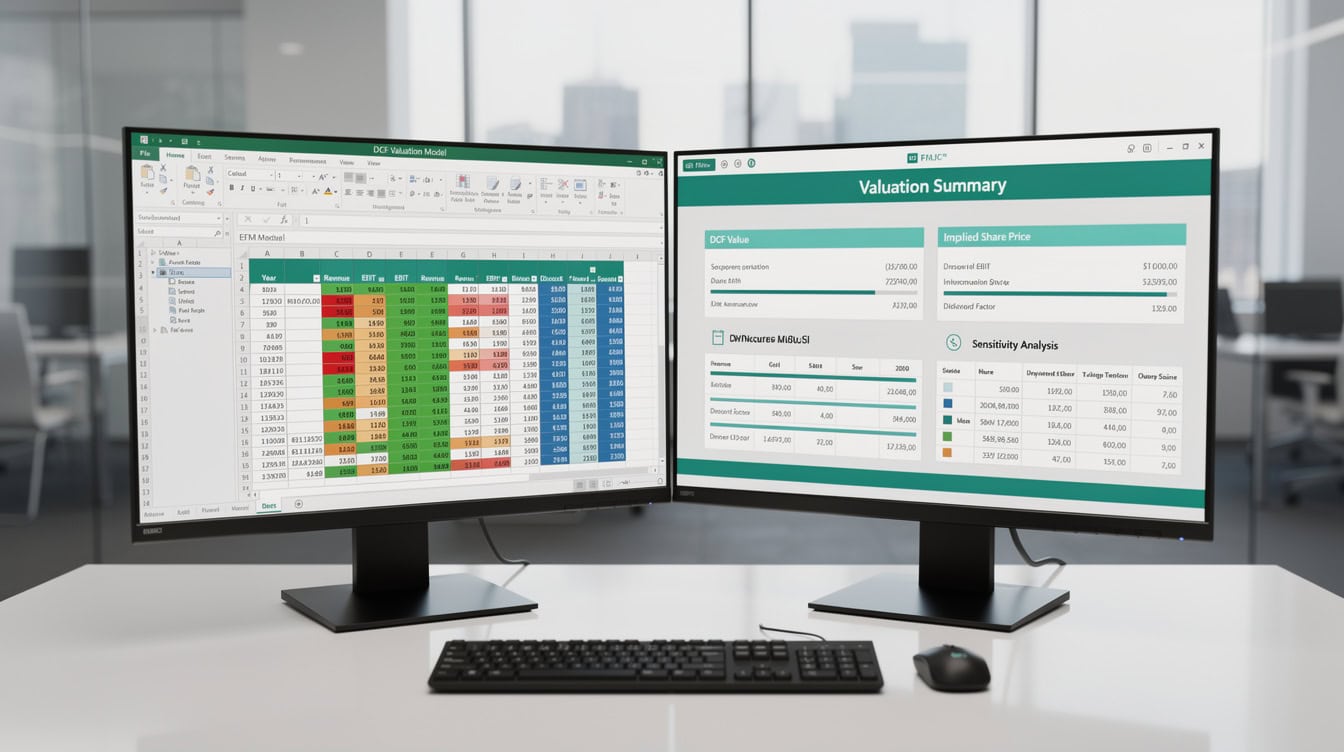
A systematic formula audit checklist ensures every calculation type — aggregations, conditionals, lookups, and date functions — is verified before the model is used.
Step 3: Balance Sheet Reconciliation
A three-statement model (income statement, balance sheet, and cash flow statement linked together) must balance. The balance sheet equation — Assets = Liabilities + Equity — must hold in every period.
If your model’s balance sheet doesn’t balance, stop. Do not proceed to sensitivity analysis. An out-of-balance sheet means at least one cash flow or equity movement is missing or double-counted.
Check these 3 reconciliation points:
- Retained earnings roll: Opening retained earnings + net income – dividends = closing retained earnings. Verify this roll for every period.
- Debt schedule: Total debt on the balance sheet must equal the sum of all debt tranches in the debt schedule. Any gap signals a missing repayment or draw.
- Cash reconciliation: Closing cash on the balance sheet must equal closing cash on the cash flow statement. A mismatch of even $1 indicates a structural error.

A three-statement model must balance in every period: the CHECK row at the bottom of the balance sheet should always equal zero.
Step 4: Sensitivity Analysis Protocol
Sensitivity analysis tests how much the model’s key outputs change when you vary one input at a time. It’s not just a stress test — it’s a validation tool. If changing revenue growth by 1% swings enterprise value by 40%, the model is either correct and highly leveraged, or it contains an amplification error.
Here’s the standard protocol:
- Identify the 5 most important input variables (typically: revenue growth rate, gross margin, discount rate/WACC, terminal growth rate, and capex as a percentage of revenue).
- For each variable, define a low, base, and high scenario. A common range is plus or minus 2 standard deviations from the base case, or a practical business range (e.g., revenue growth: 3%, 8%, 15%).
- Build a data table (Excel’s Data > What-If Analysis > Data Table) to calculate the output at every combination.
- Flag any output that changes by more than 20% from a 10% input change — this signals a potential amplification error worth investigating.
Worked Example: WACC Sensitivity on a DCF
Assume a base-case DCF model with these inputs:
- Revenue (Year 1): $5,000,000
- EBITDA margin: 25% ($1,250,000)
- WACC (discount rate): 10%
- Terminal growth rate: 3%
- Free cash flow (Year 1): $800,000
Here’s the math for terminal value using the Gordon Growth Model (a formula that estimates the value of all future cash flows beyond the forecast period):
Terminal Value = FCF Year 5 / (WACC – Terminal Growth Rate)
If FCF grows at 8% annually, FCF Year 5 = $800,000 × (1.08)^4 = $1,088,390
Terminal Value (base) = $1,088,390 / (0.10 – 0.03) = $15,548,429
Now test sensitivity:
- WACC = 9%: Terminal Value = $1,088,390 / (0.09 – 0.03) = $18,139,833 (+17%)
- WACC = 11%: Terminal Value = $1,088,390 / (0.11 – 0.03) = $13,604,875 (-13%)
A 1-percentage-point WACC shift moves terminal value by 13-17%. That’s expected for a DCF — if you see a 50%+ swing from a 1% WACC change, recheck your formula.
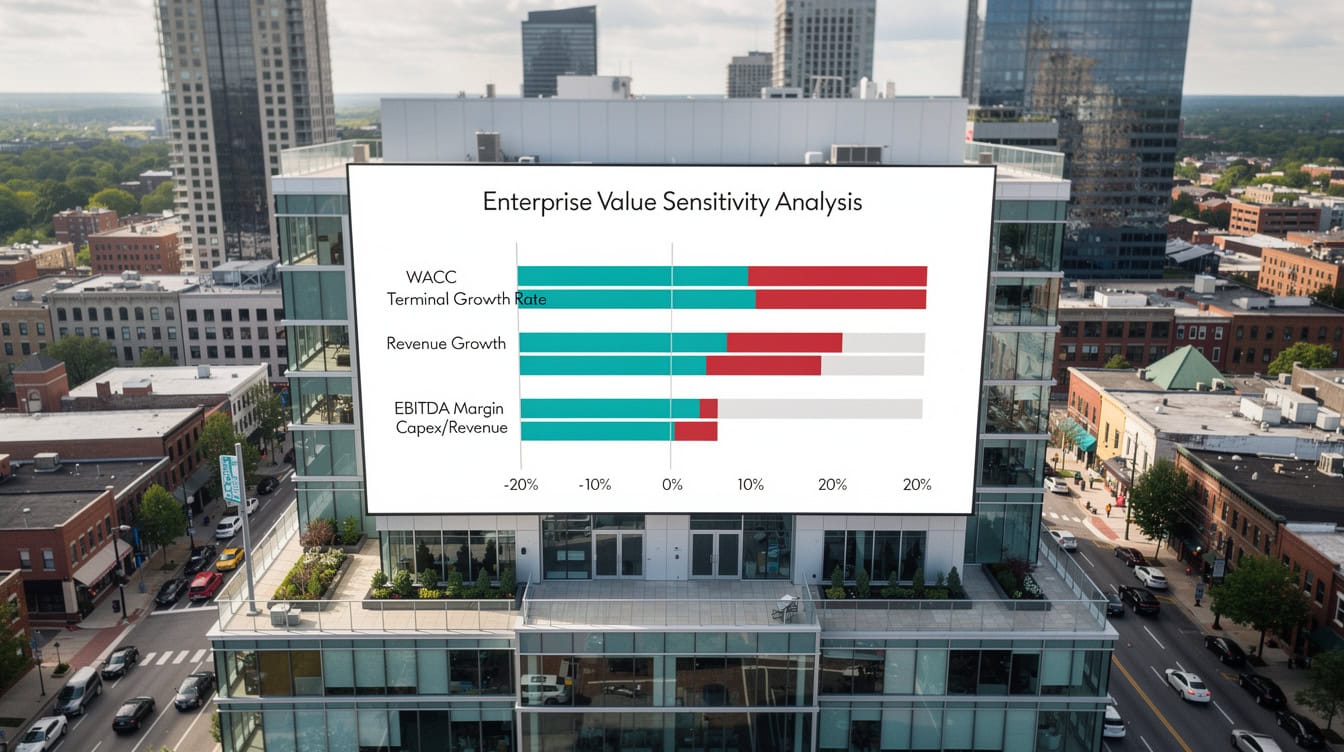
A tornado chart ranks inputs by their impact on enterprise value — WACC and terminal growth rate typically dominate DCF sensitivity, which is expected and not an error signal.
Step 5: Cross-Validation Against Industry Benchmarks
Cross-validation means comparing your model’s outputs to external reference points to check whether the results are in a plausible range. A model can be mathematically correct but logically wrong — for example, projecting a 45% EBITDA margin for a grocery retailer when the industry average is 3-5%.
Use these benchmark sources:
- Damodaran Online (NYU): Professor Aswath Damodaran publishes free annual datasets of industry-level margins, multiples, and betas by sector — an essential cross-check for valuation models.
- Federal Reserve Financial Accounts: For macro assumptions like interest rates and GDP growth, the Federal Reserve’s H.15 release provides current and historical data.
- SEC EDGAR: Public company filings give you real margin and capital structure data for comparable companies.
Run these 5 ratio checks against industry data:
| Metric | What to Check | Red Flag |
|---|---|---|
| EBITDA Margin | Within ±5% of sector median | >10% above peers |
| Revenue/Employee | Matches sector productivity norms | 2x+ above peers |
| Capex/Revenue | Consistent with asset intensity | <50% of sector norm |
| Working Capital Days | Receivables + inventory – payables | >30 days off peers |
| Debt/EBITDA | Leverage within sector range | >1.5x sector median |

Cross-validation gauges compare your model’s key ratios to sector medians — any ratio more than 10% outside the peer range warrants a deeper review of the underlying assumptions.
Step 6: Output Sanity Checks
Sanity checks are quick logical tests that catch errors no formula audit will find. Run these before presenting any model output.
- Negative cash balances: Does the model ever show negative cash without triggering a revolver draw or equity injection? If yes, the model is incomplete.
- Margins exceeding 100%: A gross margin above 100% is mathematically impossible. Check for sign errors in COGS.
- Growth rates above 100% in mature periods: A 150% revenue growth rate in Year 4 of a mature business projection is a red flag.
- Tax on a pre-tax loss: The model should not show a tax expense in periods where pre-tax income is negative (unless modeling deferred tax assets, which should be explicitly labeled).
- Depreciation exceeding gross PP&E: Accumulated depreciation cannot exceed the gross value of the asset being depreciated.

Sanity checks flag mathematically impossible outputs — a gross margin above 100% or tax expense on a pre-tax loss are immediate signals of a sign error or missing formula.
Step 7: Peer Review and Version Control
The final validation step is human review. No automated check catches every error — a second pair of eyes with domain knowledge is irreplaceable. According to a study published in the Journal of Organizational and End User Computing, models reviewed by a second analyst contain 40% fewer errors than those reviewed only by their author. Source
Set up version control before peer review:
- Save a locked “base case” version before the reviewer makes any changes.
- Use Excel’s Track Changes or a naming convention (e.g., ModelName_v1.2_YYYYMMDD)to maintain an audit trail.
- Document every assumption in a dedicated “Assumptions” tab with the source, date, and owner for each input.
For financial models used in investment decisions, a peer review by someone who did not build the model is the single highest-value validation step you can take. Source

Peer review by a second analyst who did not build the model is the highest-value validation step — it catches logical errors and assumption gaps that automated checks miss.
Validation Method Comparison
Not every model needs the same depth of validation. Use this table to match the validation intensity to the model’s purpose.
| Method | Time Required | Best For | Catches |
|---|---|---|---|
| Formula Audit | 1-2 hours | All models | Formula errors, broken links |
| Balance Sheet Recon | 30 min | 3-statement models | Structural gaps |
| Sensitivity Analysis | 2-3 hours | DCF, LBO, projections | Amplification errors |
| Cross-Validation | 1-2 hours | Valuation models | Logic errors vs. reality |
| Sanity Checks | 30 min | All models | Impossible outputs |
| Peer Review | 2-4 hours | Investor-grade models | All error types |
For a startup financial model used in a seed round, prioritize formula audits, sanity checks, and cross-validation. Source For a DCF model used in M&A due diligence, run all 7 steps. Source
Common Validation Mistakes and How to Fix Them
Even experienced modelers make these 5 mistakes during validation.
Mistake 1: Validating only the outputs, not the inputs. A model can produce a plausible-looking revenue number from completely wrong assumptions. Fix: audit every input cell against its stated source before checking outputs.
Mistake 2: Skipping the balance sheet check because “it’s close enough.” A $500 imbalance in a $50M model is not rounding — it’s a missing transaction. Fix: add a dedicated CHECK row that flags any non-zero balance sheet difference in red.
Mistake 3: Running sensitivity analysis on only one variable at a time. Real business risk involves correlated variables (e.g., a recession hits both revenue and margins simultaneously). Fix: build a scenario manager with named scenarios (Base, Bear, Bull) that change multiple inputs at once.
Mistake 4: Using the same model for both planning and valuation without adjusting assumptions. A planning model optimizes for operational decisions; a valuation model must reflect market-rate assumptions. Fix: maintain separate assumption sets for each use case.
Mistake 5: Treating a passed validation as permanent. Every time inputs are updated, the model needs a re-validation pass. Fix: add a “Last Validated” date cell to the model’s cover sheet and make updating it mandatory.
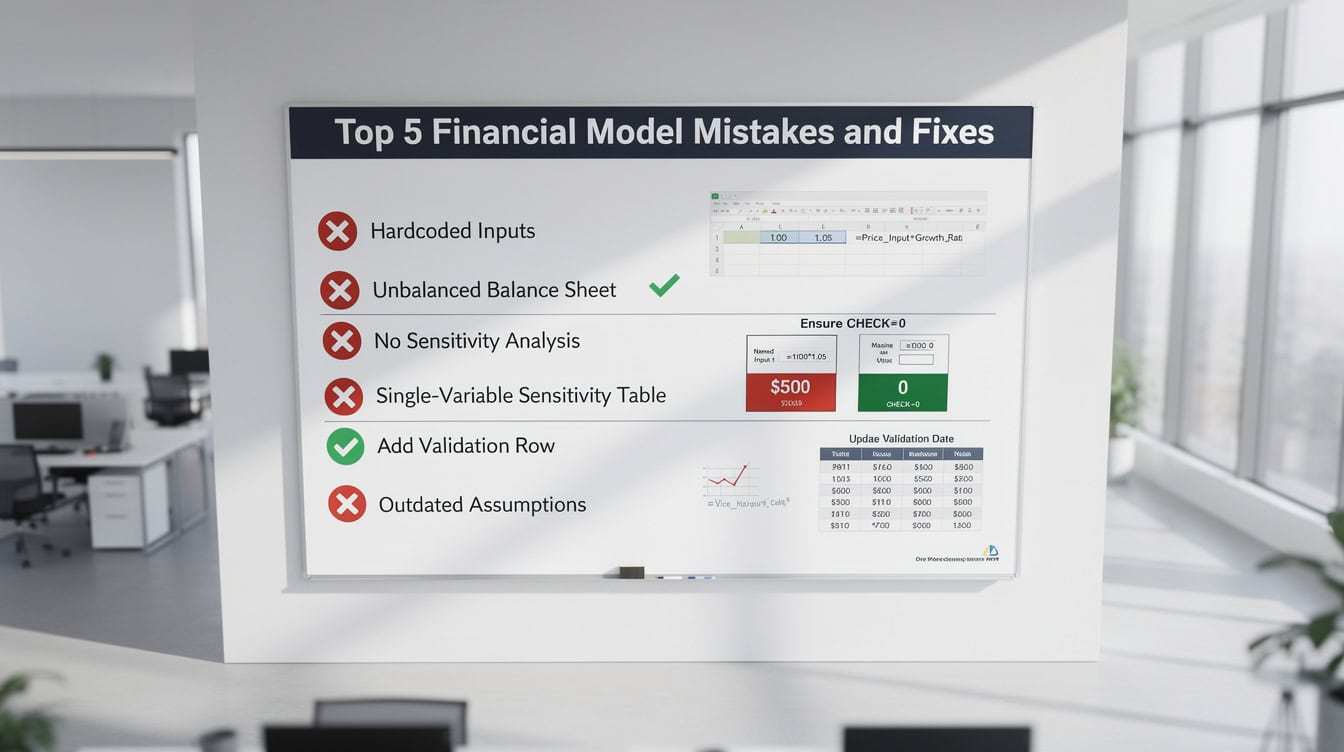
The 5 most common validation mistakes are all preventable with simple structural habits — the most impactful is adding a ‘Last Validated’ date to the model’s cover sheet.
Tools and Templates for Model Validation
You don’t need to build your validation toolkit from scratch. Several resources accelerate the process.
- Excel’s built-in auditing toolbar (Formulas > Formula Auditing): Trace Precedents, Trace Dependents, and Error Checking cover the core formula audit steps.
- EFM financial model templates: Pre-built financial projections templates and three-statement models are structured with validation-friendly architecture: separated inputs, labeled assumptions, and built-in balance checks. Source
- Damodaran’s datasets (NYU Stern): Free annual industry data for cross-validation benchmarks, updated every January.
- FAST Standard: The Financial Analysis and Spreadsheet Toolkit (FAST) standard is an open-source modeling convention that defines best practices for structure, formatting, and auditability — a useful reference for peer reviewers.
Frequently Asked Questions
How long does it take to validate a financial model?
A full 7-step validation of a standard 3-statement model takes between 4 and 8 hours for an experienced analyst. Formula audits and balance sheet reconciliation typically take 1-2 hours each. Sensitivity analysis adds another 2-3 hours if you’re building data tables from scratch. Peer review time depends on the reviewer’s familiarity with the model. For a simple single-sheet projection model, you can complete a basic validation (formula audit + sanity checks) in under 90 minutes. For an investor-grade DCF or LBO model, budget a full day.
What is the most common error in financial models?
The most common error is an incorrect range in a SUM or aggregation formula — for example, a SUM that stops one row short of the last data row because a new line item was inserted after the formula was written. EuSpRIG research identifies this range error as responsible for approximately 35% of all spreadsheet mistakes. The fix is to use structured Excel Tables (Insert > Table), which automatically expand formula ranges when new rows are added, or to add a dedicated “check” row that compares the SUM to a manually counted total.
What is sensitivity analysis in the context of model validation?
Sensitivity analysis, in the context of model validation, is the process of changing one input variable at a time and measuring how much the key output changes. It serves two purposes: it identifies which assumptions drive the most risk (useful for decision-making), and it catches amplification errors (where a small input change produces an unrealistically large output change, signaling a formula problem). A standard sensitivity table tests 5 key variables across 3 scenarios each, producing 15 data points that reveal the model’s behavior across a realistic range of outcomes.
How do I know if my model’s outputs are in a reasonable range?
Cross-validate against 3 reference points: industry benchmark data (Damodaran’s free datasets are the best starting point), comparable public company filings on SEC EDGAR, and your own historical actuals if available. For a valuation model, also check the implied exit multiple — if your DCF implies a 25x EBITDA exit multiple for a business in an industry that trades at 8-10x, the model’s terminal value assumptions need revisiting. A model whose outputs fall within ±20% of comparable benchmarks on 4 of 5 key metrics is generally in a plausible range.
What is a circular reference and when is it acceptable?
A circular reference occurs when a cell’s formula refers back to itself, either directly or through a chain of other cells. In most cases, circular references are errors — they cause Excel to either return zero or loop infinitely. However, some financial models intentionally use circular references to model a revolving credit facility (where interest expense depends on the debt balance, which depends on the cash flow, which depends on interest expense). When you use an intentional circular, you must enable iterative calculation in Excel (File > Options > Formulas > Enable Iterative Calculation) and document the circular clearly. Limit iterations to 100 and set a maximum change of 0.001 to ensure convergence.
Should I validate a model I downloaded from a reputable source?
Yes, always. Even professionally built templates require validation against your specific inputs and use case. A template built for a SaaS business may have revenue recognition logic that doesn’t apply to a manufacturing company. The structural validation steps (formula audit, balance sheet reconciliation, sanity checks) take less than 2 hours on a well-built template and confirm that the model behaves correctly with your data. Think of it as the same due diligence you’d apply to any tool before relying on it for a financial decision.
What is the FAST Standard for financial modeling?
The FAST Standard (Flexible, Appropriate, Structured, Transparent) is an open-source set of conventions for building financial models that are easy to audit and validate. It specifies rules for cell formatting (inputs in blue, formulas in black, links in green), sheet structure (one calculation per row, no merged cells in calculation areas), and documentation (every assumption labeled with its source). Models built to the FAST Standard are significantly faster to validate because reviewers know exactly where to find inputs, formulas, and outputs. The standard is maintained by the FAST Standard Association and is freely available online.
Conclusion
Model validation isn’t a one-time event — it’s a discipline. The 7 steps in this toolkit (structural check, formula audit, balance sheet reconciliation, sensitivity analysis, cross-validation, sanity checks, and peer review) give you a repeatable process that catches errors at every layer of a model’s architecture. Run all 7 steps on any model before it informs a real decision, and re-run the core checks every time inputs change.
I recommend starting with EFM’s 5-year financial projections templates, which are pre-built with validation-friendly architecture — separated inputs, labeled assumptions, and balance sheet checks already embedded — so you can focus your validation time on the logic and benchmarks rather than the structure. Source























































