
0 ITEMS

Pet-Sitting Business Tracker Spreadsheet: Bookings, Invoices, Pet Care Sheets, Expenses, Mileage & Tax Summary (Excel + Google Sheets)
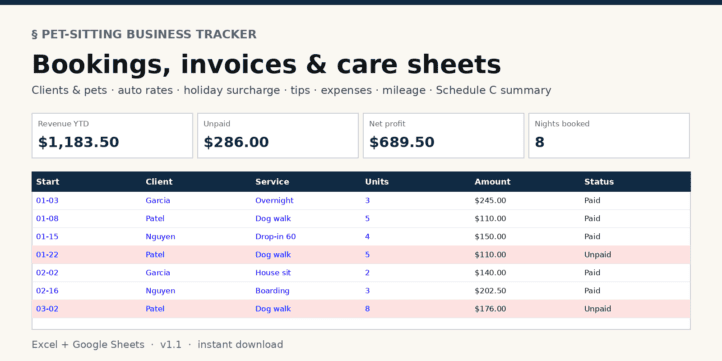
Run a pet-sitting or dog-walking business from one workbook.
| Financial Model, Service Businesses |
| Accounting, Bookkeeping, Dashboard, Excel, Tracking |
Run a pet-sitting or dog-walking business from one workbook.
- Care sheet for every pet: feeding, medications, vet, emergency contact, lockbox and alarm notes
- Bookings log with automatic invoice numbers; your standard rate fills in per service (drop-ins, walks, overnights, house sitting, boarding, pet taxi), with an optional holiday surcharge and tips
- Unpaid bookings highlighted, plus revenue and unpaid balance per client
- Expense log by category and a mileage log with the deduction at your rate
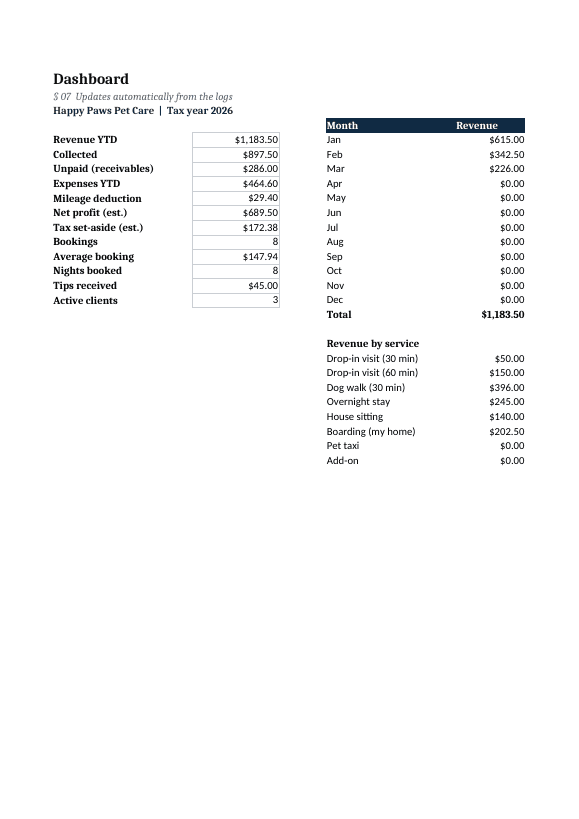
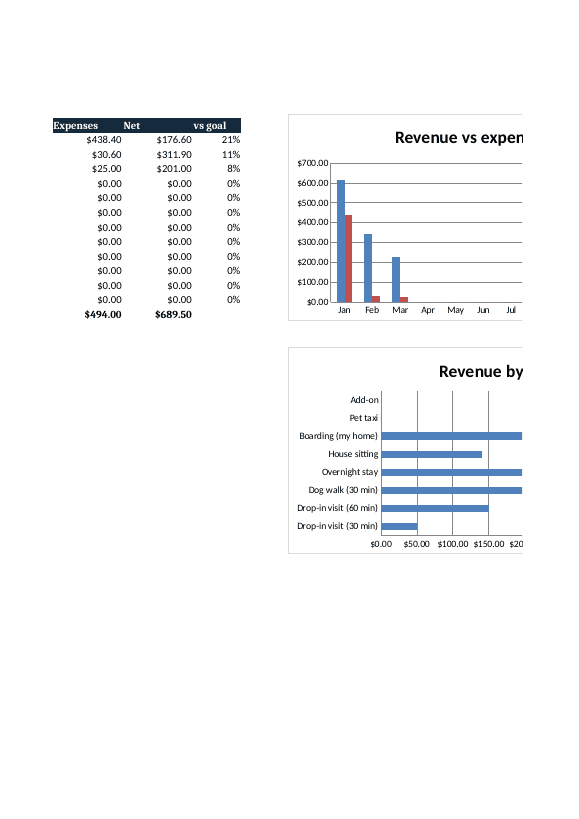
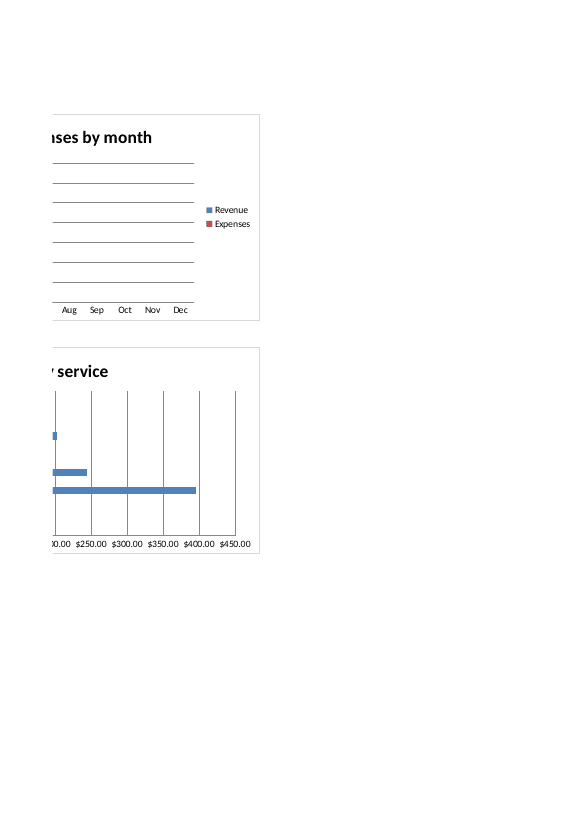
- Dashboard: revenue, collected, receivables, net profit, tax set-aside, nights booked, tips, month-by-month chart vs your goal, revenue by service
- Schedule C-style summary to hand your tax preparer (bookkeeping aid, not tax advice)
Yellow cells are inputs; everything else updates itself. Sample rows included. Works in Excel 2016+ and Google Sheets. Built with AI assistance and checked for formula errors. Instant download.
What it is used for
Day-to-day records for a solo sitter or walker: care notes for each visit, who has paid, and what to hand over at tax time.
Tabs and structure
Eight tabs: Start Here, Dashboard, Settings, Clients & Pets, Bookings, Expenses, Mileage and Tax Summary.
What you enter
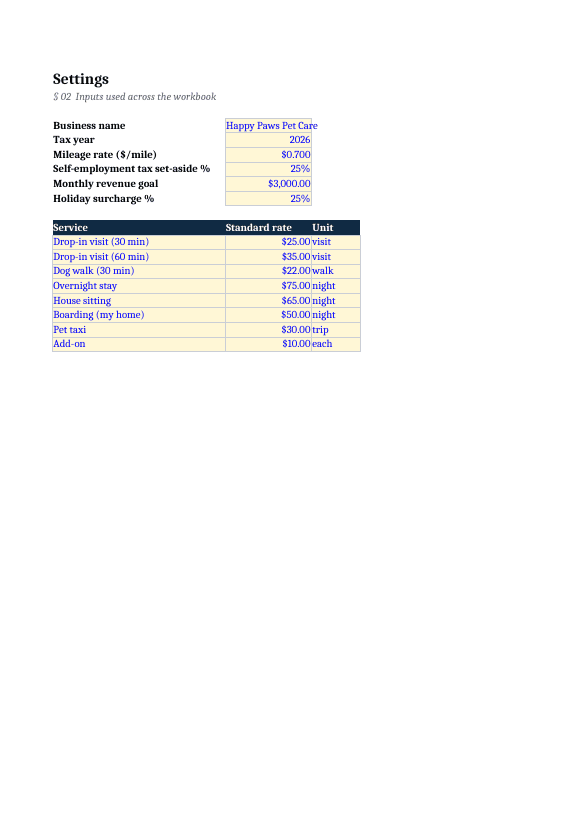
- Business name, tax year, mileage rate, set-aside %, monthly goal and holiday surcharge %
- Eight services with a standard rate and unit, plus ten expense categories
- One row per pet (100 rows) with care and home-access notes
- Bookings, expenses and mileage (300 rows each): service, units, optional rate override, holiday flag, tip, Paid or Unpaid, odometer readings
What it calculates
- Invoice number, rate used and amount for each booking
- Revenue and unpaid per client, counted once per household
- Miles and the mileage deduction
- Twelve dashboard figures, a monthly table, revenue by service and two bar charts
- Expenses by category on the Tax Summary
How to use it
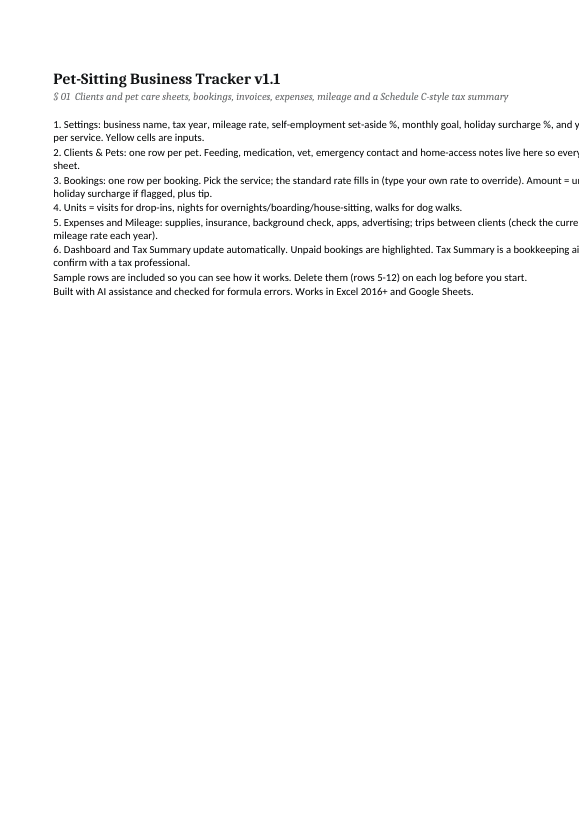
Set your rates in Settings, add clients and pets, delete the sample rows, then log each booking, expense and trip. The Tax Summary check should read 0.
File and limitations
One .xlsx file for Excel 2016+ and Google Sheets. No macros. Sample rows are made-up examples. The mileage rate is an input; check the current IRS standard rate each year. Built with AI assistance and checked for formula errors. A record-keeping tool, not tax, legal or accounting advice.
Similar ProductsOther customers were also interested in...



 eFinancialModels
Electric Vehicle (EV) Charging Station Financial M...
With this comprehensive 5- or 10-year monthly tool, investors can assess the viability of setting up... Read more

Financial Model for Mobile App | Mobile App Busine...
The Mobile App Financial Plan Template in Excel allows you to develop financial projections when lau... Read more

 HenrySheykin
Food Truck Financial Model Excel Template
The Food Truck Financial Model helps entrepreneurs, founders, business owners, consultants, and anal... Read more

Green Hydrogen Production from Wind Energy Financi...
The Green Hydrogen from Wind Financial Model aims to comprehensively forecast a horizon of 40 years ... Read more

Simple Mutual Non-Disclosure Agreement Template
Protect your business secrets with ease using our Simple Mutual Non-Disclosure Agreement Template. S... Read more

Solar Energy Financial Model
The Solar Energy Financial Model Spreadsheet Template in Excel assists you in preparing a sophistica... Read more

 Peter Graf
The Customer-Centric Financial Model for Restauran...
Starting a restaurant without a financial plan is like driving a car blindfolded. You wouldn´t do i... Read more
You must log in to submit a review.