
0 ITEMS

General Hospital Financial Model
General Hospital Financial Model consists of a financial model related to the start-up and operations of a general hospital’ business. The model generates: 1) Three financial statements (profit & loss, balance sheet, and cash flow) 2) Valuation using free cash flows and feasibility metrics 3) KPIs and metrics relevant to hospitals 4) Various charts 5) Detailed revenue breakdown per clinic 6) Detailed costs breakdown per clinic 7) Executive Summary tab which aggregates the most important metrics of the model.



General Hospital Financial Model consists of a financial model related to the start-up and operations of a general hospital’ business.
The model generates:
1) Three financial statements (profit & loss, balance sheet, and cash flow)
2) Valuation using free cash flows and feasibility metrics
3) KPIs and metrics relevant to hospitals
4) Various charts
5) Detailed revenue breakdown per clinic
6) Detailed costs breakdown per clinic
7) Executive Summary tab aggregates the model’s most important metrics.
Check the video here:
So, a quick overview of the model, in the contents tab, you can see the structure of the model, and by clicking on any of the headlines, be redirected to the relevant worksheet.
On the manual tab, you can feed the general information for the model such as: model name, responsible, timeline of the model & date and currency conventions. Additionally, there is a description of the color coding of the model in the same tab.
Inputs are always depicted with a yellow fill and blue letters, call up (that is direct links from other cells) are filled in light blue with blue letters, while calculations are depicted with white fill and black characters. There is also a color coding for the various tabs of the model.
Yellow tabs are mostly assumptions tabs, grey tabs are calculation tabs, blue tabs are outputs tabs (that is effective results or graphs), and light blue tabs are admin tabs (for example: the cover page, contents, and checks).
There are 7 main tabs where the user input is needed: “Manual”, “Revenues”, “Direct Expenses”, “Direct Expenses per Clinic”, “Indirect Expenses”, “Other”, and “Weighted Average Cost of Capital”. The user must fill the yellow cells in each of these tabs, and all the remaining tabs are calculated automatically.
On the Revenues tab, the user sets the number of rooms, the number of beds per room, the percentage of active beds, and the room pricing, then the user fills the Outpatient admissions and the percentage admitted as emergencies and appointments, which are further split into consultations, diagnostic exams, or both, and finally the percentage which is converted to inpatients. Then the user inputs the average pricing for each consultation and exam and the average percentage split per outpatient for emergencies and appointments.
Moving to the Inpatients, the user sets the inpatient admissions and the percentage of those hospitalized or both operated and hospitalized. Next, the user sets the length of stay for the hospitalized patients, the percentage split for each clinic, and each room type. While for the operated and hospitalized patients, the user needs to set the surgeries split, the length of stay, and the prices per operation. The operations are further split into various levels of operations importance. Additionally, the consumables and drugs per inpatient are set.
The remaining tab consists of pharmacy revenues calculated as a percentage of inpatients and outpatients, price per drug, ambulatory services, food and beverages, parking, and other rented spaces in the building.
In the next tab, the user fills the maximum operations that can be handled per year on average per doctor, the number of surgeons employed, their yearly salaries, and their percentage bonus from operations performed. Similar inputs are needed for doctors (non-surgeons) and part-time (on-call doctors), such as headcount, salary, and bonus. The user must also set the number of nurses and paramedics per bed, headcount, and salaries.
The user sets the cost of special materials per operation for hospitalizations and diagnostic exams. Similar inputs are needed for medical material expenses. Next, the user sets the direct expenses for the ancillary revenues such as pharmacy, ambulatory services, food and beverages, parking and other rentals, other materials, and other direct expenses. The user sets the split of surgeons and other doctors per clinic in the Direct Expenses per Clinic.
Moving to the indirect expenses tab, the user sets the headcount, salaries for the hospital administration staff, and other non-salary costs. Next, the user inputs some operating expenses related to the hospital operations, such as facility-related costs, utilities, travel and public relations, rent, and other outsourced costs.
In the Other tab, all the remaining assumptions are aggregated, such as tax assumptions and inflation assumptions, investment costs, capital expenditures, depreciation rates, working capital assumptions such as inventory, receivables, payables, debt financing, overdraft facility, and equity injections.
In the remaining tab, the user can set the cost of debt and the cost of equity which results in the weighted average cost of capital. All the remaining tabs are automatically calculated from the user’s assumptions.
The resulting tabs are the three financial statements such as the profit and loss, balance sheet and cash flow every year, the valuation of the business, and its feasibility metrics (such as Net Present Value, Internal Rate of Return, Payback, and Discounted Payback Period, Profitability Index, Sensitivity Analysis), various KPIs and ratios (such as business and financial ratios, costs breakdown, valuation metrics), all the charts are in the “Graphs” tab (Business and Profit and Loss Charts, Balance Sheet Graphs, and Cash Flow and Valuation Charts).
Additionally, the most important financial and business metrics are aggregated in the Executive Summary tab.
Finally, the checks tab is where the most critical checks are aggregated. Whenever you see an error message on any page, you should consult this page to see where the error is coming from.
Similar ProductsOther customers were also interested in...



 strategyfinancialmod...
HOSPITAL Financial Model Template
A comprehensive and customizable financial template that captures all the key aspects of the hospita... Read more

 HenrySheykin
Ophthalmology Financial Model Excel Template
The Ophthalmology Clinic Financial Model is a ready-to-use financial model template designed to help... Read more
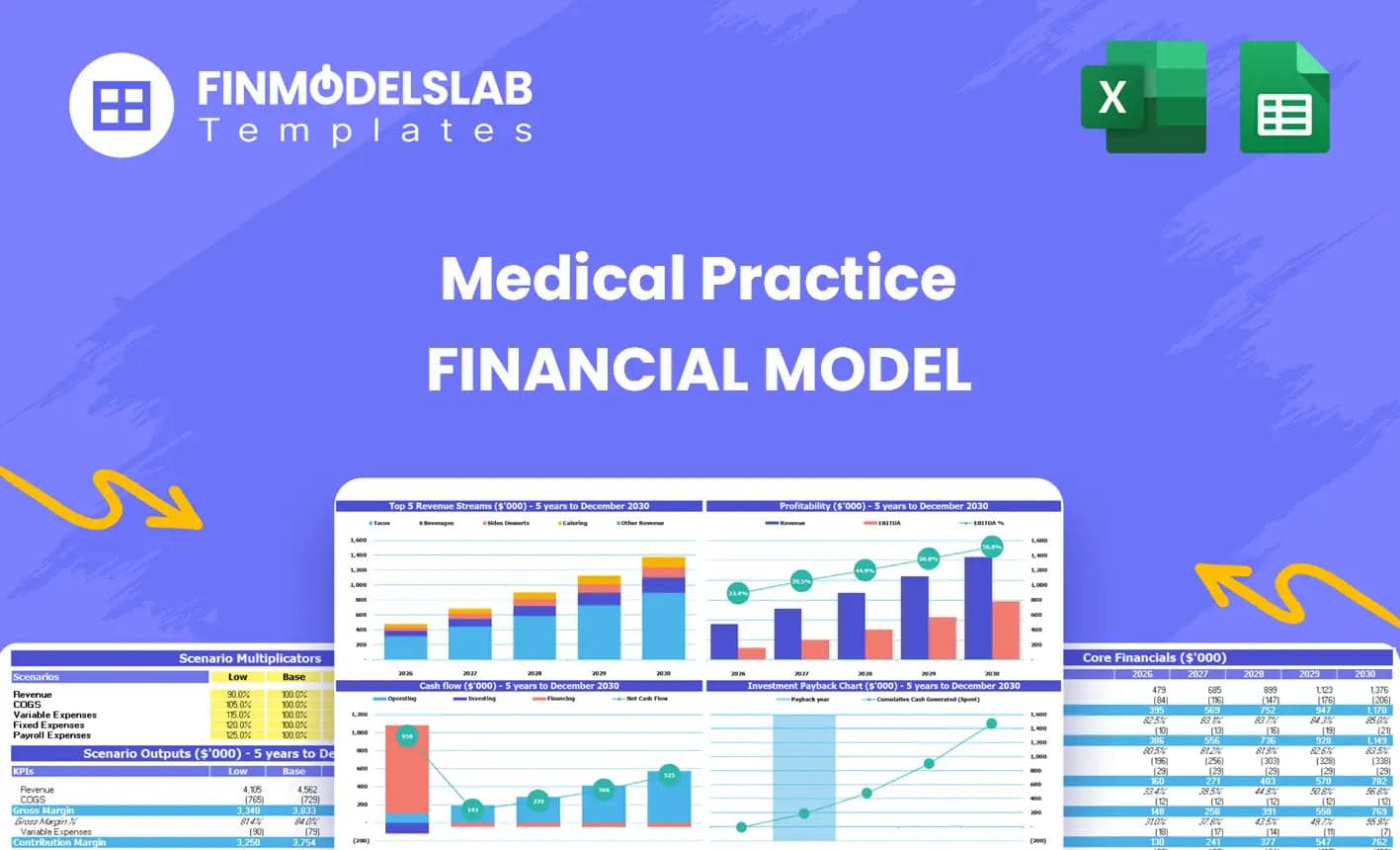
Medical Practice Financial Model Excel Template
The Medical Practice Financial Model helps users turn a clinic concept, expansion plan, or healthcar... Read more
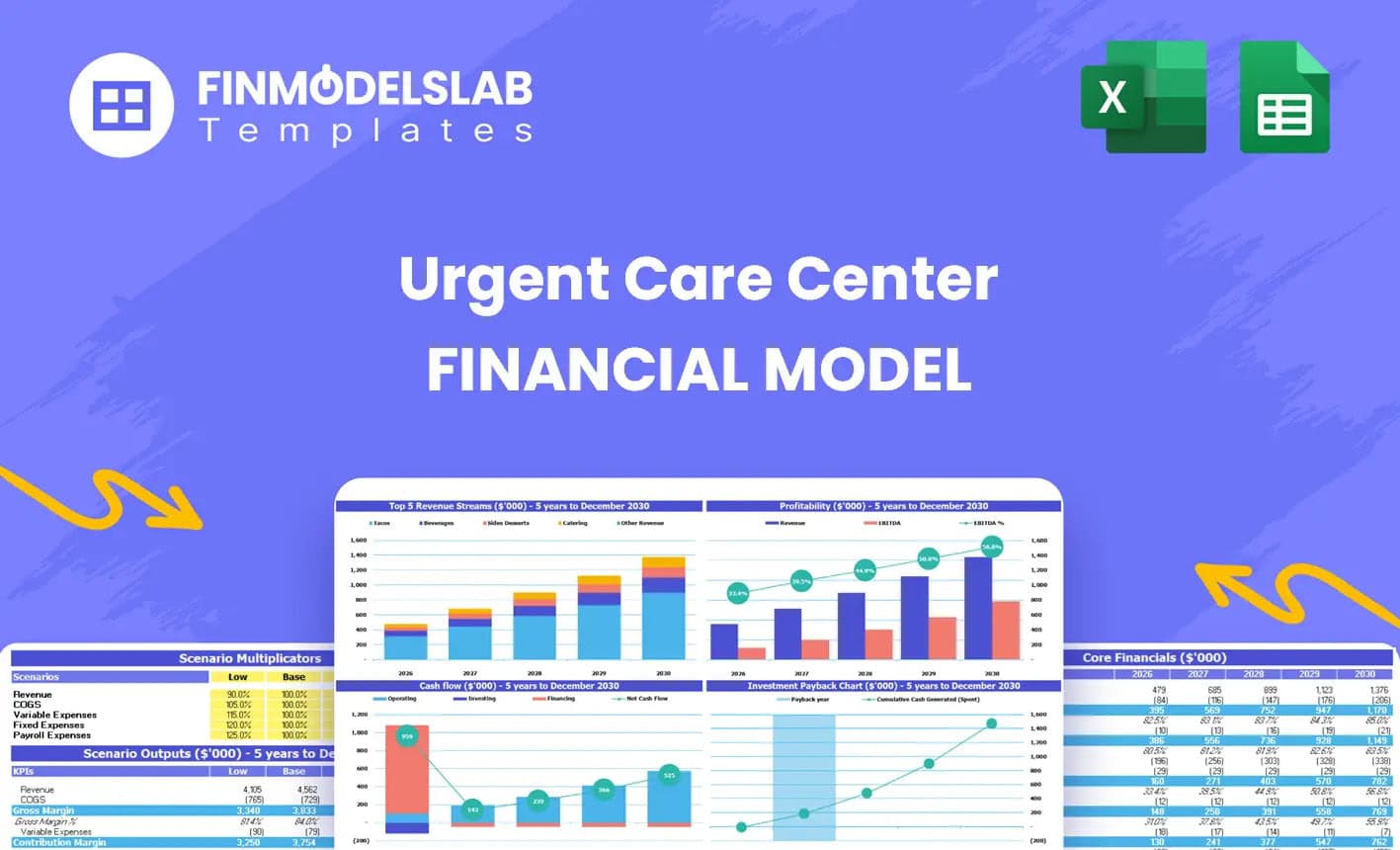
Urgent Care Center Financial Model Excel Template
The Urgent Care Center Financial Model helps users turn a walk-in clinic concept into a structured f... Read more
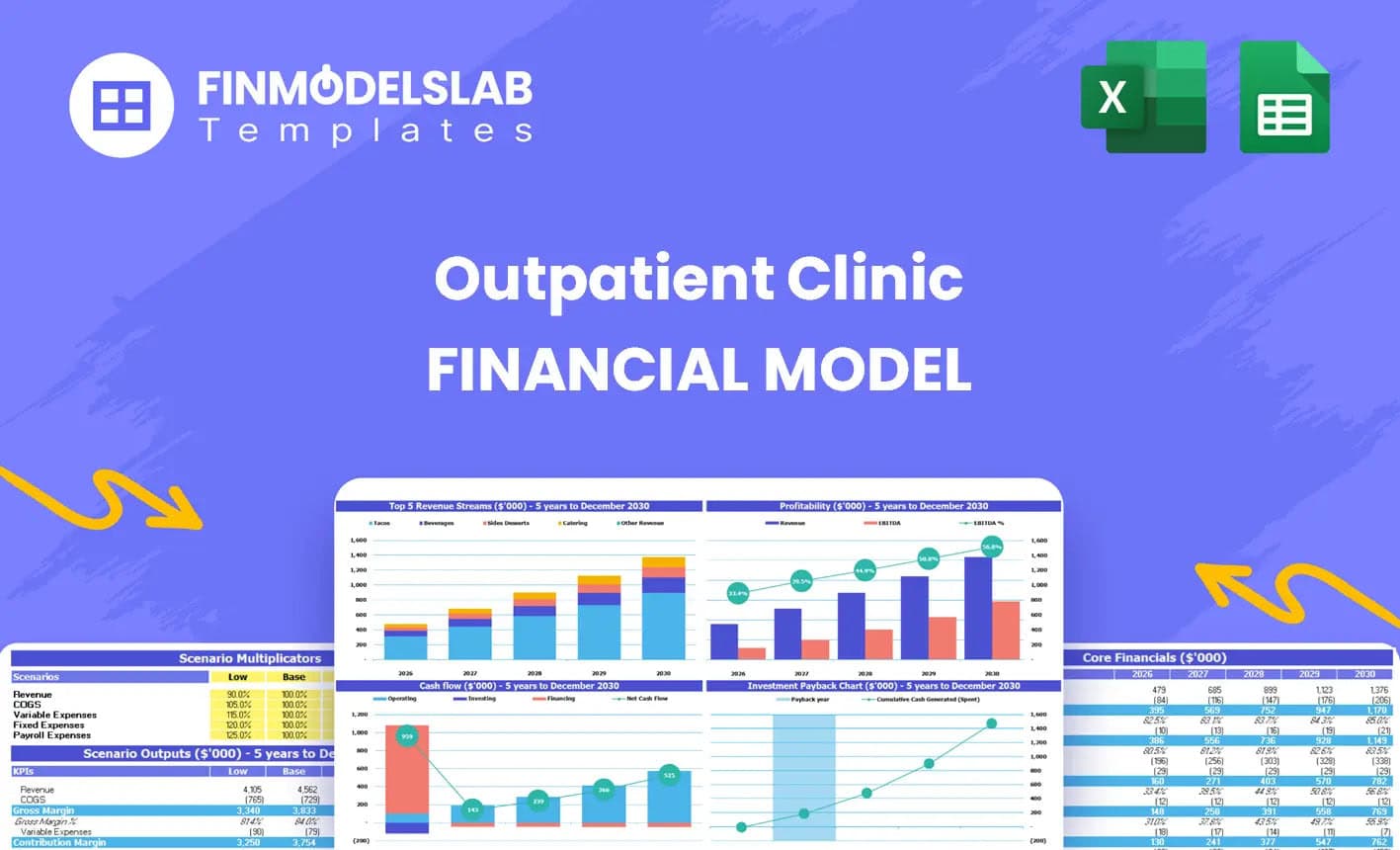
Outpatient Clinic Financial Model Excel Template
The Outpatient Clinic Financial Model helps users turn a clinic business concept into a structured, ... Read more

Gynecology Financial Model Excel Template
The Gynecology Clinic Financial Model Financial Model Template helps entrepreneurs, clinic founders,... Read more

Physiotherapy Financial Model Excel Template
The Physiotherapy Clinic Financial Model helps founders, clinic owners, consultants, analysts, and b... Read more
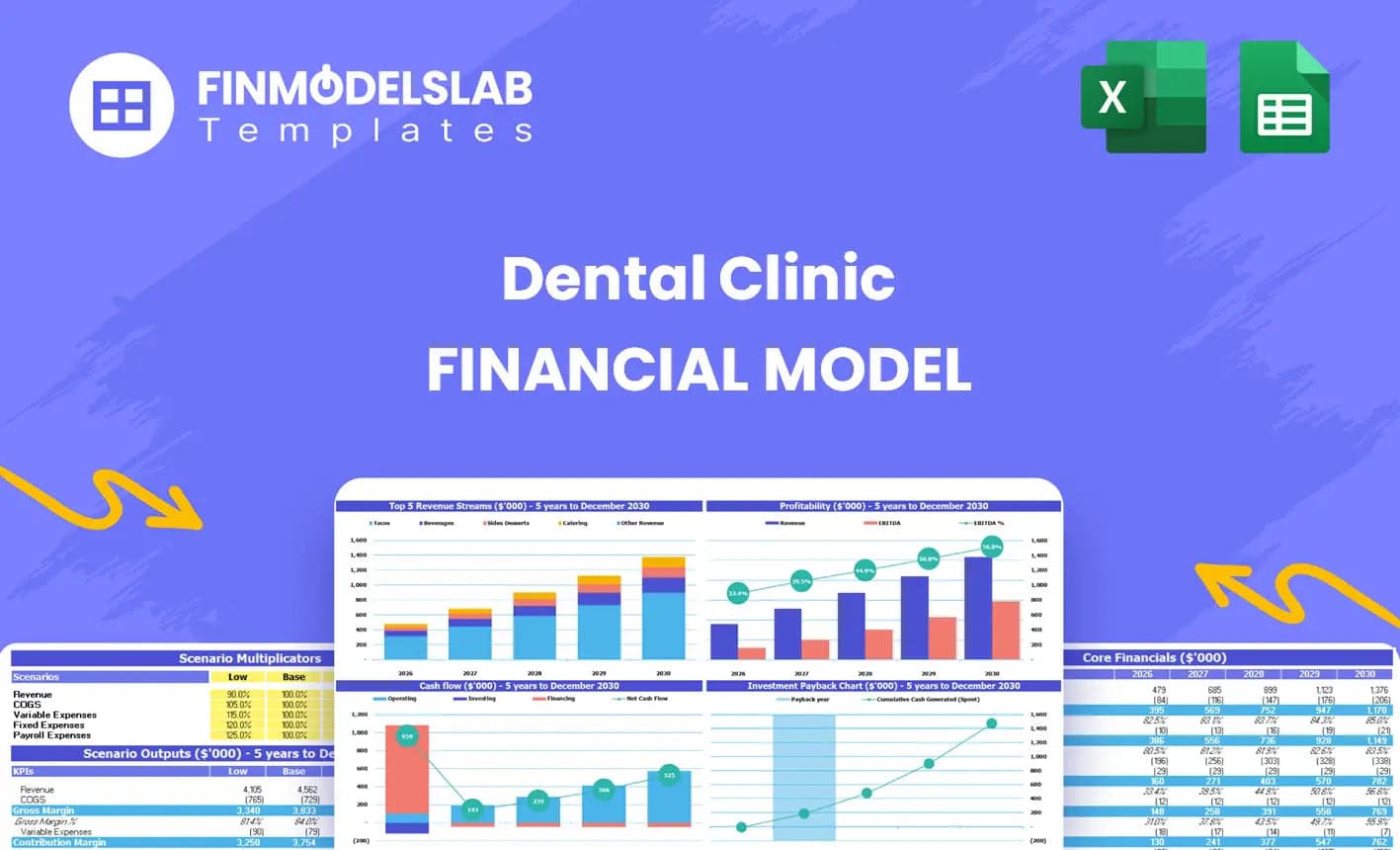
Dental Practice Financial Model Excel Template
The Dental Clinic Financial Model helps users turn a dental practice concept, launch plan, or expans... Read more

Nutritionist Financial Model Excel Template
The Nutritionist Financial Model Financial Model Template helps turn a nutrition practice, dietitian... Read more

Clinic Financial Model Excel Template
The Healthcare Clinic Financial Model helps founders, clinic owners, consultants, analysts, and busi... Read more
Reviews
 Gen. Hospital Financial Model
Very robust and accurate. Covers a lot of elements of a typical project and good for projections over a long period.
Suggest add – currency options & allow phasing of capex over multiple periods.
797 of 1521 people found this review helpful.
Help other customers find the most helpful reviews
Did you find this review helpful?
-

Thank you for your review, it is highly appreciated! We will take into account your valuable review in future updates of the model.
792 of 1552 people found this review helpful.
Help other customers find the most helpful reviews
Did you find this review helpful?

You must log in to submit a review.