
0 ITEMS

Marketing Calendar & Content Planner – Monthly Themes, Content Calendar and Newsletter Results with ROI (Excel)
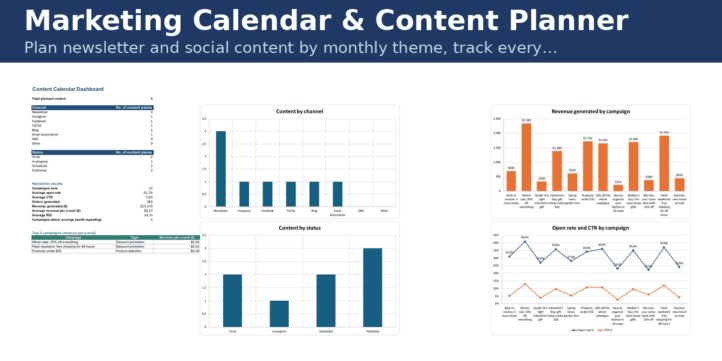
Plan newsletter and social content by monthly theme, track every piece by channel and status, measure each newsletter’s opens, clicks, orders and ROI. Focusing on a few channels only works if those channels are planned and measured. This planner gives you the three things you need: a theme for every month, a calendar of every content piece, and the results of every newsletter so that you repeat what works.
| E-Commerce & Web Shops, Financial Model, General Excel Financial Models, Online Businesses |
| Calculator, Campaign, Conversion, Excel, Marketing, Performance Tracking, Tracking |


Focusing on a few channels only works if those channels are planned and measured. This planner gives you the three things you need: a theme for every month, a calendar of every content piece, and the results of every newsletter so that you repeat what works.
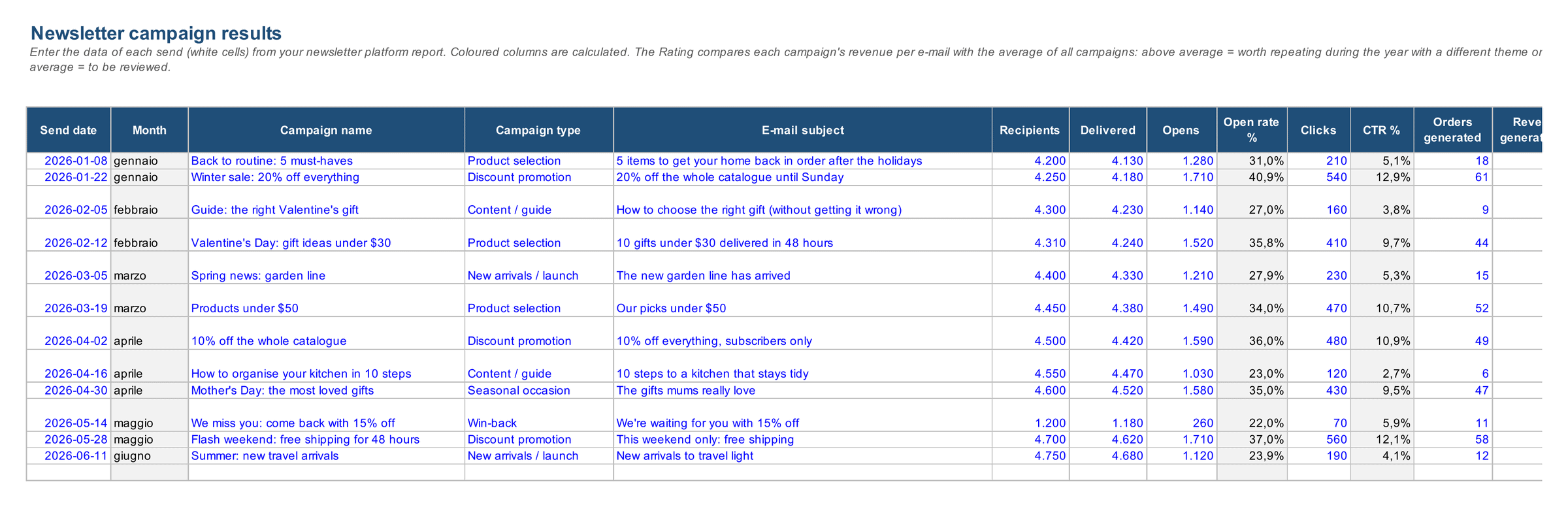
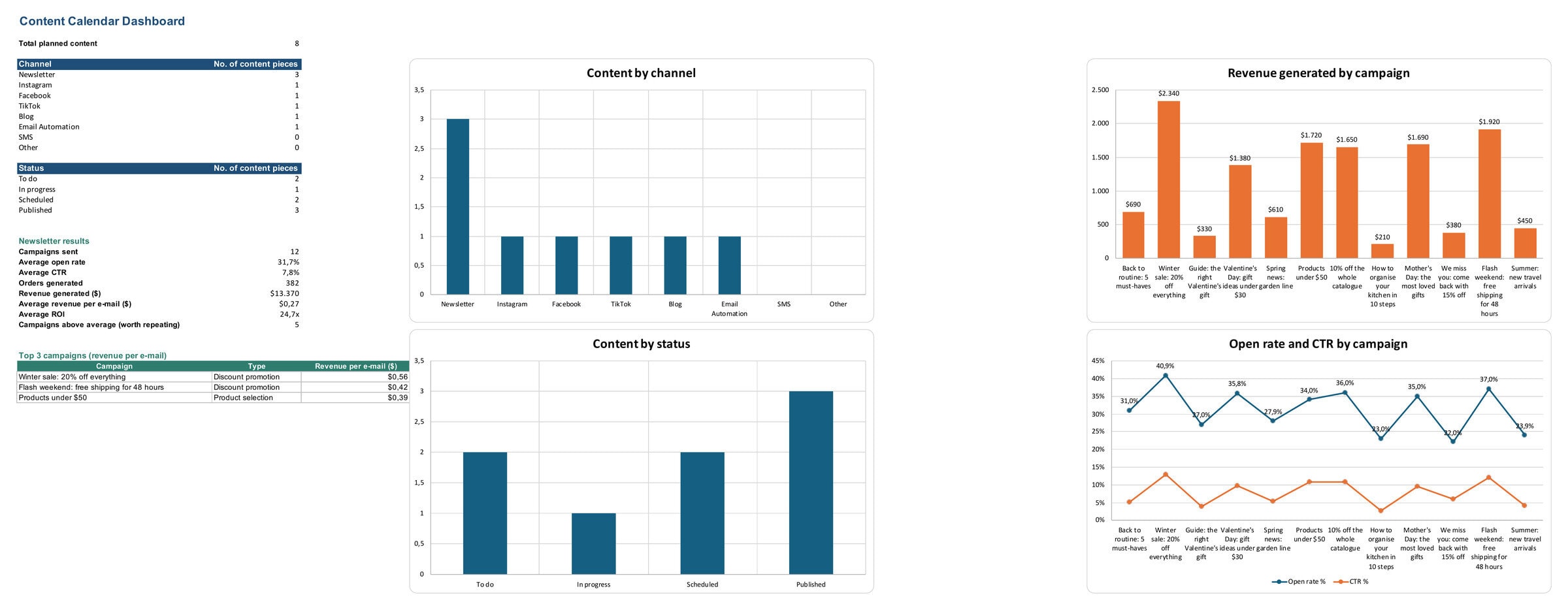
What is inside (5 sheets): Monthly Themes (guiding theme, commercial occasions, featured products, objective per month) · Content Calendar (date, channel — newsletter, Instagram, Facebook, TikTok, blog, email automation —, title, type, status, owner) · Newsletter Results (recipients, opens, clicks, orders, revenue, unsubscribes, cost per send: open rate, CTR, conversion, revenue per email and ROI calculated, campaigns above and below average flagged) · Dashboard (content by channel and status, newsletter results, top 3 campaigns, 4 charts) · Home.
Who it is for: small marketing teams and solo store owners; agencies that need a shared calendar with the client.
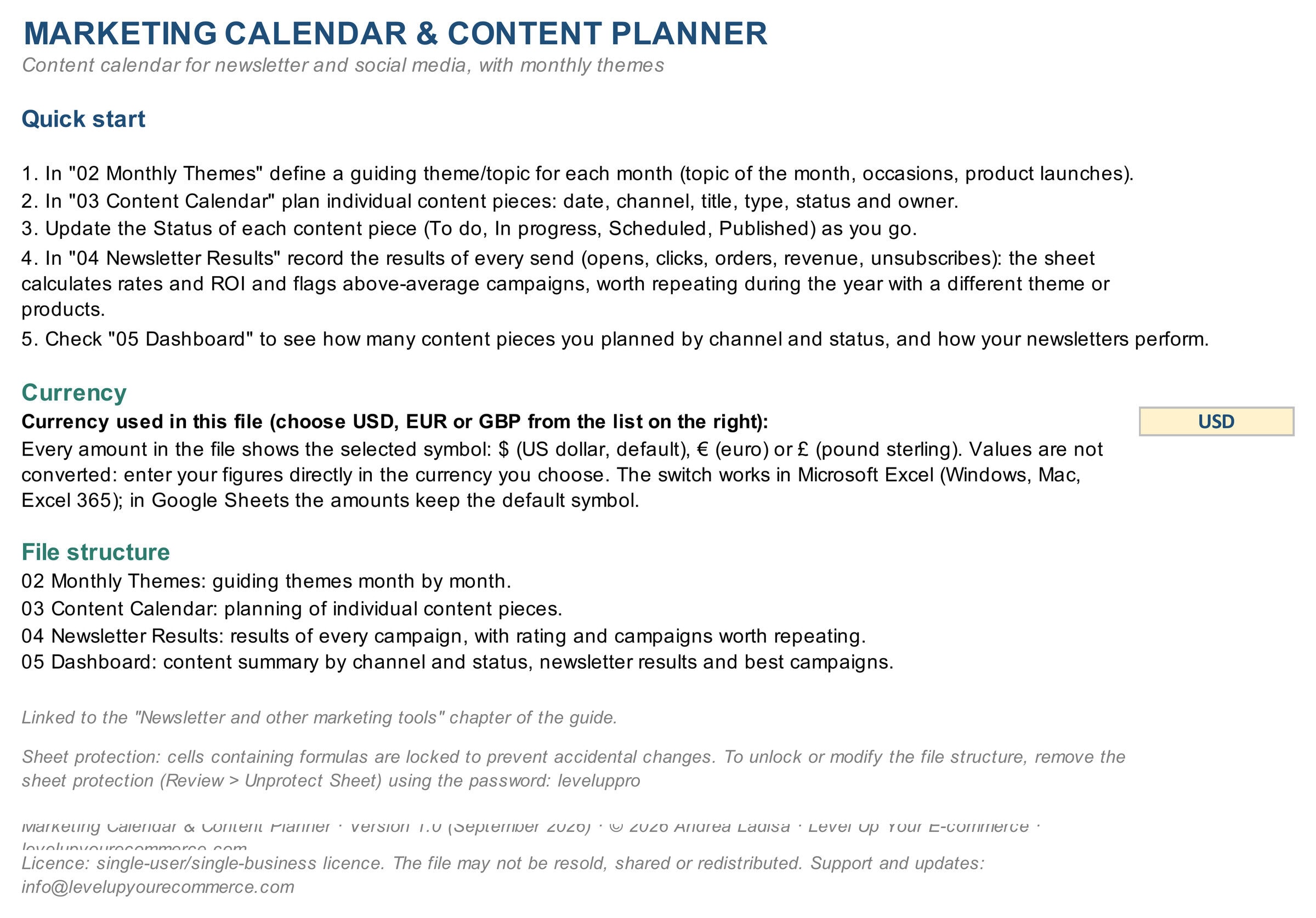
How to use it: fill in the themes for the year, add content as you plan it, log every newsletter the day after sending. Described in chapter 15 of the guide Level Up Your E-commerce.
How to work with the template, step by step
Plan the year’s content, publish on schedule and measure what the newsletter brings in: four sheets, one routine.
- Define a theme for each month. In Monthly Themes set the topic of the month, the occasions (seasonality, holidays, launches), the featured products and the objective.
- Plan the content pieces. In Content Calendar add every piece with date, channel, title, type, status and owner; update the status as you go (To do, In progress, Scheduled, Published).
- Record every newsletter send. In Newsletter Results enter recipients, opens, clicks, orders, revenue, unsubscribes and cost: the sheet calculates rates, revenue per e-mail, ROI and a rating against your average. The rating is reliable from 6–8 sends onwards.
- Read the Dashboard. Content by channel and status, newsletter KPIs and the top 3 campaigns to repeat during the year with a different theme or products.
The newsletter is the cheapest channel you own (chapter 15 of the guide): this file tells you which campaigns deserve to be repeated. This edition comes without sheet protection: edit the input cells and leave the formula cells as they are.
What you get
- Excel workbook in English and the same workbook in Italian (.xlsx), fully editable, no sheet protection, no macros.
- User Guide in PDF (English and Italian) with a KPI dictionary.
- Demo data to replace with your own; USD / EUR / GBP currency switch.
This edition comes without sheet protection, as requested by this marketplace: edit the input cells and leave the formula cells as they are (keep a copy of the original before you start). Works in Microsoft Excel 2016 or later, Excel 365 and Google Sheets; no macros, no add-ins. Demo data included: replace it with your own and every KPI, chart and alert updates automatically. Italian version of the file included in the download. Version 1.0 (September 2026) · Free updates for buyers · Part of the Level Up Your E-commerce toolkit. I am Andrea Ladisa, e-commerce entrepreneur selling in 20+ countries: I built this file for my own stores before packaging it for you.
Similar ProductsOther customers were also interested in...



 eFinancialModels
Electric Vehicle (EV) Charging Station Financial M...
With this comprehensive 5- or 10-year monthly tool, investors can assess the viability of setting up... Read more

Financial Model for Mobile App | Mobile App Busine...
The Mobile App Financial Plan Template in Excel allows you to develop financial projections when lau... Read more

 HenrySheykin
Food Truck Financial Model Excel Template
The Food Truck Financial Model helps entrepreneurs, founders, business owners, consultants, and anal... Read more

Green Hydrogen Production from Wind Energy Financi...
The Green Hydrogen from Wind Financial Model aims to comprehensively forecast a horizon of 40 years ... Read more

Simple Mutual Non-Disclosure Agreement Template
Protect your business secrets with ease using our Simple Mutual Non-Disclosure Agreement Template. S... Read more

Solar Energy Financial Model
The Solar Energy Financial Model Spreadsheet Template in Excel assists you in preparing a sophistica... Read more

 Peter Graf
The Customer-Centric Financial Model for Restauran...
Starting a restaurant without a financial plan is like driving a car blindfolded. You wouldn´t do i... Read more
You must log in to submit a review.