
0 ITEMS

Airbnb Financial Model Excel: Build It in 6 Steps
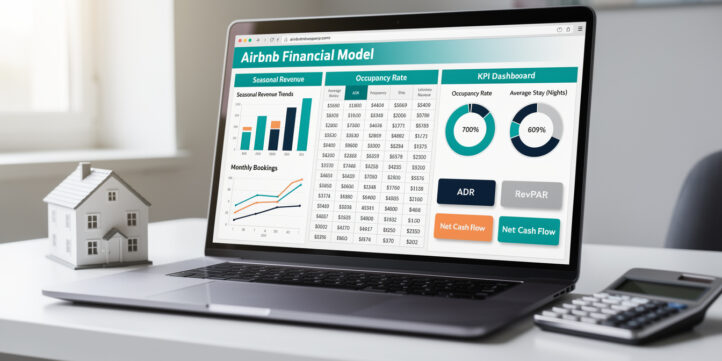
An Airbnb financial model in Excel is a structured spreadsheet that projects nightly revenue, variable costs, and net cash flow for a short-term rental property, accounting for seasonal occupancy swings that traditional rental models ignore entirely.
Key Takeaways
- Urban Airbnb markets average 60-75% occupancy, resort destinations range 45-85% with sharp seasonality, and suburban markets typically land at 40-60%, so your revenue model must reflect your specific market type.
- Airbnb charges hosts a 3% service fee on each booking, deducted automatically, which your model must subtract before calculating net revenue.
- Break-even occupancy for most Airbnb properties falls between 35-50%, depending on debt service, fixed costs, and your nightly rate, and calculating this number is the single most important output of your model.
- Specialized short-term rental (STR) insurance runs $1,500-$3,000 annually, roughly 2-3x a standard landlord policy, and must appear as a fixed cost line in your model.
- Property management fees for Airbnb typically range 10-25% of gross revenue, and including this cost even if you self-manage helps you stress-test the model against future outsourcing.
- RevPAR (Revenue Per Available Room) and ADR (Average Daily Rate) are the two KPIs that differentiate a professional Airbnb model from a basic rental spreadsheet.
- eFinancialModels offers a pre-built Airbnb financial model template with seasonal projections, KPI dashboards, and scenario toggles ready to customize.
What Makes an Airbnb Financial Model Different
A traditional long-term rental model uses one fixed monthly rent figure. An Airbnb financial model must handle nightly rates that change by season, occupancy that fluctuates week to week, and variable costs that scale directly with the number of stays, not the calendar month.
Three structural differences drive this complexity:
- Revenue is nightly, not monthly. You multiply available nights by occupancy rate by ADR, then subtract platform fees, not a flat lease payment.
- Costs are per-stay, not per-month. Cleaning, supplies, and laundry costs trigger on every guest turnover, so a 70% occupied property costs far more to operate than a 40% occupied one.
- Seasonality is non-negotiable. A beach house in January and July are financially different properties. Your model needs at least 12 monthly rows, not one annual average.
Ignoring any of these three factors produces projections that are wrong by design.
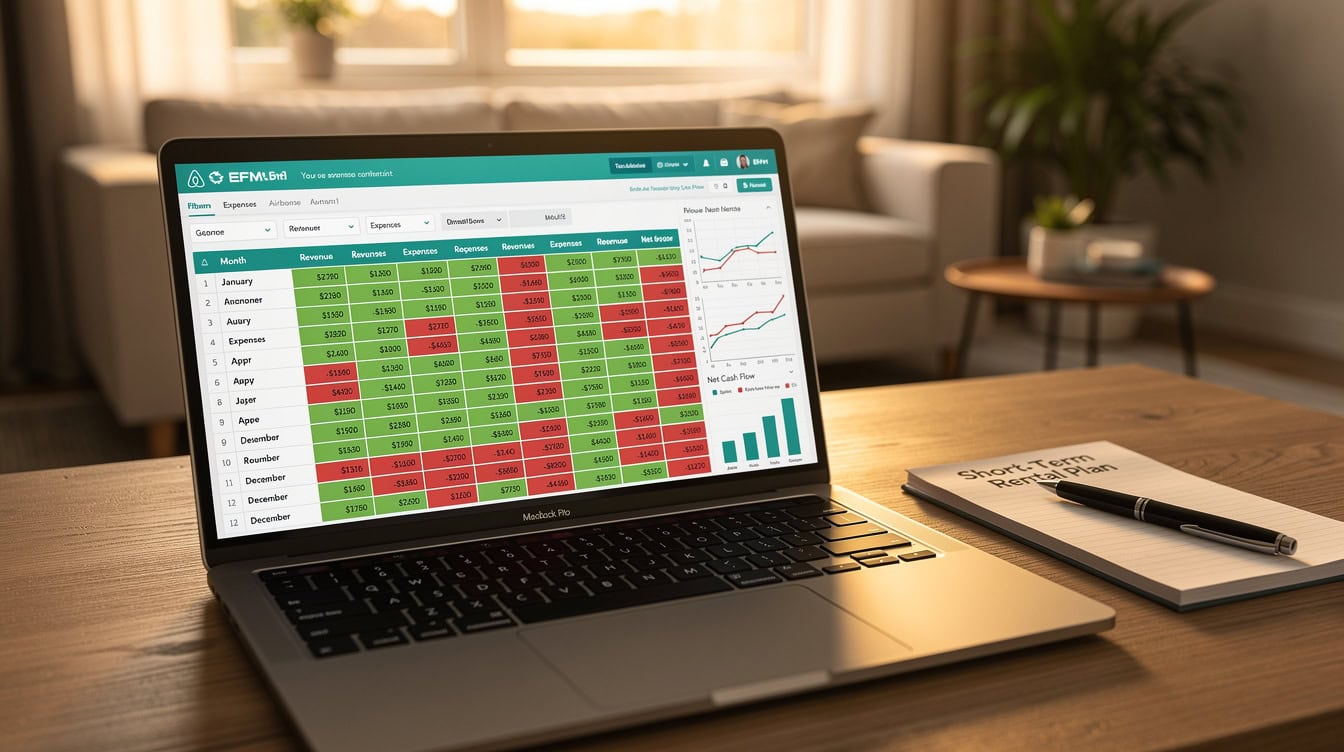
Unlike long-term rentals with fixed monthly income, Airbnb revenue varies by night, season, and occupancy, requiring a fundamentally different financial model structure.
Essential Components of an Airbnb Excel Financial Model
A complete Airbnb financial model in Excel contains six tabs: Assumptions, Monthly P&L, Annual Summary, Cash Flow, Sensitivity Analysis, and Dashboard.
Here is what each tab does:
- Assumptions: All input variables in one place, including nightly rates by season, occupancy targets, cleaning fees, management fee percentage, mortgage details, and startup costs. Every other tab pulls from here using named ranges or direct cell references, so changing one assumption updates the entire model.
- Monthly P&L: 12 rows of revenue and expense detail, showing gross revenue, platform fee deductions, variable costs, fixed costs, and net operating income (NOI) for each month.
- Annual Summary: Rolled-up totals, year-over-year growth if you model multiple years, and key ratios like gross yield and cash-on-cash return.
- Cash Flow: Separates operating cash flow from financing cash flow, showing actual cash in and out after debt service.
- Sensitivity Analysis: A data table (using Excel’s What-If Analysis) that shows how NOI changes across a matrix of occupancy rates and nightly rates. Excel’s Data Table supports up to 2 input variables simultaneously (Microsoft), making it ideal for the occupancy-vs-rate matrix at the heart of your Airbnb sensitivity analysis.
- Dashboard: Charts and KPI cards that visualize occupancy by month, revenue by season, and break-even progress.
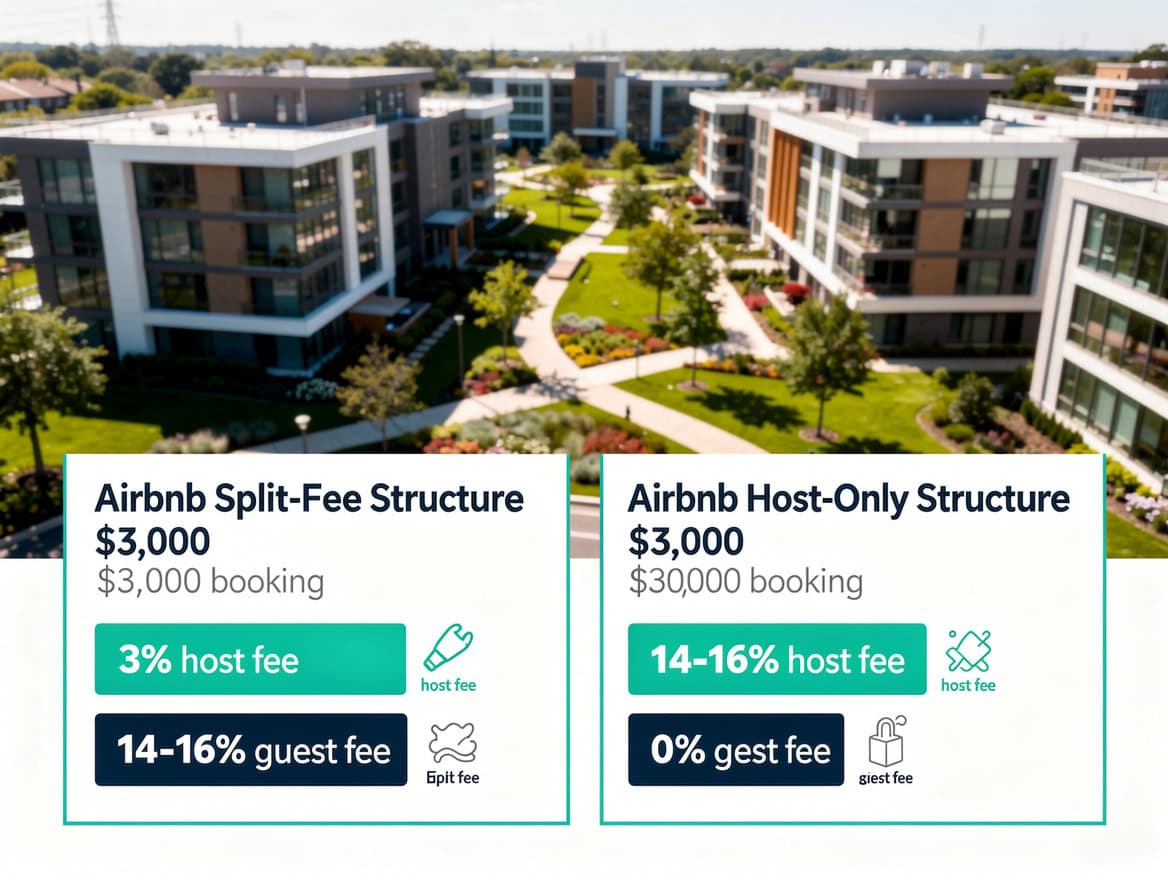
A professional Airbnb financial model uses six linked tabs where all inputs live in the Assumptions tab and flow automatically to every other sheet.
Revenue Modeling: Occupancy, Nightly Pricing, and Seasonality
Revenue in an Airbnb model equals available nights multiplied by occupancy rate multiplied by ADR, minus the Airbnb host service fee of 3%. You build this calculation separately for each month to capture seasonal variation.
Setting Occupancy Rate Assumptions by Market
Urban markets (New York, Chicago, Los Angeles) typically sustain 60-75% annual occupancy according to industry data from AirDNA. Resort and vacation destinations show wider swings, ranging from 45% in low season to 85% in peak weeks. Suburban and secondary markets generally average 40-60% annually. Use the lower end of your market’s range for your base case, and reserve the upper end for your optimistic scenario.
Calculating Nightly Rate by Season
Divide your year into three pricing tiers: high season, shoulder season, and low season. Assign a nightly rate to each tier. Then use an IF statement in Excel to apply the correct rate to each month. Excel’s IF function supports up to 64 levels of nesting (Microsoft), though for a three-tier seasonal model you will only need 2:
Use a formula like this:
=IF(B2="High", HighRate, IF(B2="Shoulder", ShoulderRate, LowRate))Where B2 contains the season label for that month, and HighRate, ShoulderRate, LowRate are named ranges in your Assumptions tab.
Deducting Platform Fees
Airbnb’s standard host-only fee is 3% of the booking subtotal (nightly rate plus cleaning fee, before taxes). Some hosts using third-party booking channels or API connections pay a split fee structure instead. For most hosts, the formula is:
Net Revenue = Gross Booking Revenue × (1 - 0.03)Cleaning fees collected from guests offset your actual cleaning costs. Model them as a pass-through: add cleaning fee revenue, then subtract cleaning expense on the cost side.
Cost Structure: Fixed vs Variable Expenses
Airbnb costs split into two categories: fixed costs that occur regardless of occupancy, and variable costs that scale with the number of stays.
Fixed costs (monthly):
- Mortgage or rent
- Property taxes
- HOA fees
- STR insurance ($1,500-$3,000 annually, or $125-$250/month)
- Internet and streaming subscriptions
- Property management software subscriptions
Variable costs (per stay or per occupied night):
- Cleaning: $50-$80 for a studio, $75-$100 for a 1-bedroom, $100-$150 for a 2-bedroom, $150-$250 for a 3+ bedroom property
- Supplies replenishment (toiletries, coffee, paper goods): typically $10-$25 per stay
- Laundry (if self-managed): $15-$30 per stay
- Dynamic pricing tool subscriptions (PriceLabs, Wheelhouse): $20-$40/month
- Property management fee: 10-25% of gross revenue if outsourced
To model variable costs in Excel, use SUMPRODUCT to weight costs by the number of stays in each month. The SUMPRODUCT function can handle arrays of up to 255 arguments (Microsoft), far more than the typical Airbnb cost model requires:
=SUMPRODUCT(StaysPerMonth, CostPerStay)This formula multiplies the array of monthly stay counts by the array of per-stay costs and sums the result, giving you total variable costs for the year in one cell.
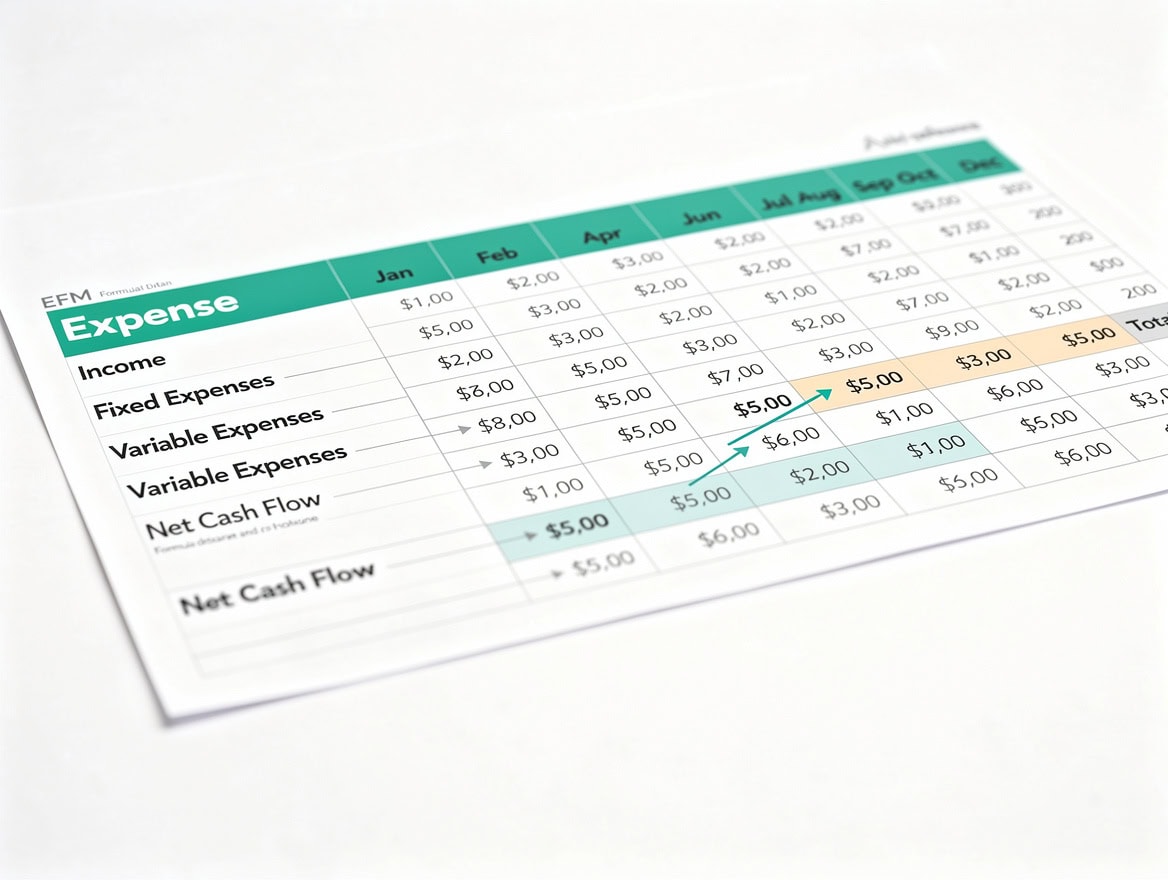
Variable costs in an Airbnb model scale with the number of stays, not the calendar month, which is why a 70% occupied property costs significantly more to operate than a 40% occupied one.
Key KPIs to Track in Your Airbnb Model
Four KPIs separate a professional Airbnb financial model from a basic spreadsheet.
RevPAR (Revenue Per Available Room): Total monthly revenue divided by total available nights. RevPAR captures both your pricing power and your occupancy efficiency in one number. A property with 30 available nights generating $3,000 in revenue has a RevPAR of $100.
ADR (Average Daily Rate): Total revenue divided by total occupied nights. ADR measures pricing power independent of occupancy. If you earned $3,000 across 21 occupied nights, your ADR is $142.86.
Break-Even Occupancy Rate: The occupancy percentage at which total revenue equals total costs. Here’s the formula:
Break-Even Occupancy = Total Monthly Fixed Costs / (ADR × Available Nights - Variable Cost Per Night)For most Airbnb properties, break-even occupancy falls between 35-50%. If your break-even is above 55%, the property carries significant financial risk.
Cash-on-Cash Return: Annual pre-tax cash flow divided by total cash invested (down payment plus startup costs). A cash-on-cash return above 8% is generally considered strong for short-term rentals according to real estate investment benchmarks.
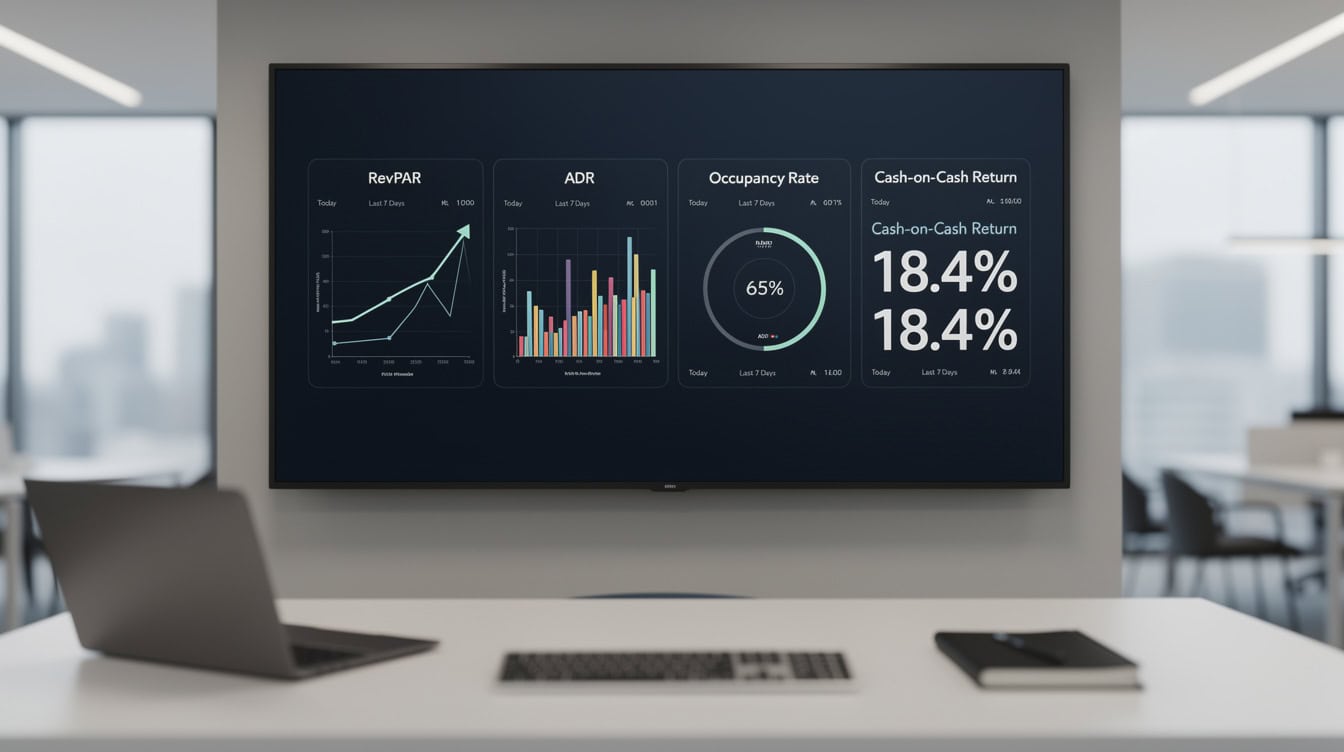
RevPAR and ADR together tell you whether your property’s performance gap comes from pricing weakness or occupancy weakness, which determines the right corrective action.
Step-by-Step: Building Your Airbnb Financial Model in Excel
Building an Airbnb financial model in Excel takes six structured steps. Follow them in order and you’ll have a working model in under two hours.
Step 1: Set Up Your Assumptions Tab
Create a dedicated Assumptions tab. List every input variable with a label in column A and the value in column B. Use Excel’s Name Manager (Formulas > Name Manager) to assign named ranges to key inputs like NightlyRateHigh, OccupancyBase, and ManagementFeeRate. Named ranges make your formulas readable and reduce errors.
Step 2: Build the Monthly Revenue Block
In your Monthly P&L tab, create 12 rows (one per month). For each month, calculate:
- Available nights (days in month)
- Occupied nights (available nights × occupancy rate for that season)
- Gross nightly revenue (occupied nights × ADR for that season)
- Cleaning fee revenue (number of stays × cleaning fee charged)
- Platform fee deduction (gross revenue × 3%)
- Net revenue (gross revenue + cleaning fee revenue – platform fee)
Step 3: Build the Variable Cost Block
Below the revenue block, calculate variable costs for each month using the stay count (occupied nights divided by average length of stay, typically 3-4 nights for urban markets, 5-7 for resort markets):
- Cleaning cost (stays × cleaning cost per stay)
- Supplies (stays × supplies cost per stay)
- Laundry (stays × laundry cost per stay)
Step 4: Add Fixed Costs
Add a fixed cost block that pulls directly from your Assumptions tab. These values repeat across all 12 months unless you model a specific change (like a mortgage refinance in month 7).
Step 5: Calculate NOI and Cash Flow
Net Operating Income (NOI) equals net revenue minus all operating costs (variable plus fixed, excluding debt service). Cash flow after debt service equals NOI minus monthly mortgage payment. This is the number that determines whether the property puts money in your pocket each month.
Step 6: Build the Sensitivity Table
Use Excel’s Data Table feature (Data > What-If Analysis > Data Table) to create a two-variable sensitivity matrix. Set occupancy rate as the row variable (ranging from 30% to 80% in 5% increments) and nightly rate as the column variable (ranging from -20% to +20% of your base ADR). The output cell is annual cash flow. This table instantly shows you which combinations of occupancy and pricing produce positive cash flow.
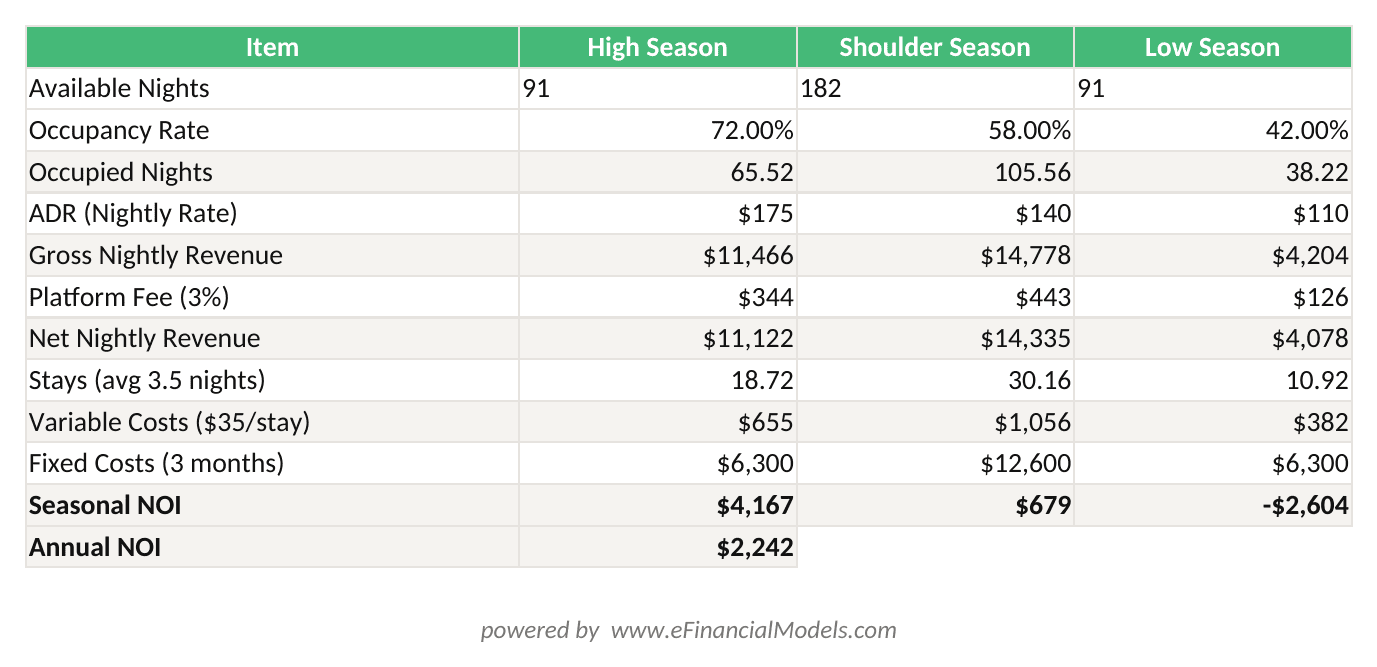
Annual NOI = Net Nightly Revenue – Variable Costs – Fixed Costs. Changing the ADR or occupancy inputs in rows 3-8 automatically updates all revenue and profit figures.
Worked Example: 2-Bedroom Urban Airbnb
Here’s the math for a 2-bedroom apartment in a mid-size urban market:
Assumptions:
- ADR: $175 (high season), $140 (shoulder), $110 (low)
- Occupancy: 72% (high), 58% (shoulder), 42% (low)
- Season split: 3 months high, 6 months shoulder, 3 months low
- Cleaning fee charged to guest: $120 per stay
- Cleaning cost paid to cleaner: $120 per stay (pass-through)
- Average length of stay: 3.5 nights
- Management fee: 0% (self-managed)
- Monthly fixed costs: $2,100 (mortgage $1,600, insurance $175, HOA $200, internet $50, software $75)
Annual Revenue Calculation:
High season (3 months, 91 days): 91 × 72% × $175 = $11,466
Shoulder season (6 months, 182 days): 182 × 58% × $140 = $14,789
Low season (3 months, 91 days): 91 × 42% × $110 = $4,204
Total gross nightly revenue: $30,459
Platform fee (3%): $30,459 × 0.03 = $914
Net nightly revenue: $29,545
Total stays: (91×72% + 182×58% + 91×42%) / 3.5 = (65.5 + 105.6 + 38.2) / 3.5 = 60.4 stays
Cleaning fee revenue: 60.4 × $120 = $7,248 (offset by $7,248 cleaning cost, net zero)
Total variable costs (supplies + laundry): 60.4 × $35 = $2,114
Total fixed costs: $2,100 × 12 = $25,200
Total costs: $27,314
Annual NOI: $29,545 – $27,314 = $2,231
If you purchased this property with a $40,000 down payment and $5,000 in startup costs, your cash-on-cash return is $2,231 / $45,000 = 4.96%. That’s a thin margin, which is why sensitivity testing matters: at 65% average occupancy and $155 ADR, the same property generates $8,400+ in annual cash flow.
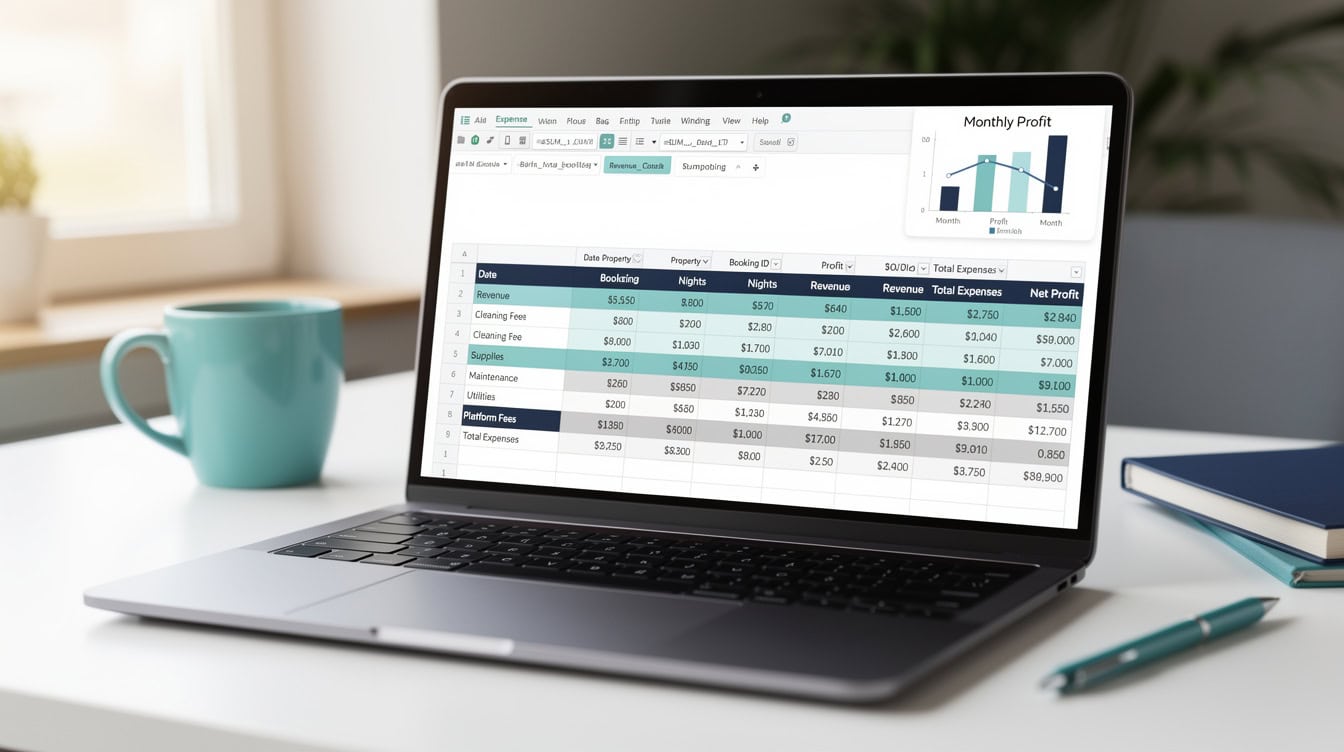
The worked example shows that cleaning fees are a pass-through item. Charging guests $120 and paying your cleaner $120 nets to zero, so gross revenue is the only line that builds your profit.
Airbnb vs Long-Term Rental: Comparative Analysis
Short-term rentals can generate 30-100% more gross revenue than long-term leases in comparable markets, but they also carry higher operating costs, more management time, and regulatory risk. The right choice depends on your market, your time availability, and your risk tolerance.
| Factor | Airbnb STR | Long-Term Rental |
|---|---|---|
| Revenue potential | Higher (30-100% premium) | Predictable, lower |
| Occupancy risk | High (seasonal) | Low (12-month lease) |
| Operating costs | 35-55% of revenue | 20-35% of revenue |
| Management time | 5-15 hrs/week | 1-3 hrs/month |
| Regulatory risk | High (STR bans) | Low |
| Vacancy buffer needed | 20-30% | 5-10% |
| Insurance cost | $1,500-$3,000/yr | $800-$1,200/yr |
| Break-even occupancy | 35-50% | N/A (fixed rent) |
The STR premium justifies the extra effort when your market’s average occupancy exceeds your break-even rate by at least 15 percentage points. If your break-even is 45% and your market averages 55%, the margin is too thin. If your market averages 70%, the case is strong.
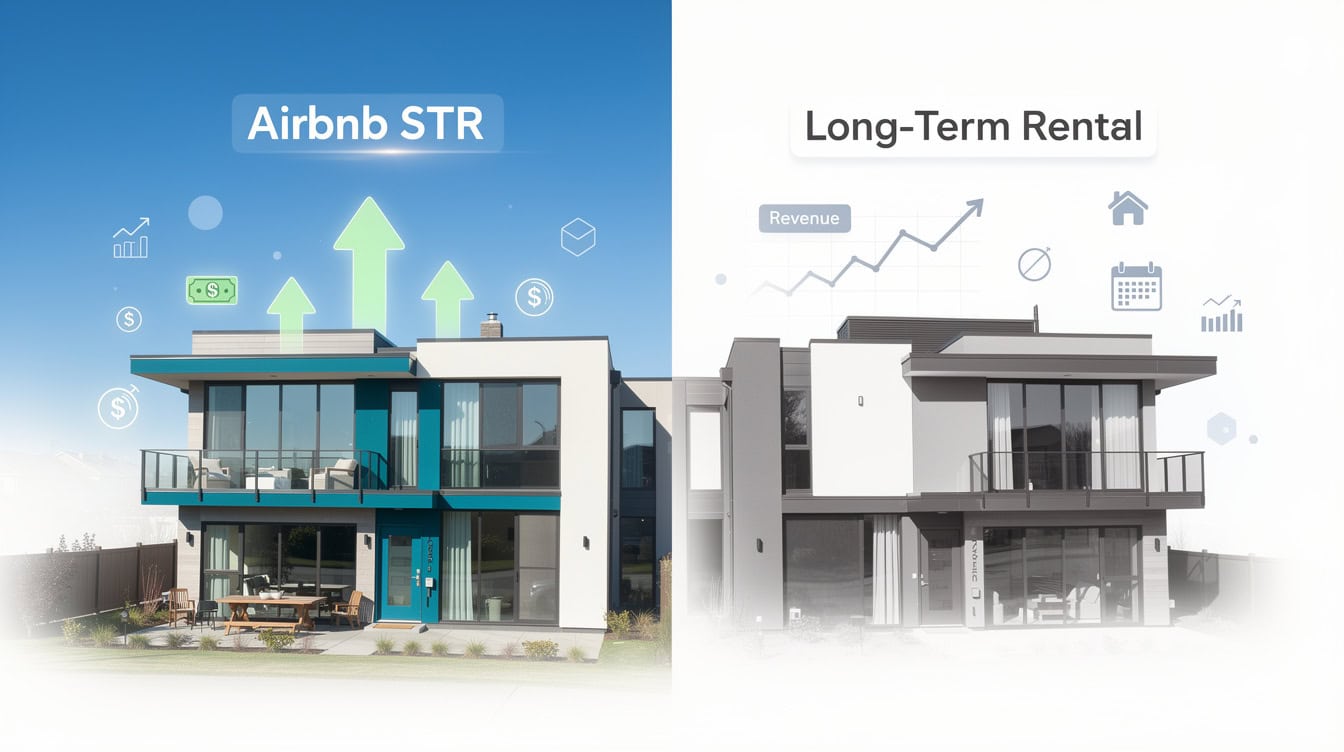
The STR revenue premium of 30-100% over long-term rents only justifies the extra effort when your market’s average occupancy exceeds your break-even rate by at least 15 percentage points.
Startup Costs: What to Budget Before Your First Guest
Launching an Airbnb requires upfront capital beyond the property purchase. Furnishing and staging a studio or 1-bedroom typically costs $3,000-$8,000. A 2-3 bedroom property runs $8,000-$15,000 for quality furnishings that photograph well and withstand guest turnover. Professional photography costs $200-$500 and directly impacts your listing’s click-through rate and booking conversion.
Additional startup costs to include in your model:
- Initial supplies kit (linens, towels, kitchenware, toiletries): $500-$1,500
- Security deposit or damage protection setup: $0-$500
- STR permit or license fees: $50-$500 depending on jurisdiction
- Listing optimization or copywriting: $100-$300
- Smart lock and keypad installation: $150-$400
Occupancy taxes (also called Transient Occupancy Tax or TOT) apply in most major markets. Rates typically range from 10-15% of the nightly rate according to local government schedules. Airbnb collects and remits these taxes automatically in many jurisdictions, but you must verify your specific location’s requirements with your local tax authority, as some markets require hosts to register and remit independently.
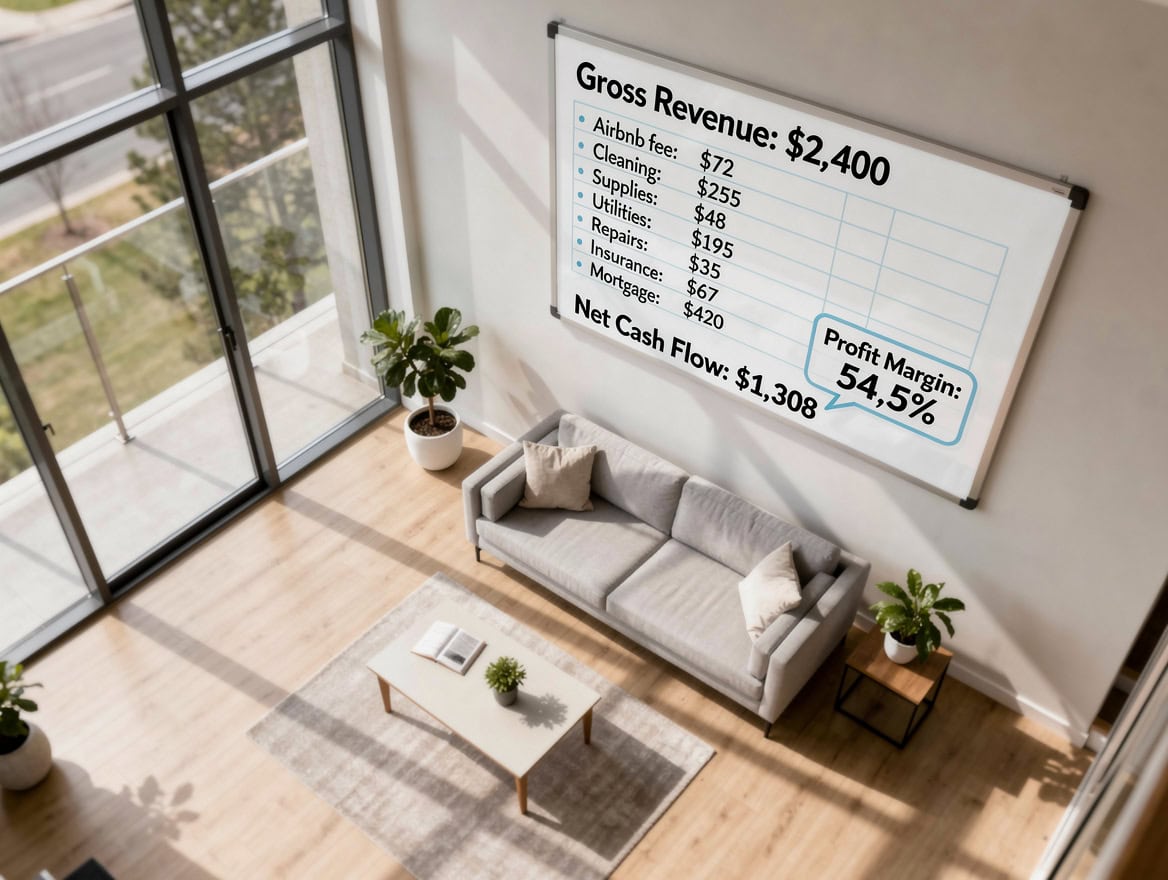
Startup costs for an Airbnb property range from $5,000 for a minimally furnished studio to $20,000+ for a fully staged multi-bedroom property with professional photography and STR insurance.
Common Modeling Mistakes and How to Avoid Them
Five mistakes consistently produce inaccurate Airbnb financial models.
Mistake 1: Using annual average occupancy instead of monthly rates. A 60% annual average can hide three months of 30% occupancy that creates a cash flow crisis. Fix: build 12 monthly rows with season-specific occupancy rates.
Mistake 2: Treating cleaning fees as pure revenue. Cleaning fees collected from guests offset cleaning costs. If you charge $120 and pay your cleaner $120, the net contribution is zero. Fix: model cleaning fees as a pass-through on both the revenue and cost sides.
Mistake 3: Omitting the platform fee. Airbnb’s 3% host fee is small per booking but adds up to hundreds or thousands annually. Fix: always include a platform fee deduction line in your revenue block.
Mistake 4: Ignoring regulatory risk. Cities including New York, Barcelona, and San Francisco have enacted STR restrictions that can eliminate your revenue overnight. Fix: add a scenario toggle in your Assumptions tab that sets occupancy to zero for a selected number of months, simulating a regulatory shutdown.
Mistake 5: Modeling self-management forever. If you ever hire a property manager, your cost structure changes by 10-25% of revenue. Fix: include a management fee toggle in your Assumptions tab set to 0% for self-management and 20% for outsourced, and run both scenarios before committing to a property.
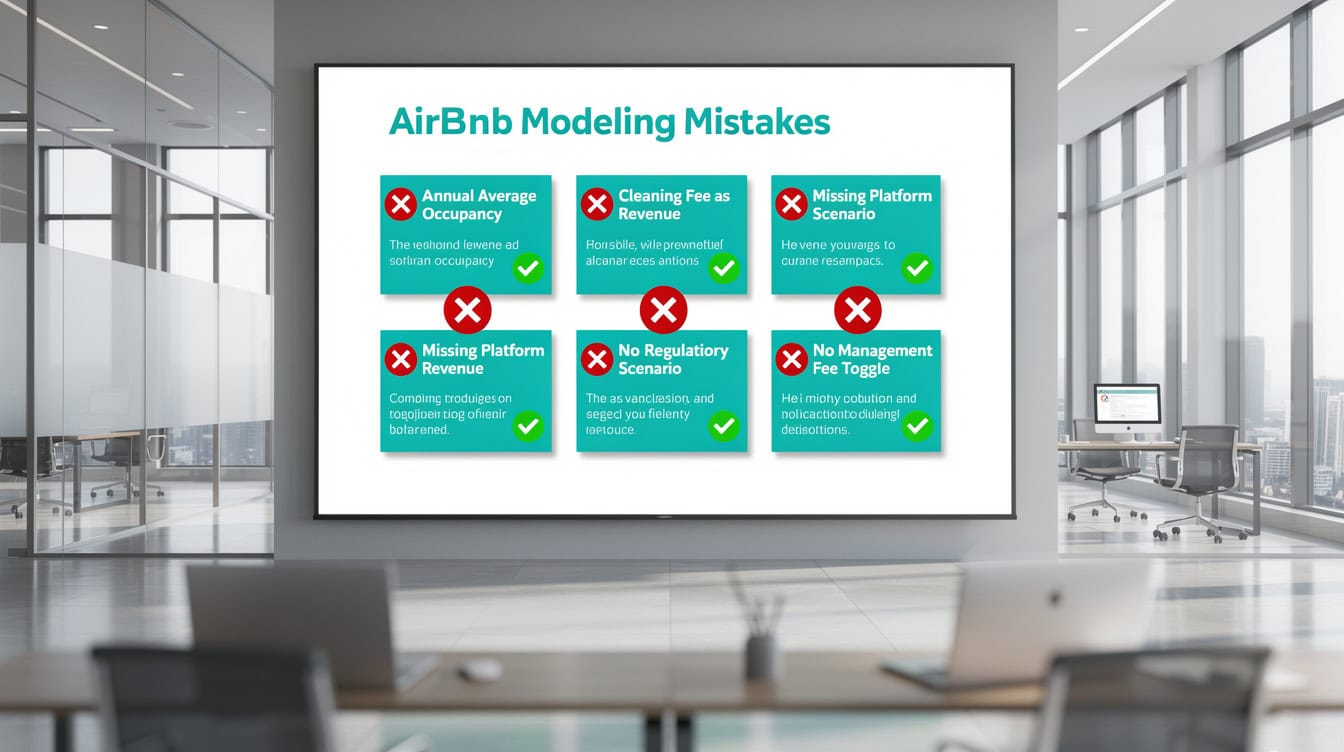
The most expensive modeling mistake is treating self-management as permanent. A 20% property management fee on $30,000 in annual revenue eliminates $6,000 in cash flow that your model must account for.
Frequently Asked Questions
What occupancy rate should I use in my Airbnb financial model?
Use a market-specific occupancy rate rather than a national average. Urban markets in major cities typically sustain 60-75% annual occupancy. Resort and vacation destinations range from 45% in low season to 85% in peak weeks, averaging 55-65% annually. Suburban and secondary markets generally average 40-60%. For your base case, use the lower end of your market’s range. For your optimistic scenario, use the midpoint. Never model above 80% as a base case, because even top-performing properties experience maintenance downtime, last-minute cancellations, and seasonal gaps. AirDNA and your local STR market reports are the best sources for market-specific benchmarks.
How do I calculate break-even occupancy for an Airbnb property?
Break-even occupancy is the percentage of nights you must book to cover all costs. The formula is: Break-Even Occupancy = Total Monthly Costs / (ADR × Available Nights). For example, if your total monthly costs are $2,500 and your ADR is $150 with 30 available nights, your break-even is $2,500 / ($150 × 30) = 55.6%. That means you need to book at least 55.6% of nights just to break even. Most Airbnb properties have break-even occupancy between 35-50%. If your calculation produces a number above 55%, the property’s cost structure is too heavy relative to its pricing power, and you should either negotiate a lower purchase price, increase your nightly rate, or reduce fixed costs before proceeding.
What Excel formulas are most important for an Airbnb financial model?
Four Excel formulas do most of the heavy lifting in an Airbnb model. First, SUMPRODUCT multiplies arrays of stay counts by per-stay costs to calculate total variable expenses across 12 months in a single formula. Second, IF statements apply tiered nightly rates based on season labels: =IF(B2=”High”, HighRate, IF(B2=”Shoulder”, ShoulderRate, LowRate)). Third, Excel’s Data Table feature (under What-If Analysis) builds a two-variable sensitivity matrix showing how cash flow changes across a range of occupancy rates and nightly rates simultaneously. Fourth, named ranges (created via Formulas > Name Manager) make your assumption inputs readable and prevent errors when formulas reference the same input dozens of times across multiple tabs.
Should I include property management fees even if I plan to self-manage?
Yes, always include a property management fee toggle in your model even if you start self-managing. Self-managing an Airbnb typically requires 5-15 hours per week for guest communication, turnover coordination, maintenance scheduling, and review management. If your time becomes constrained, you’ll need to outsource, and property management fees for Airbnb properties typically run 10-25% of gross revenue. Including this cost in a separate scenario lets you see exactly how much your cash flow changes if you hire help, and it prevents you from making a purchase decision that only works if you personally manage every detail indefinitely. Model the self-managed scenario and the outsourced scenario side by side before committing.
What taxes do Airbnb hosts need to account for in their financial model?
Airbnb hosts face two categories of taxes. First, occupancy taxes (also called Transient Occupancy Tax, TOT, or transient lodging tax) apply to the nightly rate in most jurisdictions. Rates typically range from 10-15% of the nightly rate, and Airbnb collects and remits these automatically in many markets. However, some jurisdictions require hosts to register independently and remit taxes directly, so you must verify your local requirements with your city or county tax authority. Second, income taxes apply to your net rental income at your ordinary income tax rate. Your model should show gross revenue, occupancy tax (as a pass-through if Airbnb collects it, or as a cost if you remit it), and net taxable income separately so you can estimate your annual tax liability accurately.
How do I model seasonality in Excel for an Airbnb property?
Model seasonality by assigning each of the 12 months a season label (High, Shoulder, or Low) in your Assumptions tab, then using IF statements or VLOOKUP to pull the correct occupancy rate and nightly rate for each month. Create a small lookup table in your Assumptions tab with three rows: High season occupancy and ADR, Shoulder season occupancy and ADR, Low season occupancy and ADR. Then in your Monthly P&L tab, use =VLOOKUP(SeasonLabel, SeasonTable, 2, FALSE) to pull the right occupancy rate for each month. This approach lets you change all high-season assumptions in one place and have them update across all relevant months automatically, which is far more reliable than manually entering different rates in each monthly row.
How does an Airbnb financial model differ from a standard real estate model?
A standard real estate financial model uses a fixed monthly rent, a single vacancy rate assumption, and relatively stable operating costs. An Airbnb financial model requires nightly revenue calculations that vary by season, variable costs that scale with the number of guest stays rather than the calendar month, platform fee deductions on every booking, and KPIs like RevPAR and ADR that don’t exist in traditional rental analysis. The Airbnb model also needs a startup cost tab for furnishing and staging (typically $3,000-$15,000 depending on property size), a regulatory risk scenario, and a sensitivity matrix that tests multiple combinations of occupancy and nightly rate simultaneously. eFinancialModels provides pre-built Airbnb financial model templates that include all of these components with formulas already built in.
Conclusion
An Airbnb financial model in Excel is not a luxury for serious hosts, it’s the foundation of every good investment decision. The model forces you to confront your real break-even occupancy, stress-test your assumptions against low seasons and regulatory changes, and compare the STR premium against the genuine operational demands of short-term hosting.
Building the model from scratch using the six steps above gives you full control over every assumption. But if you want a head start with pre-built formulas for seasonal occupancy weighting, RevPAR and ADR dashboards, and a two-variable sensitivity matrix already configured, I recommend downloading the Airbnb financial model template from eFinancialModels. It’s built specifically for short-term rental analysis and includes the Assumptions, Monthly P&L, Cash Flow, Sensitivity, and Dashboard tabs described in this article, ready to customize for your property and market.
For broader real estate investment analysis, explore EFM’s full library of financial model templates and financial projections tools to support every stage of your investment decision.
























































