
0 ITEMS

Best Financial Model Template for Small Business: Pick Right

The right financial model template can mean the difference between a loan approved and a loan rejected, or a hire made confidently versus a hire made on gut feel.
Key Takeaways
- Use a 3-statement integrated model (income statement, balance sheet, cash flow) if your business already generates revenue and you need to plan growth or secure financing.
- Choose a startup financial model template if you’re pre-revenue or under 12 months old and need to project runway and break-even.
- Pick a standalone cash flow forecasting template if your immediate problem is liquidity: knowing whether you can make payroll next month.
- Look for 5 non-negotiable features before downloading any template: assumption-driven inputs, scenario planning, monthly granularity, integrated statements, and a built-in dashboard.
- According to the U.S. Small Business Administration, roughly 20% of small businesses fail in their first year, and inadequate financial planning is a leading contributor. Source
- Free templates work for early validation; paid templates (typically $49 to $299) pay for themselves when they replace even one hour of fractional CFO time at $150 to $250 per hour.
- eFinancialModels offers industry-specific small business financial model templates covering retail, SaaS, services, restaurants, and more, each with integrated statements and scenario tabs.
What Makes a Financial Model Template ‘Best’ for Your Small Business
The best financial model template for a small business is the one you’ll actually finish and trust, not the most sophisticated one available. A template earns that label when it matches your business stage, answers the specific decision you’re facing, and doesn’t require a finance degree to operate.
Three factors determine fit:
- Business stage: Pre-revenue startups need different inputs than a 3-year-old retail shop with 12 months of QuickBooks history.
- Decision context: Applying for an SBA loan demands different outputs than evaluating whether to hire your first salesperson.
- Your data availability: A template built around monthly actuals is useless if you only have annual bank statements.
According to the U.S. Bureau of Labor Statistics, approximately 45% of small businesses survive past their fifth year. Source Financial modeling doesn’t guarantee survival, but it forces the kind of structured thinking that separates reactive owners from proactive ones.
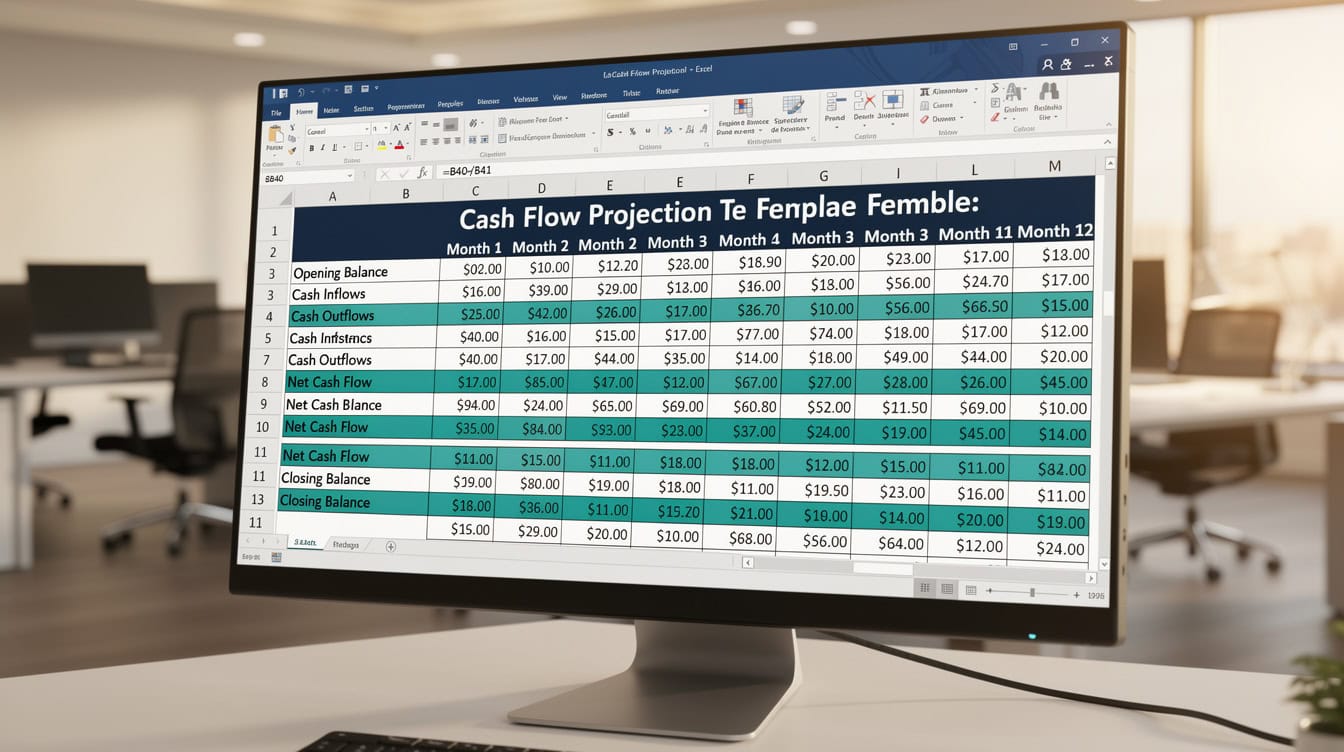
Three template types cover 90% of small business financial planning decisions. Match the type to your business stage.
The 3 Core Template Types Every Small Business Owner Should Know
Three template types cover 90% of small business financial planning needs. Each solves a different problem.
1. The 3-Statement Integrated Model
A 3-statement model (also called an integrated financial model) links your income statement, balance sheet, and cash flow statement so that a change in one automatically updates the others. This is the standard template for established businesses seeking growth capital, bank loans, or investor funding. Use it when you have at least 6 months of revenue history.
Best for: SBA loan applications, Series A preparation, annual budgeting, evaluating a new location.
2. The Startup Financial Model
A startup financial model starts from zero revenue and builds projections from unit economics: price per unit, units sold per month, customer acquisition cost, and churn rate. It focuses on runway (how many months of cash remain before you run out) and break-even (the revenue level at which you stop losing money). Use it if you’re pre-revenue or under 18 months old.
Best for: Pitch decks, pre-seed fundraising, validating your pricing model, planning your first 24 months.
You can explore ready-to-use startup financial models at eFinancialModels, each pre-built with assumption tabs and scenario planning.
3. The Cash Flow Forecasting Template
A cash flow forecasting template (a standalone tool, not integrated with a balance sheet) projects your weekly or monthly cash inflows and outflows for the next 13 weeks or 12 months. It answers one question: will you have enough cash to operate? Use it any time you feel cash-squeezed or before making a large capital commitment.
Best for: Managing seasonal dips, negotiating payment terms with suppliers, deciding whether to take on a large contract that requires upfront costs.
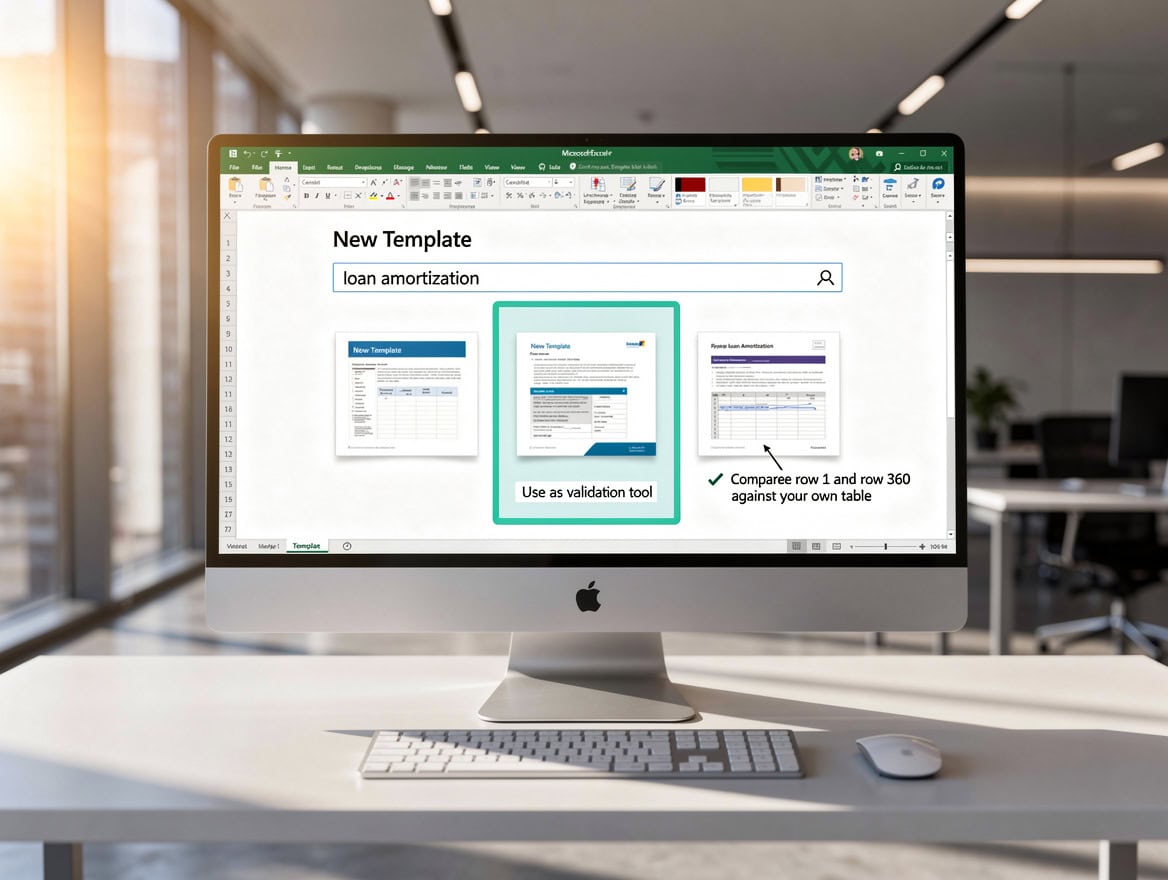
Check all 5 must-have features before downloading any template. One red flag is enough to walk away.
Essential Features Your Template Must Have (And 4 Red Flags to Avoid)
A high-quality small business financial model template has 5 non-negotiable features. Check for all 5 before you download.
5 features to require:
- Assumption-driven inputs: All your key variables (growth rate, gross margin, headcount) live in one clearly labeled input tab. You change one number and the model updates everywhere.
- Monthly granularity: Annual projections hide cash flow problems. Monthly columns reveal the month you run out of cash.
- Integrated statements: Income statement, balance sheet, and cash flow statement link to each other automatically.
- Scenario planning: At least a base case, upside case, and downside case. This is how you answer “what if revenue drops 20%?”
- Dashboard or summary tab: A one-page visual summary you can show a banker or investor without scrolling through 15 tabs.
4 red flags that waste your time:
- Manual input everywhere: If you have to type the same number into 6 different cells, the model has no formula logic. One typo breaks everything.
- No documentation: A template with no instructions or labeled cells forces you to reverse-engineer someone else’s logic. Budget an extra 4 to 8 hours.
- US-only tax assumptions hardcoded: If you operate outside the US, hardcoded federal and state tax rates will produce wrong net income figures from day one.
- Broken formula links: Download the template, press Ctrl+` (the grave accent key) to reveal all formulas, and scan for #REF! or #VALUE! errors before investing any time.
Choosing Your Template: Decision Framework by Business Stage and Need
Use this decision matrix to identify your template type in under 2 minutes.
| Business Situation | Revenue Stage | Primary Need | Template Type |
|---|---|---|---|
| Pre-launch or idea stage | $0 | Validate concept, pitch investors | Startup model |
| Under 18 months, early revenue | Under $500K/yr | Runway, break-even | Startup model |
| Established, growth planning | $500K–$5M/yr | Budgeting, hiring decisions | 3-statement model |
| Applying for SBA loan | Any | Lender-ready projections | 3-statement model |
| Cash flow anxiety | Any | Survive next 90 days | Cash flow forecast |
| SaaS or subscription business | Any | MRR, churn, LTV modeling | SaaS-specific model |
| Seasonal retail or hospitality | Any | Peak/trough planning | 3-statement + seasonality |
For financial projections tied to loan applications, lenders typically want 3 years of monthly projections with clearly stated assumptions. A generic annual template won’t satisfy that requirement.
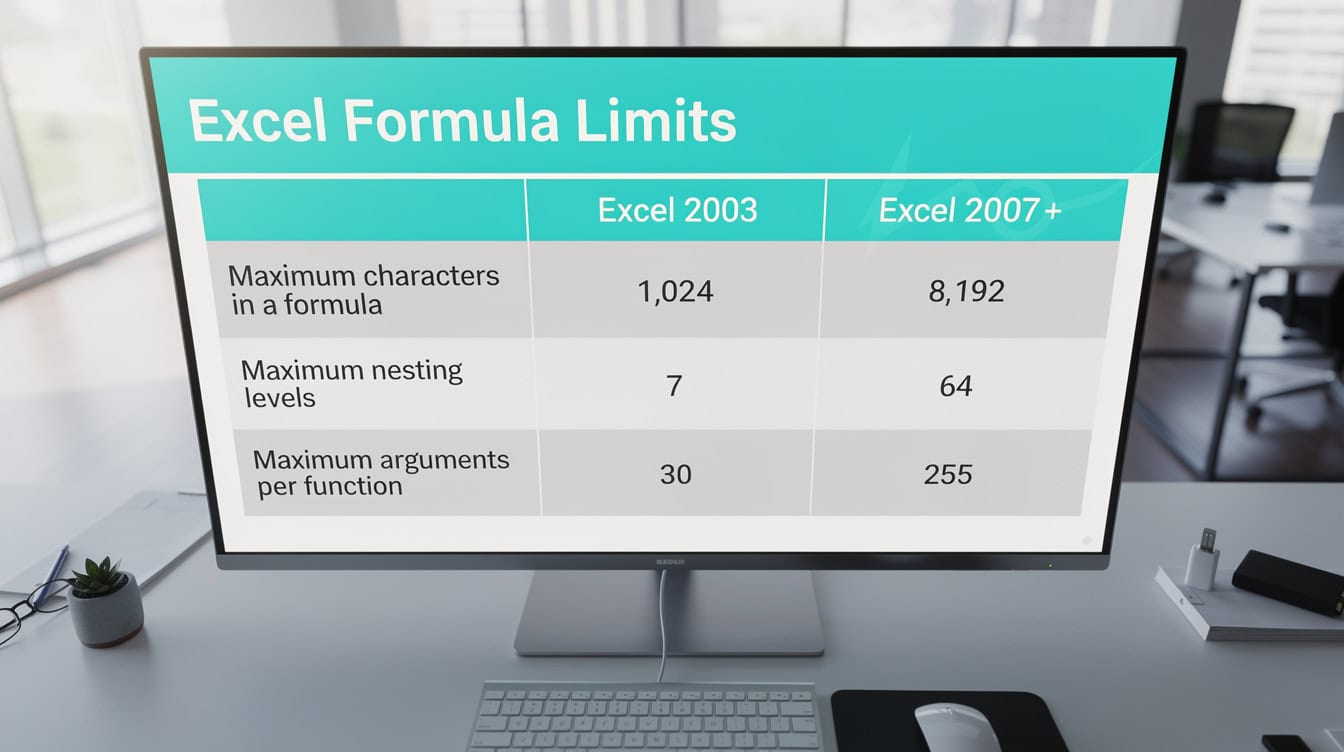
Gather 12 months of monthly revenue data from your accounting software before opening the template to cut implementation time in half.
Your First Hour With the Template: Implementation Checklist
Most small business owners open a template, feel overwhelmed, and close it. This checklist prevents that.
Before you open the file (20 minutes):
- Pull your last 12 months of revenue from QuickBooks, Xero, or your bank statements. You need total revenue by month, not just an annual total.
- Write down your 3 largest expense categories and their monthly averages.
- Note your current cash balance and any outstanding loan balances.
- Identify the one decision this model needs to inform (loan application, hire decision, expansion plan).
First 20 minutes inside the template:
- Go directly to the Assumptions tab (or Input tab). Do not touch any other tab first.
- Enter your current monthly revenue as the starting point.
- Enter your gross margin percentage. For services businesses, this is typically 50% to 70%. For product businesses, 30% to 50%.
- Enter your fixed monthly costs: rent, salaries, software subscriptions.
Minutes 20 to 40: Validate your outputs:
- Check that your projected net income for month 1 roughly matches your actual recent performance. If it’s wildly off, you’ve entered an assumption incorrectly.
- Confirm your cash flow statement shows a positive or negative balance that matches your intuition about your business.
- Run the downside scenario: cut revenue by 20% and confirm the model still calculates without errors.
Minutes 40 to 60: Customize for your business:
- Add any revenue streams the template doesn’t include by default (e.g., a service retainer plus product sales).
- Rename generic line items (“Revenue Stream 1”) to your actual product or service names.
- Save a backup copy before making structural changes to formulas.
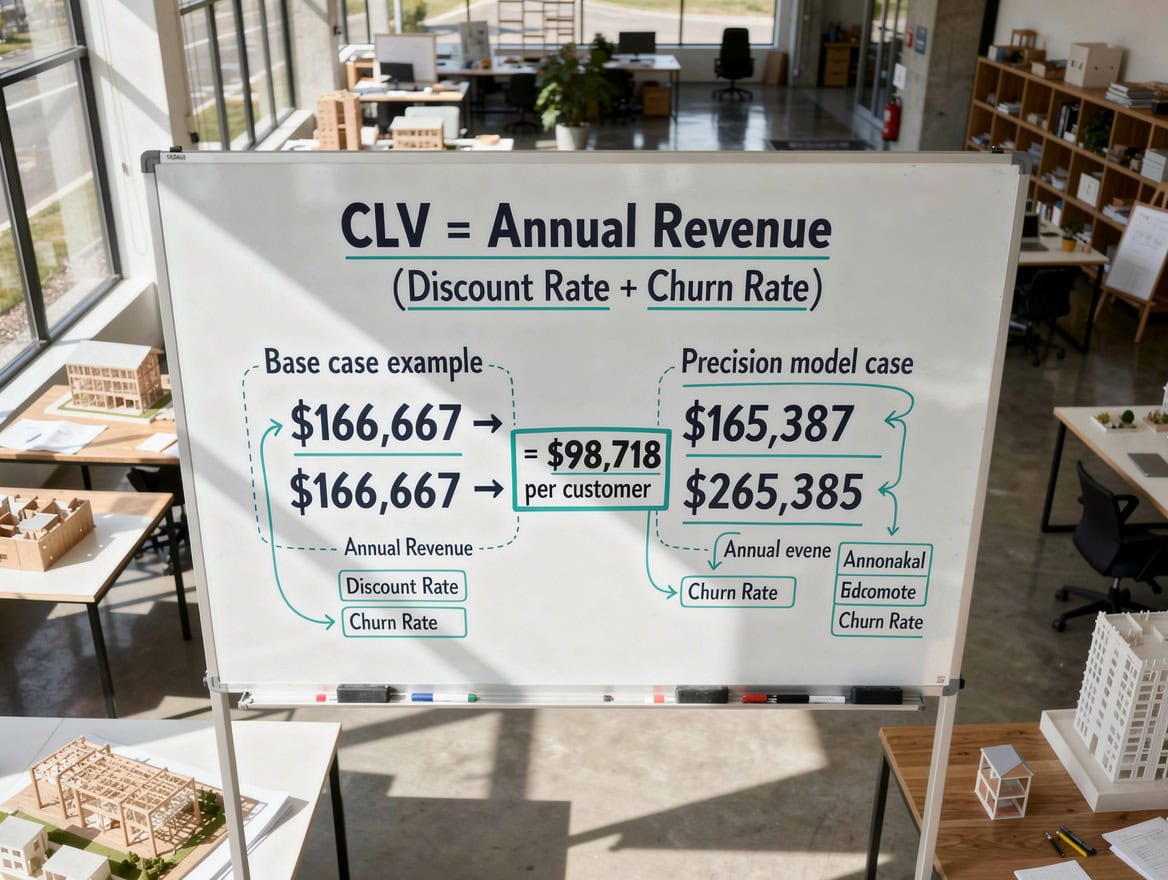
SaaS businesses track MRR and churn; retail businesses track inventory turns and seasonal curves. One template cannot serve both.
Industry-Specific Template Considerations: Does One Size Fit All?
No single template fits every small business equally well. Industry drives the revenue model, and the revenue model drives the template structure.
SaaS and subscription businesses need templates that track Monthly Recurring Revenue (MRR, the predictable revenue generated each month from active subscriptions), churn rate (the percentage of customers who cancel each month), Customer Lifetime Value (LTV, the total revenue one customer generates before canceling), and Customer Acquisition Cost (CAC). A generic retail template has none of these. Using the wrong template for a SaaS business produces projections that look fine on paper but miss the compounding effect of churn.
Retail businesses need seasonal revenue curves, inventory cost modeling, and Cost of Goods Sold (COGS) as a percentage of sales. A SaaS template built around recurring subscriptions will misrepresent a retailer’s economics entirely.
Service businesses (consulting, agencies, professional services) need utilization rate modeling: how many billable hours per employee per month, at what rate, with what overhead. Their gross margins are high but their revenue is capacity-constrained.
Restaurants and hospitality need covers-per-day, average check size, and food cost percentage as primary drivers. eFinancialModels offers a dedicated restaurant business financial model built around these exact metrics.
A $65,000 salesperson needs to close fewer than 4 deals per month at a $3,000 average deal size to break even at a 55% gross margin.
Worked Example: Evaluating a First Key Hire
Here’s the math for a common small business decision: should you hire a $65,000/year salesperson?
Assume your current monthly revenue is $40,000 with a 55% gross margin, meaning you generate $22,000 in gross profit per month. Your fixed costs are $18,000 per month, leaving $4,000 in operating profit.
Adding the salesperson costs $65,000 per year in salary plus approximately 20% in payroll taxes and benefits, totaling $78,000 per year or $6,500 per month.
For the hire to break even, the salesperson must generate enough additional gross profit to cover $6,500 per month. At your 55% gross margin, that requires $6,500 / 0.55 = $11,818 in new monthly revenue.
If your average deal size is $3,000, the salesperson needs to close fewer than 4 new deals per month to break even. A 3-statement model lets you run this calculation across 12 months, accounting for a 60 to 90 day ramp-up period before the hire generates any revenue.
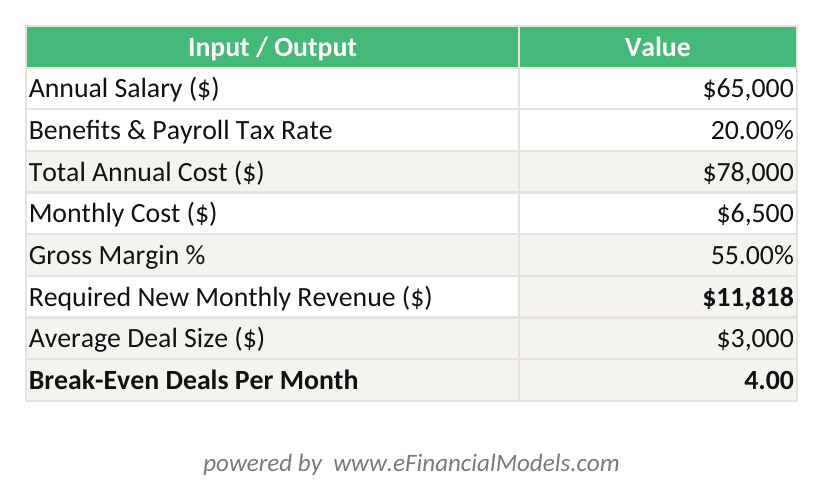
At a 55% gross margin and $3,000 average deal size, a $65,000 salesperson must close fewer than 4 deals per month to break even.

A $149 paid template that saves 2 hours of fractional CFO time at $200/hour delivers a $251 net return on the first use.
Free vs. Paid Templates: When to Invest and What You Get
Free templates work for early-stage validation. Paid templates pay for themselves when the decision at stake is large enough.
| Feature | Free Template | Paid Template ($49–$299) |
|---|---|---|
| Integrated statements | Rarely | Almost always |
| Scenario planning | Rarely | Standard feature |
| Industry-specific logic | Never | Common |
| Documentation | Minimal | Detailed |
| Formula protection | No | Often included |
| Support or updates | No | Usually included |
| Time to implement | 4–10 hours | 1–3 hours |
A fractional CFO (a part-time finance executive hired on contract) typically charges $150 to $250 per hour according to the National Association of Certified Valuators and Analysts. Source A $149 paid template that saves you 2 hours of fractional CFO time pays for itself immediately. For decisions involving $50,000 or more in capital, a paid template is the lower-risk choice.
For business valuation purposes or investor-grade projections, a paid template with auditable formula logic is essential. Investors and lenders will scrutinize your assumptions, and a well-documented paid template signals professionalism.
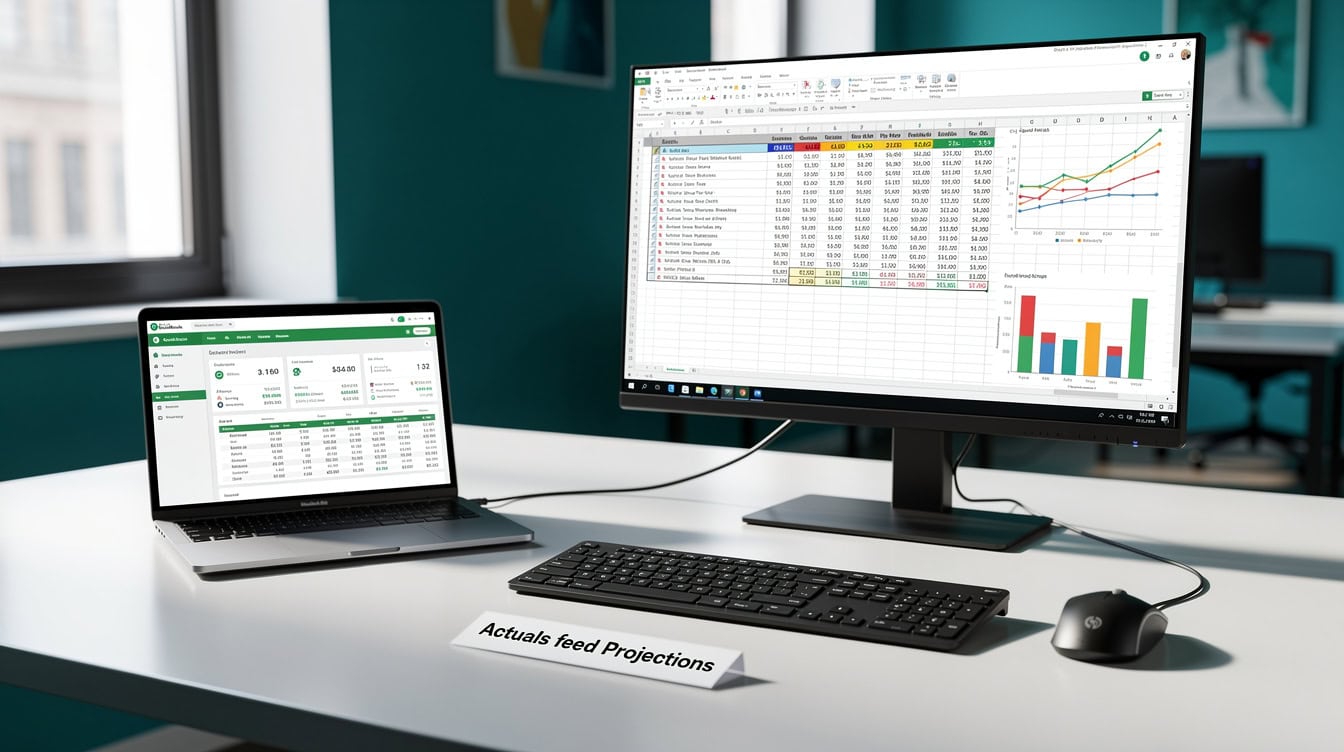
Export a monthly P&L from QuickBooks or Xero, then use those actuals as the baseline for your forward projections in the template.
Integrating Your Template With Existing Accounting Systems
Your financial model template and your accounting software serve different purposes. QuickBooks and Xero record what happened. Your financial model projects what will happen.
The practical integration workflow:
- Export a Profit and Loss report from QuickBooks or Xero for the last 12 months, broken down by month.
- Use those actuals as your starting point in the template’s historical data section (if it has one) or as the basis for your assumption inputs.
- Update your model monthly by comparing actuals to projections and adjusting forward assumptions accordingly.
Excel vs. Google Sheets: Excel handles large, complex models better and supports more advanced formula types. Google Sheets offers real-time collaboration and mobile access, which matters if you need to pull up projections during an investor meeting. For models under 5,000 rows, Google Sheets performs adequately. For models with multiple linked tabs and scenario logic, Excel is more reliable.
Most eFinancialModels templates are delivered in Excel format (.xlsx) and can be uploaded to Google Drive for viewing on mobile, though editing complex formula logic on a phone is impractical.
Validating Your Model: How to Know Your Numbers Make Sense
Validation anxiety is real: most small business owners worry their projections are wrong but don’t know how to check. Three validation tests catch 80% of errors.
Test 1: The balance sheet balances. Total assets must equal total liabilities plus equity. If they don’t, a formula is broken.
Test 2: Your gross margin matches your industry benchmark. The U.S. Census Bureau’s Annual Survey of Manufactures and the BLS Quarterly Census of Employment and Wages publish industry-level data you can use as a sanity check. Source Retail gross margins typically run 25% to 50%. Professional services run 50% to 75%. If your model shows 90% gross margin for a product business, something is wrong.
Test 3: Your cash flow statement reconciles. Opening cash plus net cash from operations plus net cash from investing plus net cash from financing must equal closing cash. Most integrated templates do this automatically, but verify it.
According to the Federal Reserve’s Small Business Credit Survey, 43% of small businesses that applied for financing in 2023 were denied or received less than requested, with inadequate financial documentation cited as a primary reason. Source A validated, well-structured model directly addresses this gap.
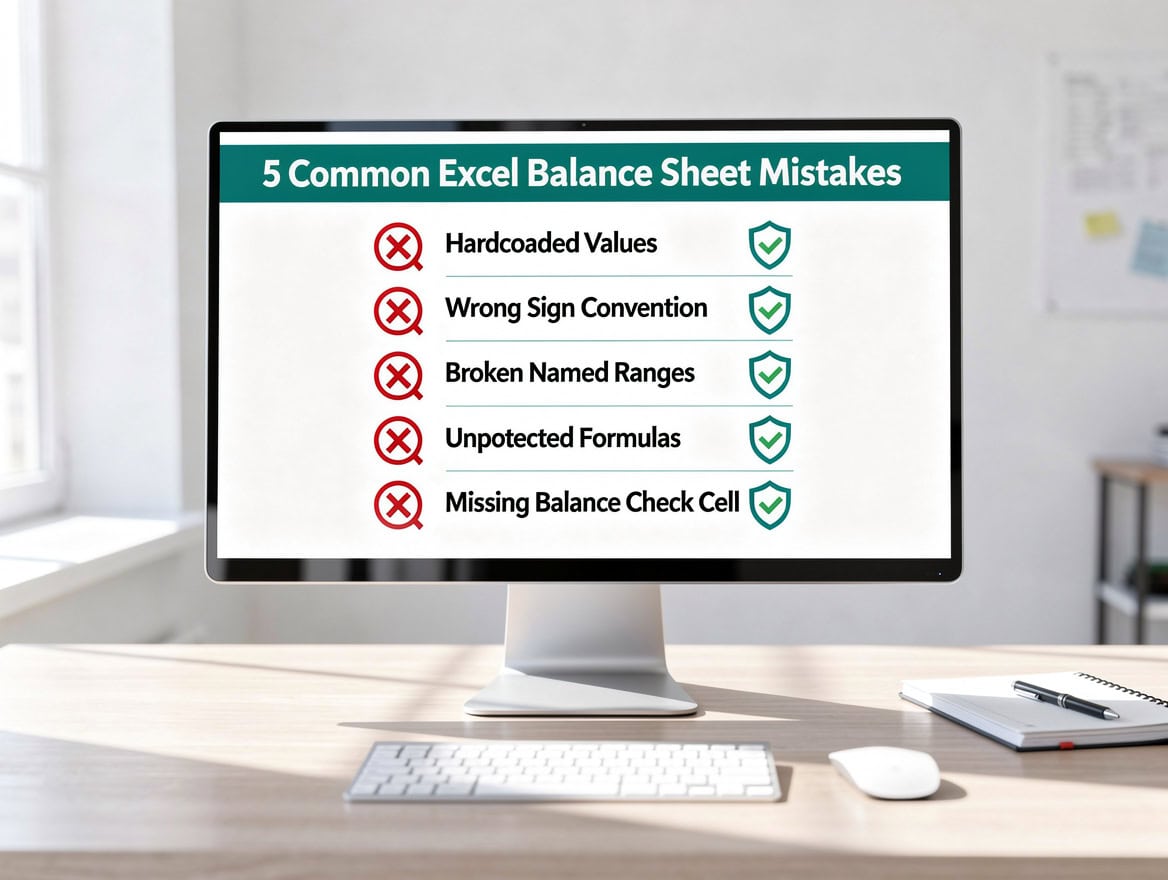
Run all three validation tests before presenting your model to a lender or investor. One failed test signals a broken formula.
When to Graduate Beyond Templates (And What Comes Next)
Templates are the right tool until they aren’t. You’ve outgrown a template when any of these apply:
- Your business has more than 3 revenue streams with different margin profiles.
- You need to model multiple legal entities or intercompany transactions.
- Investors or lenders are requesting custom sensitivity analysis beyond what your template supports.
- You’re spending more than 4 hours per month maintaining the model.
At that point, a fractional CFO or a custom financial model built by a specialist makes more sense. eFinancialModels also offers more advanced financial model templates for complex scenarios, including multi-entity structures and DCF valuation models.
Frequently Asked Questions
What is a financial model template and why does a small business need one?
A financial model template is a pre-built spreadsheet that projects your business’s revenue, expenses, and cash flow over a future period, typically 12 to 36 months. It uses formulas and assumption inputs so you can change one variable (like your growth rate) and see the impact across all your financial statements automatically. Small businesses need them because decisions about hiring, expansion, and financing all carry financial consequences that are hard to see without structured projections. Businesses with formal financial plans grow 30% faster than those without. A template gives you that structure without requiring you to build a model from scratch.
How long does it take to implement a small business financial model template?
A well-designed paid template takes 1 to 3 hours to implement if you have your last 12 months of revenue and expense data ready before you open the file. A free template with minimal documentation can take 4 to 10 hours, especially if you need to reverse-engineer the formula logic. The biggest time sink is gathering your data, not filling in the template. If you export a monthly Profit and Loss report from QuickBooks or Xero before opening the template, you cut implementation time by roughly half. Plan for one additional hour per month to update actuals and refresh your forward projections.
What financial model template do I need for an SBA loan application?
For an SBA loan application, you need a 3-statement integrated financial model that produces 3 years of monthly projections, including an income statement, balance sheet, and cash flow statement. The SBA and its lending partners want to see that your projected cash flow is sufficient to service the loan debt, typically measured by a Debt Service Coverage Ratio (DSCR) of at least 1.25x. That means for every $1.00 of annual debt payments, your business generates at least $1.25 in net operating income. A standalone cash flow template or a startup model without a balance sheet will not satisfy SBA documentation requirements. Use a template explicitly labeled as lender-ready or SBA-compliant.
Can I use a free financial model template or should I pay for one?
Free templates are adequate for early-stage validation, such as testing whether your pricing model makes sense or estimating your break-even point. They’re not adequate for lender submissions, investor presentations, or decisions involving more than $25,000 in capital. Paid templates in the $49 to $299 range include integrated statements, scenario planning, and documentation that free templates almost never provide. The ROI calculation is straightforward: if a $149 template saves you 2 hours of fractional CFO time at $200 per hour, you save $251 net. For any significant business decision, a paid template is the lower-risk choice.
How do I know if the numbers in my financial model are correct?
Run three checks. First, confirm your balance sheet balances: total assets must equal total liabilities plus equity. Second, compare your projected gross margin to your industry benchmark. Retail businesses typically run 25% to 50% gross margin; professional services run 50% to 75%. If your model shows a margin far outside that range, review your COGS assumptions. Third, reconcile your cash flow statement: opening cash plus all cash movements must equal your closing cash balance. If any of these three checks fail, trace back to your assumption inputs before trusting any other output. Most errors come from a single mistyped percentage in the assumptions tab.
Do I need a different template for a SaaS business versus a retail business?
Yes, the revenue model is fundamentally different and a generic template will misrepresent either business. A SaaS template tracks Monthly Recurring Revenue (MRR), churn rate, Customer Lifetime Value (LTV), and Customer Acquisition Cost (CAC). These metrics don’t exist in a retail template. A retail template tracks inventory turns, Cost of Goods Sold as a percentage of sales, and seasonal revenue curves. Using a retail template for a SaaS business will make your revenue look more volatile than it is and will miss the compounding growth effect of low churn. Always select a template built for your specific revenue model, not a generic one-size-fits-all spreadsheet.
What’s the difference between a financial model and a budget?
A budget is a fixed plan for a specific period, usually one year, that you compare against actuals to measure performance. A financial model is a dynamic projection tool that lets you change assumptions and see how outcomes shift across multiple scenarios. A budget answers “did we hit our targets?” A financial model answers “what happens if we don’t?” Most small businesses need both: a budget for operational accountability and a financial model for strategic decision-making. Many 3-statement templates include a budget-versus-actual comparison tab that serves both purposes in one file.
When should I graduate beyond using a template and hire a CFO or specialist?
You’ve outgrown a template when your business has more than 3 revenue streams with different margin profiles, you need to model multiple legal entities or intercompany transactions, investors or lenders are requesting custom sensitivity analysis beyond what your template supports, or you’re spending more than 4 hours per month maintaining the model. At that point, a fractional CFO or a custom financial model built by a specialist makes more sense. eFinancialModels also offers more advanced financial model templates for complex scenarios, including multi-entity structures and DCF valuation models.
Conclusion
The best financial model template for your small business is the one that matches your stage, answers your specific decision, and gets implemented in your first sitting. Start with the 3-statement model if you have revenue and a decision to make. Start with the startup model if you’re pre-revenue. Start with a cash flow forecast if you’re worried about next month’s payroll.
I recommend downloading a purpose-built template from eFinancialModels and using the decision matrix in this article to select the right type before you click. Browse the full library of small business financial model templates at eFinancialModels, where every template includes integrated statements, scenario tabs, and implementation documentation designed for business owners, not financial analysts.























































